
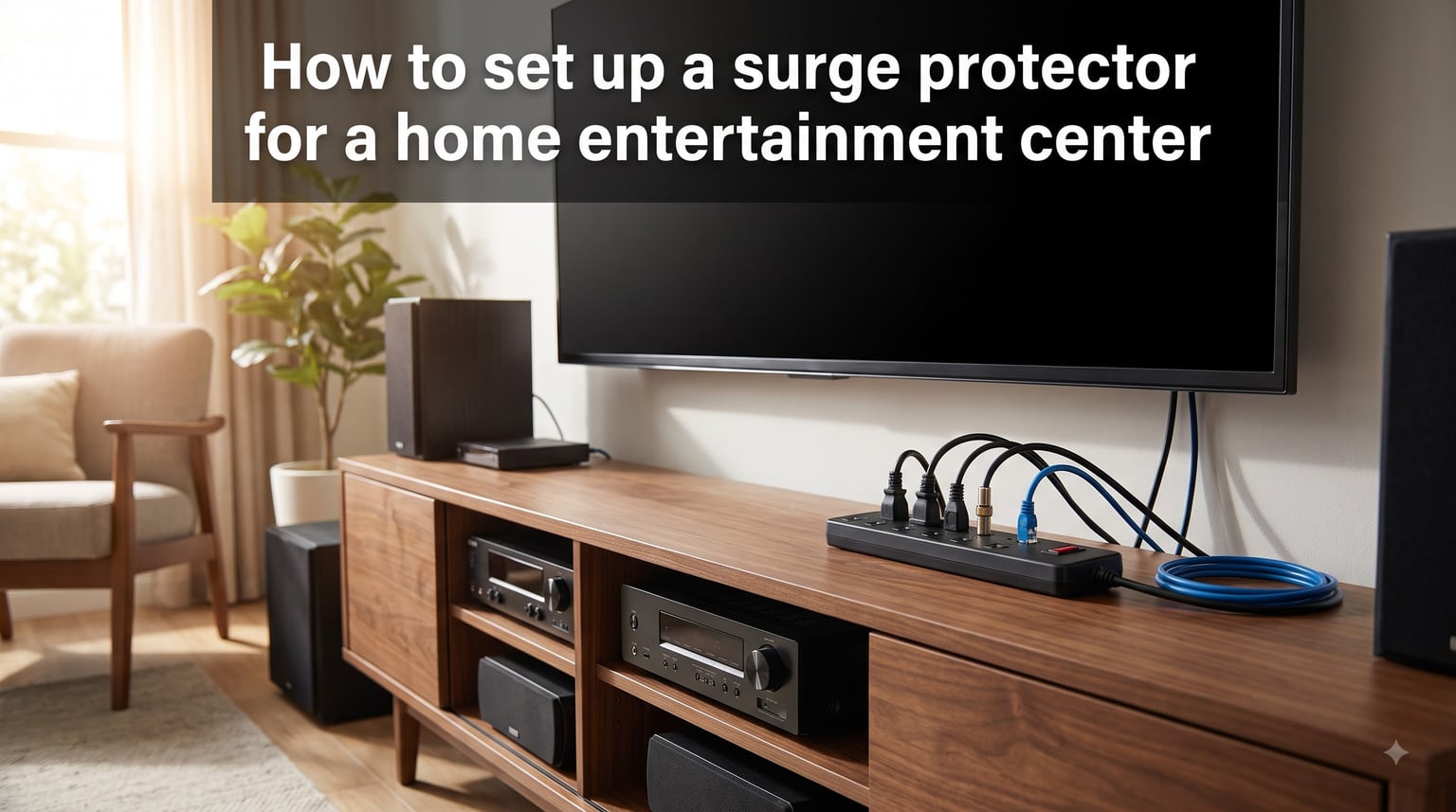
One lightning strike near your home can send a voltage spike through your electrical panel and fry your TV, gaming console, and audio receiver in a fraction of a second. I have seen it happen, and the replacement cost easily runs into thousands of dollars. Your home entertainment center is one of the most expensive collections of electronics in your house, and most of it sits plugged into the wall with zero protection.
Learning how to set up a surge protector for a home entertainment center is not complicated, but doing it right means understanding joule ratings, clamping voltage, and proper grounding. A cheap power strip from the hardware store is not going to save your equipment. You need the right specifications, the right placement, and the right habits.
In this guide, I will walk you through the entire process from start to finish. You will learn how power surges damage electronics, which surge protector specifications actually matter, how to connect and organize your equipment safely, and the common mistakes that leave your gear vulnerable. By the end, you will have a setup that protects your investment for years.
Table of Contents
Why Your Home Entertainment Center Needs Surge Protection?
A power surge is a sudden spike in electrical voltage that exceeds the standard 120 volts flowing through your home wiring. When that excess voltage reaches your electronics, it overwhelms internal components and causes immediate or gradual damage. Surge protectors act as a gatekeeper, diverting that extra electricity away from your devices and into the ground wire.
Surges come from two main sources. External surges are caused by lightning strikes, downed power lines, and grid switching by your utility company. Internal surges happen inside your home when large appliances like refrigerators, air conditioners, and washing machines cycle on and off. Most people picture lightning when they think of surges, but internal surges actually account for the majority of damaging voltage spikes.
The equipment in a typical home entertainment center adds up fast. A 65-inch OLED TV, a surround sound receiver, a gaming console, a streaming device, and a subwoofer can easily represent $3,000 to $8,000 in gear. Replacing all of it after a single surge event is a financial hit most households cannot absorb. Surge protection is cheap insurance for expensive equipment.
Do you really need a surge protector for your TV? Yes, absolutely. Modern televisions use sensitive circuit boards that degrade with even minor voltage fluctuations. A series of small internal surges can shorten the lifespan of your TV by months or years before it finally fails. Protection is not optional for electronics in this price range.
How to Set Up a Surge Protector for a Home Entertainment Center: Step by Step
Follow these steps in order to build a surge protection system that actually works for your entertainment setup.
Step 1: Calculate Your Power Needs
Count every device you plan to connect and add up the wattage. A typical home entertainment center includes a TV, receiver, streaming device, gaming console, subwoofer, and possibly a cable box. Most setups draw between 800 and 1,500 watts under normal use, but you need headroom for power spikes when devices power on. Multiply your total wattage by 1.5 to get a safe capacity target.
Step 2: Choose the Right Surge Protector
Look for a surge protector with a minimum of 2,000 joules for a home entertainment center. If you have high-end audio equipment or a large TV, aim for 3,000 joules or more. The clamping voltage should be 330 volts or 400 volts at most. Anything rated at 500 volts lets too much excess energy through before it activates. Make sure the unit carries a UL 1449 certification, which is the safety standard for surge protective devices.
Step 3: Check Your Wall Outlet Grounding
A surge protector can only divert excess voltage if your wall outlet is properly grounded. Test the outlet with a simple circuit tester, which costs about $10 at any hardware store. If the tester shows an open ground or missing ground fault, your surge protector will not function. Call a licensed electrician to fix the wiring before you plug anything in.
Step 4: Position the Surge Protector
Place the surge protector where it can reach the wall outlet without an extension cord. If your entertainment center has a closed back or cabinet, mount the protector to the interior wall or use a low-profile model that sits flat behind furniture. Never bury the unit under piles of cables where it cannot dissipate heat.
Step 5: Plug In High-Priority Devices First
Connect your TV and audio receiver to the outlets closest to the surge protector’s input. These positions often have the shortest internal path and the fastest response time. Then add your gaming console, streaming device, and any other components. Reserve any coaxial or ethernet protection ports for your cable line and network connection, since surges can travel through those lines too.
Step 6: Route and Bundle Cables Neatly
Use cable ties or sleeves to bundle power cables separately from audio and video cables. Running power and signal cables together can introduce interference and make troubleshooting harder. Leave a service loop of slack near each device so you can pull components out without disconnecting everything.
Step 7: Verify the Indicator Light
Once everything is connected, check the protection indicator light on the surge protector. A lit indicator means the internal metal oxide varistors are intact and protection is active. If the light is off, the unit may have absorbed a surge during shipping or have a manufacturing defect. Replace it before trusting it with your equipment.
Step 8: Label Your Connections
Use small labels or colored tape to mark which cable goes to which device. This seems like extra work, but it saves hours of frustration when you need to disconnect, move, or troubleshoot a single component. It also prevents you from accidentally overloading one outlet bank with high-draw devices.
Understanding Surge Protector Specifications
The three numbers that matter most on a surge protector are joule rating, clamping voltage, and response time. Most people only look at the joule rating, but understanding all three ensures you get real protection.
Joule Rating: How Much Energy It Can Absorb
The joule rating tells you how much total surge energy the protector can absorb before its internal components burn out. Higher is always better. For a home entertainment center, here is a general guide based on the type of equipment you own.
For basic setups with a TV and streaming device, 1,000 to 1,500 joules provides adequate protection. For mid-range systems with a gaming console and sound bar, aim for 2,000 to 2,500 joules. For full home theater systems with a receiver, subwoofer, and multiple source components, look for 3,000 joules or more. Surge protectors wear down over time as they absorb energy, so starting with a higher joule rating gives you a longer service life.
Clamping Voltage: When Protection Kicks In
Clamping voltage is the threshold at which the surge protector activates and starts diverting excess electricity. A lower clamping voltage means the protector reacts sooner, letting less excess voltage through to your equipment. The three standard ratings are 330 volts, 400 volts, and 500 volts.
I recommend 330 volts for sensitive home entertainment equipment. This is the lowest standard rating and provides the earliest response. A 400-volt rating is acceptable for less critical gear, but 500 volts is too high for anything you care about. Forum users on AVS Forum consistently report that 500-volt clamping voltage units provide inadequate protection for valuable electronics.
Response Time: How Fast It Reacts
Response time measures how quickly the surge protector detects a voltage spike and begins diverting energy. Quality surge protectors respond in less than one nanosecond. This specification is rarely printed on the box because nearly all modern units using MOV technology respond fast enough to catch typical surges. Still, it is worth confirming that the unit uses MOV components rather than older gas discharge tube technology alone.
UL 1449 Certification: The Safety Standard
Never buy a surge protector that does not carry UL 1449 certification. This Underwriters Laboratories standard tests the unit for fire safety, electrical safety, and surge suppression performance. Units without this certification may use substandard components that fail dangerously during a surge event. Look for the UL mark on the packaging or the unit itself.
Types of Surge Protection for Home Entertainment
There are three layers of surge protection, and the best setups use more than one. Here is how they compare.
Whole-House Surge Protectors
A whole-house surge protector installs at your main electrical panel and guards every circuit in your home against external surges. It catches large voltage spikes from lightning and utility grid switching before they reach your outlets. Installation requires a licensed electrician and typically costs $200 to $500 including the unit. This is your first line of defense and works best when combined with point-of-use protectors.
Point-of-Use Surge Protectors
Point-of-use protectors are the plug-in strips and bars you connect at your entertainment center. They provide the second layer of protection by catching surges that get past the whole-house unit or originate inside your home from appliance cycling. This is where you need high joule ratings and low clamping voltage for your sensitive electronics.
Surge-Protected Outlets
Surge-protected receptacles replace standard wall outlets and provide protection at the source. They are less common for entertainment centers because they typically offer lower joule ratings than plug-in units. However, they are a good option for built-in installations where you want a clean look without visible power strips.
Power Conditioner vs Surge Protector
Many people confuse power conditioners with surge protectors. A power conditioner filters electrical noise and delivers clean power, which can improve audio and video performance. However, a power conditioner does not provide meaningful surge protection on its own. Reddit users in the audiophile community consistently confirm that if you want surge protection, you need a surge protector, not just a conditioner. Some high-end units combine both functions, but they are expensive.
EMI/RFI Filtering: What It Does and Why It Matters
EMI (electromagnetic interference) and RFI (radio frequency interference) filtering removes noise from your power line that can degrade audio and video quality. This is different from surge protection, which handles voltage spikes. EMI/RFI filtering handles the steady background noise that comes from other electronics and appliances sharing your electrical circuit.
For home entertainment centers, EMI/RFI filtering can reduce hum in audio systems and improve picture stability on analog connections. Most quality surge protectors rated at 2,000 joules or higher include some level of EMI/RFI filtering. If you have noticed buzzing from your speakers or interference lines on your display, filtering may help. It does not replace surge protection, but it is a valuable complement.
The filtering level is measured in decibels across a frequency range. Look for specifications showing 40 to 60 dB of noise reduction across a range from 150 kHz to 100 MHz. Higher numbers mean more effective noise removal.
Grounding: The Foundation of Surge Protection
A surge protector works by diverting excess voltage into the ground wire of your electrical system. If your outlet is not grounded, the surge protector has nowhere to send that energy and your equipment takes the hit. Grounding is not optional. It is the entire mechanism that makes surge protection possible.
How to Verify Proper Grounding
Buy a three-prong receptacle tester from any hardware store for about $10. Plug it into the outlet behind your entertainment center and read the indicator lights. A correct reading shows two amber lights. Any other pattern indicates a wiring problem that needs professional repair. Test every outlet you plan to use, not just one.
Two-Prong Outlets and Older Homes
If your home has older two-prong outlets with no ground, a surge protector cannot protect your equipment. You cannot use a cheater adapter to bypass the ground prong. The only safe solution is to have an electrician upgrade the wiring to include a proper ground. In some cases, a dedicated ground wire can be run to the outlet without rewiring the entire circuit.
Daisy-Chaining and Other Common Mistakes to Avoid
The single most dangerous mistake people make is daisy-chaining surge protectors and power strips. Plugging one surge protector into another, or plugging a power strip into a surge protector, creates a serious fire hazard. The connections cannot handle the combined current draw, and the overload protection was never designed for this configuration.
Never plug high-wattage appliances into a surge protector designed for electronics. Space heaters, hair dryers, microwave ovens, air conditioners, and vacuum cleaners draw far more current than the protector is rated for. This overheats the internal wiring and can melt the unit or start a fire. Surge protectors are built for low-draw electronics, not heating appliances.
Here are the items that should never be plugged into a home entertainment surge protector: space heaters, air conditioners, refrigerators, microwave ovens, hair dryers, curling irons, vacuum cleaners, and any device with a heating element. These belong directly in a wall outlet on a dedicated circuit.
Signs Your Surge Protector Has Failed
Surge protectors do not last forever. The MOVs inside wear out each time they absorb a surge, gradually losing capacity until they offer no protection at all. Watch for these warning signs. The protection indicator light is off or flickering. The unit feels unusually warm to the touch. Plugs fit loosely in the outlets. You have experienced a major surge event like a lightning strike nearby. Any of these means it is time to replace the unit immediately.
Maintaining and Replacing Your Surge Protector
Under normal conditions, a quality surge protector lasts three to five years. If you live in an area with frequent storms or unstable power, expect closer to two years. The internal components degrade with every surge they absorb, even small ones you never notice.
After any major surge event, replace your surge protector even if the indicator light is still on. A lightning strike or major grid surge may have depleted most of the joule capacity in a single hit. The unit may still pass current to your devices but offer little or no remaining protection. Spending $40 to $80 on a replacement is far cheaper than replacing your TV.
Write the purchase date on the bottom of the unit with a permanent marker. This gives you a clear reference point for when to evaluate replacement. Set a calendar reminder for three years from the purchase date so you do not forget. Most people never check their surge protectors until something goes wrong, and by then it is too late.
Check the indicator light monthly as part of your routine. Some advanced models include a joule capacity meter that shows remaining protection in real time. These cost more but take the guesswork out of knowing when to replace the unit.
FAQs
How many joules does a surge protector need for home theater?
For a full home theater system with a TV, receiver, gaming console, and multiple components, look for 3,000 joules or more. A mid-range setup needs 2,000 to 2,500 joules, and a basic TV-plus-streaming-device arrangement can get by with 1,500 joules. Higher joule ratings last longer because the unit absorbs more total energy before wearing out.
What is a good clamping voltage for a surge protector?
330 volts is the best clamping voltage for sensitive home entertainment electronics. It activates the protection circuitry at the lowest standard threshold, letting the least excess voltage through. A 400-volt rating is acceptable for less critical gear, but 500 volts is too high for anything valuable.
What should never be plugged into a surge protector?
Never plug space heaters, air conditioners, refrigerators, microwave ovens, hair dryers, curling irons, or vacuum cleaners into a surge protector. These devices draw too much current and can overheat the unit, creating a fire hazard. Plug high-wattage appliances directly into a wall outlet.
Can you daisy chain surge protectors?
No. Plugging one surge protector into another or connecting a power strip to a surge protector is a fire hazard. The connections cannot handle the combined current draw, and overload protection is not designed for this configuration. Use a single surge protector with enough outlets for your needs.
How do I know if my surge protector is still working?
Check the protection indicator light on the unit. If it is off or flickering, the internal protection components are depleted and the unit needs replacement. Also replace the protector after any major surge event, if it feels unusually warm, or if it is more than three to five years old.
What is the difference between a surge protector and a power conditioner?
A surge protector diverts voltage spikes away from your electronics. A power conditioner filters electrical noise to deliver cleaner power for better audio and video performance. Power conditioners do not provide meaningful surge protection. Some premium units combine both functions in a single device.
Wrapping Up
Setting up a surge protector for your home entertainment center comes down to choosing the right specifications, verifying your outlet grounding, and connecting your devices safely. Aim for 2,000 to 3,000 joules with a 330-volt clamping voltage and UL 1449 certification. Avoid daisy-chaining, never plug in high-wattage appliances, and replace the unit every three to five years.
Your entertainment gear is worth protecting. Take an afternoon to follow these steps, label your connections, and you will have peace of mind knowing a single power surge will not wipe out thousands of dollars in equipment. The next step is testing your wall outlets today and ordering a properly rated surge protector before the next storm rolls through.