
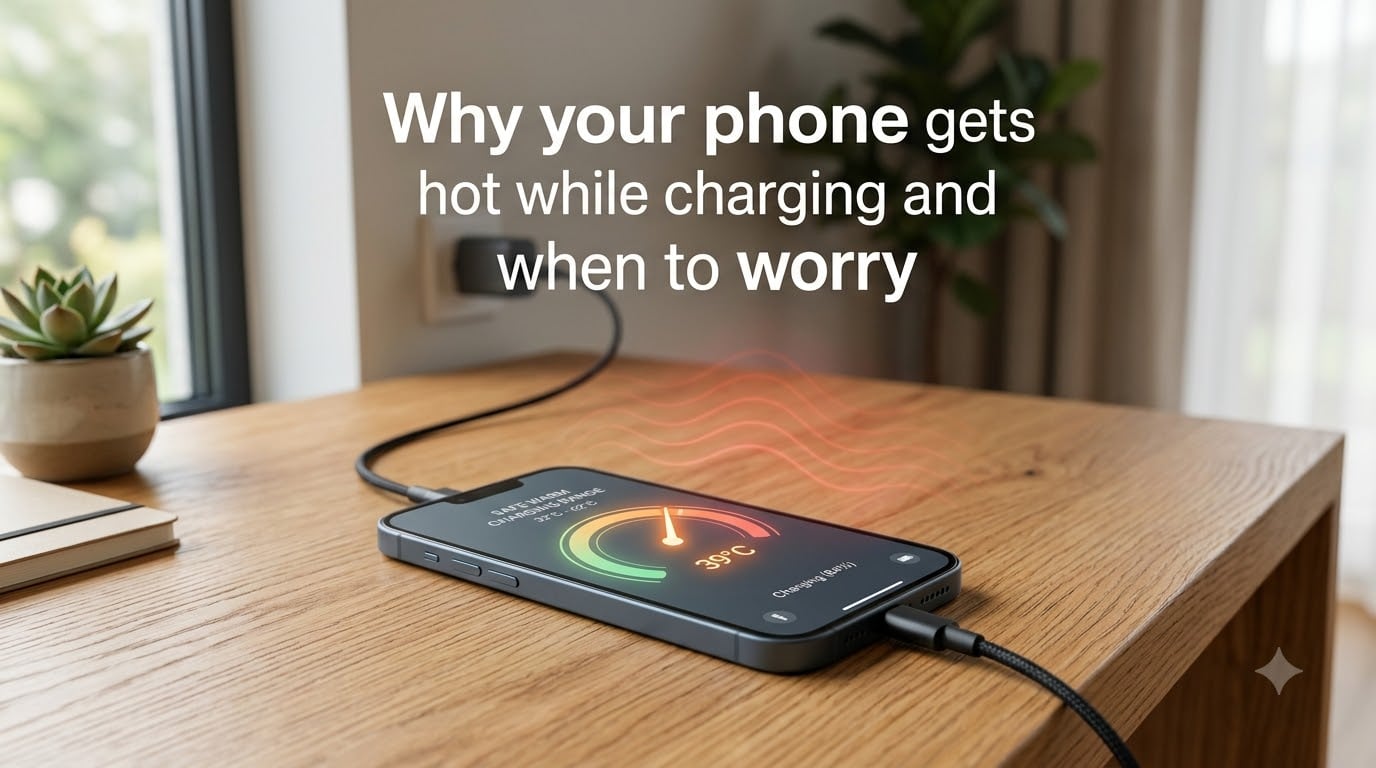
A warm phone during charging is normal, and most of the time it is not a sign that anything is broken. When your phone gets hot while charging, it happens because pushing electrical current through wires, connectors, and the lithium-ion battery creates resistance, and that resistance releases energy as heat. The real question is how hot is too hot, and when that warmth crosses the line from harmless into something worth fixing.
This guide explains the physics behind phone charging heat, lists the most common reasons your phone runs hot, gives you specific temperature thresholds, and tells you exactly when to worry. Whether you charge with a fast charger, a wireless pad, or a cable that came in the box, you will know what normal feels like and what warning signs to act on.
Our team has tracked the same complaints that show up constantly in iPhone, Samsung, and Android forums: phones that get “too hot to hold” during fast charging, wireless charging that feels hotter than expected, and sudden heating spikes after software updates. The answers below come from those real-world patterns plus the technical details most articles skip.
Table of Contents
Why your phone gets hot while charging: the physics explained
Phone charging heat comes down to one concept called Joule heating. When electrical current flows through any material that has resistance, some of that electrical energy gets converted into heat instead of reaching the battery. Every part of the charging path, from the wall adapter to the cable to the charging port to the battery itself, adds a little resistance. Add it all up and you get warmth.
Fast charging makes this effect stronger. Standards like USB-PD and Quick Charge push higher voltage and current to refill a battery in 30 to 60 minutes instead of two to three hours. More power flowing per second means more energy lost as heat in the same window of time. Your phone’s thermal management system is designed to handle this, but only up to a point.
Inside the battery, ions move between electrodes through an electrolyte. That chemical reaction also generates internal resistance, which produces more heat as the battery ages or as charge speed increases. A brand-new battery has lower internal resistance, which is one reason older phones tend to run hotter than fresh ones during charging.
None of this heat is dangerous by itself. The phone’s charge controller actively monitors battery temperature and will slow or stop charging if it detects unsafe levels. Problems appear when external factors, like a thick case trapping heat or charging on a soft bed, push temperatures past what the controller can manage.
7 reasons your phone gets hot while charging
Most cases of a phone getting hot while charging trace back to one or more of the seven causes below. Knowing which one applies to your situation tells you what to fix.
1. Fast charging at high wattage. The faster your charger dumps power into the battery, the more heat builds up in a short time. A 65W charger will warm a phone far more than a standard 5W brick. This warmth usually peaks around 50 to 70 percent charge when the battery accepts the highest current.
2. Using the phone while it charges. Gaming, video calls, GPS navigation, and streaming while plugged in forces the processor and battery to work at the same time. The chip generates its own heat on top of charging heat, and the combined load can push temperatures well above normal.
3. Charging on soft surfaces or with a thick case. Phones dissipate heat through their back panel and metal frame. A bed, pillow, couch cushion, or heavy case blocks that airflow and traps heat against the battery. Users across multiple forums report this as one of the most common avoidable causes.
4. A cheap or damaged charger or cable. Low-quality cables and uncertified wall adapters have higher internal resistance, which means more energy is wasted as heat before it ever reaches the battery. A frayed cable or worn charging port can also raise resistance and heat levels.
5. Background apps and software bugs. Apps running heavy background syncs, location tracking, or a runaway process after a software update can keep the processor hot even while the phone sits still. Forum users frequently report sudden heating spikes after iOS or Android updates.
6. Weak cellular signal. When signal strength is low, the phone’s radio amplifier works harder and runs warmer. Charging in a weak-signal room, a basement, or on a metal table can add heat on top of charging heat. This is one of the most overlooked causes.
7. An aging or degrading battery. As a lithium-ion battery ages, its internal resistance rises. The same charging current produces more heat in a three-year-old battery than a new one. If your phone is hot to the touch and the battery drains faster than it used to, age is a likely culprit.
How hot is too hot: temperature risk levels?
Most phones sit between 95 and 102 degrees Fahrenheit (35 to 39 Celsius) during normal charging, which feels warm but comfortable to hold. Anything above 104 F (40 C) is a sign something is adding extra heat. The table below breaks down what each temperature range means and what action to take.
Phone charging temperature risk levels
Below 95 F (35 C): Normal. No action needed. 95 to 102 F (35 to 39 C): Warm but safe. Typical for fast charging. 103 to 109 F (39 to 43 C): Getting warm. Remove case and check for background apps. 110 to 116 F (43 to 47 C): Hot. Unplug, let cool, and check charger and surface. Above 117 F (47 C): Risk zone. Stop charging immediately and inspect battery.
Phone displays and warnings vary by manufacturer. Most iPhones show a temperature warning screen near 113 F (45 C) and will throttle or pause charging. Android phones like Samsung models similarly limit charging and dim the screen at high internal temperatures. If you see one of those warnings, take it seriously.
When to worry about your phone getting hot while charging?
A phone that warms up during a fast charge and cools back down within a few minutes of unplugging is doing exactly what it should. The warning signs below are different. They indicate heat that is persistent, unusual, or actively harming the device.
Worry when the heat appears without charging. If your phone runs hot while sitting idle on a desk, something other than charging is the problem. A runaway app, a stuck software process, or a failing battery can all generate heat on their own. Check battery usage in settings to spot the offender.
Worry when the back bulges or the screen lifts. Battery swelling is a clear sign of permanent chemical damage, and a swollen battery is a fire risk. If you notice the phone wobbling on a flat surface or the screen separating from the frame, stop using it immediately and have the battery replaced.
Worry when you smell burning plastic or ozone. A hot charger or hot cable that smells like melting plastic is failing and unsafe. Unplug it from the wall, do not use it again, and replace it. The same applies to a phone that emits a chemical smell from the charging port area.
Worry when the phone gets hot while charging and battery life drops fast. If a full charge barely lasts half a day and the phone runs warm during normal use, the battery has likely degraded past the point where heat makes things worse. Battery health below 80 percent usually means it is time for a replacement.
Worry when heat appears suddenly after a change. A new charger, a new case, a software update, or a dropped phone that suddenly runs hotter than before is a sign that something specific broke. Trace the change back and you will usually find the cause.
7 tips to stop your phone from overheating while charging
Most charging heat is preventable. These seven tips are the same fixes that community threads and manufacturer guidance recommend, and they cover the causes listed earlier.
1. Charge on a hard, flat surface. A wooden desk, stone countertop, or glass table lets heat escape. A bed, couch, or pillow traps it. Forum reports repeatedly point to charging in bed as the single most common cause of avoidable overheating.
2. Take the case off during fast charging. A thick silicone or rugged case acts like insulation. Removing it for the 30 to 60 minutes your phone is on a fast charger lets the back panel dissipate heat the way it was designed to.
3. Use a certified charger and cable. Look for USB-IF certification, Apple MFi certification for iPhones, or the manufacturer’s own brand. Cheap uncertified adapters waste more energy as heat and offer weaker safety cutoffs.
4. Stop using the phone while it charges. Let it sit. Gaming, video streaming, and heavy multitasking during charging double the heat load and slow the charge anyway.
5. Charge between 20 and 80 percent when possible. Lithium-ion batteries generate the most heat at the very top and very bottom of the charge range. Stopping at 80 percent and plugging in above 20 percent keeps the battery in its cooler, healthier zone.
6. Close background apps before plugging in. Swipe away games, navigation, and social apps that keep syncing. A phone that is not working while charging stays cooler, and a quick settings check takes five seconds.
7. Keep the charging port clean. Lint and dust in the port increase resistance between the cable and the contacts, which generates extra heat at the connector. A wooden toothpick or a clean dry brush clears most buildup in a few seconds.
Wired vs wireless charging: which runs hotter
Wireless charging runs hotter than wired charging for a simple reason. Instead of a direct electrical connection, wireless pads use electromagnetic induction, which is less efficient. Energy lost in the transfer gets released as heat through both the charging pad and the back of the phone.
If you use a wireless charger, expect the back of the phone to feel noticeably warmer than it would on a cable. Removing the case helps here even more than with wired charging, because the inductive coil needs that proximity and airflow. For overnight charging where speed does not matter, a lower-wattage wired charger usually produces the least heat.
Frequently asked questions about phone charging heat
What are signs of a failing phone battery?
The main signs of a failing phone battery are rapid drain from a full charge, unexpected shutdowns at 20 percent or higher, a phone that runs hot during normal use, a back panel that bulges or a screen that lifts, and battery health readings below 80 percent in your phone’s settings. Any of these combined with charging heat means the battery needs replacing.
How do I stop my phone from getting so hot?
To stop your phone from getting hot while charging: charge on a hard surface instead of a bed, remove the case during fast charging, use a certified charger and cable, avoid gaming or streaming while plugged in, charge between 20 and 80 percent, close background apps before plugging in, and clean the charging port of lint and dust.
How to fix overheating while charging?
If your phone is already overheating, unplug it immediately and let it cool on a hard surface away from direct sunlight. Remove the case, close all apps, and wait 10 to 15 minutes. Then check for a damaged cable, dirty charging port, runaway background app, or pending software update before plugging back in with a certified charger.
Can an overheated charger cause a fire?
An overheated charger can cause a fire if it is damaged, uncertified, or left plugged into a faulty outlet. Certified chargers have safety cutoffs that shut them down before that point, but a cheap knockoff adapter lacks those protections. If a charger smells like burning plastic, is too hot to touch, or shows melted plastic, unplug it immediately and replace it with a certified model.
Is it normal for a phone to get hot while charging?
Yes, it is normal for a phone to get warm while charging, especially during fast charging. A temperature between 95 and 102 degrees Fahrenheit (35 to 39 Celsius) is typical. It becomes abnormal when the phone is too hot to hold comfortably, stays hot after unplugging, or shows a temperature warning on screen.
Is it safe to charge my phone overnight?
Charging overnight is safe with a certified charger because the phone’s charge controller stops drawing current once the battery is full. The risk increases if you use a cheap adapter, charge on a soft surface like a bed, or leave the phone in a thick case. Use a low-wattage charger on a hard surface for the safest overnight setup.
Final thoughts on phone charging heat
A phone that gets hot while charging is doing something normal, and most of the time you do not need to do anything about it. The line between harmless warmth and a real problem comes down to how hot, how often, and whether the heat comes with warning signs like swelling, smells, or sudden battery drain.
Use the temperature thresholds above as your reference, charge on a hard surface, stick with a certified charger, and pay attention to anything that feels different from your phone’s usual behavior. Knowing why your phone gets hot while charging, and when to worry, is the difference between ignoring a safe condition and catching a problem before it damages your device.