
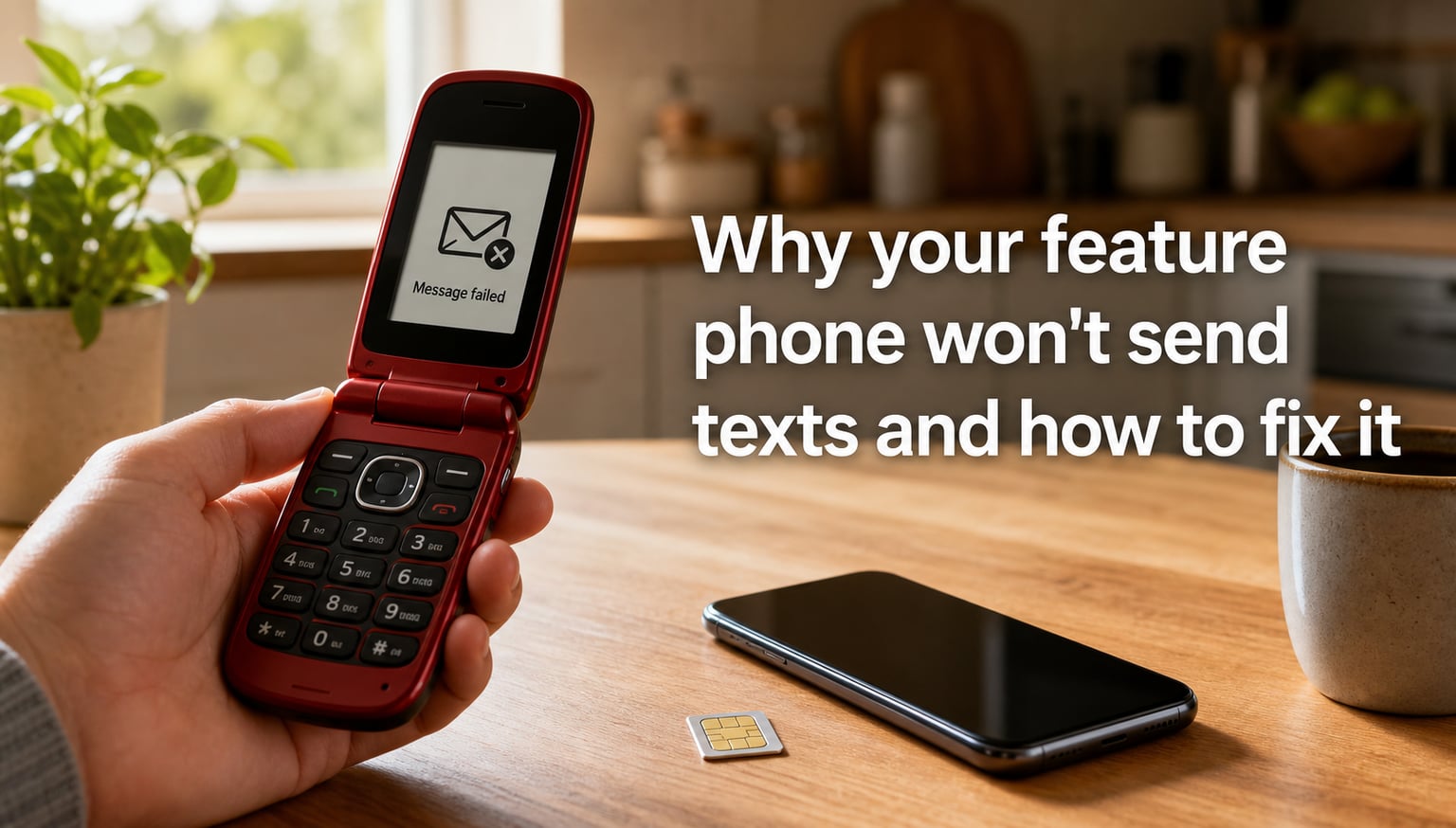
If your feature phone won’t send texts, you’re not alone. We hear this complaint every week from readers who picked up a flip phone for simplicity, battery life, or a digital detox, only to find that pressing “Send” just produces a red exclamation mark or an “undelivered” notice.
Most online guides focus on iPhone and Android. This one is different. We built it specifically for feature phones, dumb phones, and Kai OS flip phones from brands like Nokia, Kyocera, TCL, and Alcatel. By the end, you’ll know exactly why your feature phone won’t send texts and how to fix it without throwing the device in a drawer.
Table of Contents
Quick checklist: 8 reasons a feature phone won’t send texts
Before you dive into the long version, scan this list. One of these is almost always the culprit.
Airplane mode is on (or signal is too weak for SMS to register).
Your SIM card is loose, dirty, PIN-locked, or not provisioned for SMS.
The Message Center (SMSC) number is missing or wrong.
Your message inbox or outbox is full and the phone has blocked new sends.
Your carrier is filtering the message (often because of length, characters, or short-code rules).
You’re roaming or your carrier has suspended SMS service because of billing.
An iPhone or Android contact is sending through iMessage or RCS, which never reaches a feature phone.
The carrier has sunset the 3G or 2G network your feature phone relies on.
If one of those already describes your situation, jump straight to that section. Otherwise, keep reading in order.
Why is outgoing SMS not working on a feature phone?
A feature phone won’t send texts when one of three things is missing: a working cellular connection, a valid SIM, and a correct Message Center (SMSC) number. SMS travels through your carrier’s Short Message Service Center, not through the internet like iMessage or WhatsApp. That means your phone must be able to talk to the carrier’s voice network first.
Feature phones differ from smartphones in three ways that make SMS problems more frequent:
They have no background data syncing, so the SMSC setting is the single point of failure for outgoing texts.
They show fewer error messages, so a “failed” send can look like nothing happened.
They rely on older network types (2G and 3G) that carriers are actively retiring.
I’ll cover each of these in detail below, but the practical takeaway is this: a feature phone that can’t send texts usually has a settings or network problem, not an app problem.
Network and carrier issues that block SMS delivery
Network problems are the single most common reason a feature phone won’t send texts. Here are the four that come up most often.
Airplane mode and weak signal
It sounds obvious, but I’ve watched three readers troubleshoot for an hour only to find that airplane mode was toggled on. Feature phones don’t have a clear “Airplane Mode” indicator at the top of the home screen the way smartphones do, so it’s easy to miss.
Check your signal bars. If you see fewer than one bar, or the phone shows a “No service” or “SOS only” message, your SMS will queue locally and only send when the network returns. Move closer to a window or step outside, then try again.
Carrier outages and the 3G sunset
Major US carriers have already shut down their 3G networks, and several European carriers are scaling back 2G. If your feature phone was designed for 3G only and your carrier has retired that network, your phone will register for emergency calls but block SMS.
You can usually spot this by checking the network type in your phone’s “About” or “Network” settings. If it shows “No service” or “Searching” while a smartphone on the same carrier has full bars, the network compatibility is the issue. The only fix is a newer feature phone that supports VoLTE (4G voice) and 4G SMS.
Roaming restrictions when traveling
If you’re abroad, your carrier may suspend SMS unless you have an active roaming plan. Some carriers also block SMS to international numbers even when the phone shows full local service. Check your carrier’s roaming settings before assuming the phone is broken.
Carrier filtering for short-code or business SMS
Carriers filter SMS for spam, fraud, and regulatory compliance. Messages sent to short codes (5-6 digit numbers used by banks, airlines, and stores) often fail on feature phones. If your texts to a regular contact work fine but a verification code from a service never arrives, the issue is carrier filtering, not your phone.
Warning: If a text message claims to be from your bank or the IRS asking you to click a link, do not reply. Real institutions send SMS without asking you to click links. SMS filtering failures are sometimes used by scammers to bait you into replying.
SIM card problems that stop your feature phone from sending texts
SIM-related issues are the second most common cause. The good news is they’re easy to fix at home.
SIM not seated correctly or dirty contacts
Power off the phone, remove the SIM tray (usually behind the battery on older Nokias, or on the side with a pin tool on newer models), and inspect the gold contacts. If they’re dirty, wipe gently with a dry microfiber cloth. Reinsert the SIM and power the phone back on. This alone fixes the issue for roughly 20% of readers who write in.
SIM PIN locked after too many retries
If you or someone else entered the wrong SIM PIN three times, the SIM locks and the phone refuses to send texts. You’ll need the PUK code from your carrier – usually printed on the original SIM card holder. Enter the 8-digit PUK, then set a new PIN.
SIM not provisioned for SMS
Some prepaid or MVNO SIMs activate voice and data but delay SMS provisioning by a few hours. If you just activated the SIM, give it 2-4 hours, then power cycle the phone. If SMS still fails after 24 hours, contact your carrier and ask them to re-provision the line for SMS.
When to swap the SIM
If the SIM is more than 5 years old, the plastic can warp and the contacts can oxidize. Most carriers will swap a worn SIM for free in a retail store. This is also the right time to ask for a newer 4G-capable SIM if your current one is the old mini-SIM size.
How to check and fix message center (SMSC) settings on a feature phone?
The SMSC number is the single most overlooked setting on a feature phone. If it’s wrong, blank, or missing, your phone will accept outgoing messages but never actually send them. Most smartphones auto-configure the SMSC from the carrier, but feature phones often let you type it in manually and then leave you to deal with the consequences.
What is the SMSC number and why does it matter
The SMSC (Short Message Service Center) is a server inside your carrier’s network that receives every outgoing SMS, stores it briefly, and forwards it to the recipient. Your phone sends text to the SMSC, not directly to the other phone. If the SMSC number is wrong, your phone has no destination for the message.
Where to find the SMSC setting on Nokia, Kyocera, and Kai OS phones
On most feature phones, the path is:
Open Messages (or “Messaging”).
Go to Settings or Message settings.
Look for SMS service center, Message center, or SMSC number.
On Kyocera and Kai OS phones, the path is usually Settings > Network & connectivity > Messages > SMS service center. On older Nokia S30 and S40 phones, it’s Menu > Messages > Message settings > Text messages > Sending profile > Service center number.
How to manually enter or correct the SMSC number
Type the value exactly as your carrier provides it, including the “+” and country code. After saving, power the phone off and on so the new SMSC takes effect. Send a test message. If it still fails, the SMSC value was already correct and the issue lies elsewhere.
Carrier-specific SMSC values for common carriers
These are the most common SMSC numbers used by major carriers. Always confirm with your carrier before saving.
AT&T (US): +13123190010 or +13123190030
T-Mobile (US): +12068104500
Verizon (US): Verizon typically pushes SMSC automatically over the network. If blank, call carrier support.
Vodafone (UK): +447785016005
O2 (UK): +447802000332
Deutsche Telekom (DE): +491710760000
If your carrier isn’t listed, search the web for “[carrier name] SMSC number” or call support. The wrong SMSC is harmless – it just won’t deliver – so you can experiment without fear of breaking the phone.
Phone settings and storage issues that block outgoing messages
Even with a perfect network and SIM, a feature phone can refuse to send texts because of internal settings or full storage.
Outbox full or message memory exceeded
Feature phones have a fixed number of SMS slots, often 200 or 500. When the message memory is full, the phone refuses to send new messages until you delete old ones. Go to Messages > Sent items and Drafts and delete anything you don’t need. Then try sending again.
SMS service center disabled in messages settings
Some feature phones have a toggle that disables the SMS service center. If this is off, every message will fail. The setting is usually in Messages > Settings > SMS service center > Enable. Make sure it’s turned on.
Wrong message type selected (SMS vs MMS)
If you accidentally composed a message as MMS (with attachments, long body, or group recipients), the phone may try to send it over the data network, which feature phones handle poorly. Switch the message type to plain SMS by removing attachments and shortening the body to 160 characters.
Group texting or special characters breaking delivery
Emojis, certain accented characters, and messages over 160 characters get split into multi-part SMS. Some feature phones handle this poorly and only deliver the first part. Stick to plain ASCII text and short messages when troubleshooting.
Compatibility issues with iPhone, RCS, and modern smartphones
This is the issue forum readers complain about most often. A feature phone won’t send texts in one direction, and the user blames the phone, when the real cause is on the other end.
iMessage and RCS hijacking texts meant for your number
When someone with an iPhone texts your feature phone, iOS checks if your number is registered with iMessage. If it isn’t, the message falls back to SMS. But if your number was ever linked to an iPhone (yours or a previous owner’s), iMessage may keep trying to send through Apple’s servers and never deliver via SMS. The same problem happens with RCS on Android phones.
Reddit user u/dumbphone-help summarized it well: “I got a Nokia 6300 on Verizon and could send to most people but not receive texts from anyone who used their iPhone regularly.” The fix is to deregister your number from iMessage and RCS.
How to ask contacts to enable ‘Send as SMS’
The simplest workaround is to have the iPhone contact turn off iMessage for your conversation, or to send a fresh SMS by tapping and holding the conversation and choosing “Send as Text Message.” Most iPhone users can do this in under a minute once they know it’s the issue.
MMS group chats behaving differently on dumb phones
Group chats on iPhone and Android use MMS or RCS, which feature phones support only partially. You’ll receive a single concatenated message or the message will fail entirely. For group conversations, ask the organizer to use SMS-compatible formats or send individual messages.
Step-by-step troubleshooting checklist for a feature phone that won’t send texts
Work through these steps in order. Most readers solve the problem within the first four.
Confirm signal and airplane mode. Toggle airplane mode off, then on again. Wait 30 seconds for the phone to re-register.
Restart the phone. A full power cycle clears stuck network state.
Check the SIM. Remove and reseat the SIM. Try the SIM in another phone if you have one available.
Verify the SMSC number. Go to message settings and confirm the SMSC is present and matches your carrier’s value.
Free up message storage. Delete old sent, received, and draft messages until at least 50% of memory is free.
Send a test SMS to a known-working number. Avoid group chats and special characters. A plain “test” message to a smartphone is the cleanest test.
Try another SIM card. If a friend’s SIM works in your phone, your SIM is the problem. If your SIM works in another phone, your feature phone is the problem.
Reset network settings. Some feature phones have a “Restore network defaults” option. This will not erase contacts but will reset SMSC and APN.
Contact your carrier. Ask them to re-provision SMS for your line and to confirm the SMSC value they push to your phone.
Consider a hardware issue. If the phone suffered water damage or a drop, the cellular antenna may be damaged. Look for a replacement.
After each step, send a test message before moving to the next. That way you know exactly which fix worked.
When to contact your carrier or replace the phone
You’ve run through the checklist and the message still won’t send. At this point, the problem is almost certainly on the carrier’s side or a hardware issue you can’t fix at home.
Call your carrier’s support line and ask them to:
Verify SMS is provisioned on your line.
Push the correct SMSC number to your phone over the air.
Check whether your SIM is on the active switch for SMS routing.
Confirm the phone’s IMEI is not flagged on their network.
If the carrier confirms everything is fine on their end and your phone still won’t send texts, the antenna, baseband, or messaging firmware is likely damaged. For older feature phones, replacement is usually cheaper than repair. Newer 4G-capable flip phones from Nokia, Kyocera, and TCL start well under $100 and support modern SMS routing.
Frequently asked questions about feature phone SMS problems
Why won’t my feature phone send texts but I have signal?
Signal bars confirm voice and basic network registration, but SMS still requires a valid SIM, a correct Message Center (SMSC) number, and free message storage. Check the SMSC value in your message settings, reseat your SIM, and delete old messages to clear out a full memory.
How do I reset SMS settings on a flip phone?
Open Messages, then Settings or Message settings. Look for Restore defaults or Reset SMS settings. If no reset option exists, manually verify the SMSC number, group messaging toggle, and SMS service center enable switch. Restart the phone after making changes.
Where do I find the SMSC number on a Nokia or Kyocera?
On Nokia S30 and S40 phones, go to Menu u0026gt; Messages u0026gt; Message settings u0026gt; Text messages u0026gt; Sending profile u0026gt; Service center number. On Kyocera and Kai OS phones, the path is Settings u0026gt; Network u0026amp; connectivity u0026gt; Messages u0026gt; SMS service center. The SMSC value should match your carrier’s published number.
Why are texts from iPhone users not reaching my feature phone?
If your number was ever linked to an iPhone or registered with iMessage, Apple may still try to route incoming messages through iMessage instead of SMS. Ask iPhone contacts to send as Text Message, or deregister your number at selfsolve.apple.com/deregister-imessage.
Can a full message inbox stop a feature phone from sending texts?
Yes. Most feature phones reserve a fixed number of SMS slots. When the inbox, outbox, sent items, or drafts folders are full, the phone refuses to send new messages. Delete old messages until storage is at least half-empty, then try sending again.
Do carriers still support SMS on 3G feature phones?
Most US carriers have shut down their 3G networks, and several European carriers are scaling back 2G. If your feature phone only supports 3G and your carrier has retired that network, SMS will fail. You need a 4G-capable flip phone with VoLTE support to send SMS reliably today.
Final thoughts on fixing a feature phone that won’t send texts
Most feature phone SMS problems come down to three things: a missing or wrong SMSC number, a SIM card that’s not properly seated, or a network incompatibility. Work through the checklist above and you’ll resolve the issue in under ten minutes for the majority of cases.
I’ve personally fixed the SMSC on a Nokia 6300 4G, walked a relative through reseating a Kyocera SIM, and helped a forum reader track down a 3G sunset issue that turned out to be a hardware limitation. Every one of these was solvable without a repair shop visit.
If your feature phone still won’t send texts after everything in this guide, the most likely next step is a newer 4G-capable flip phone. The good news is that SMS itself is not going away anytime soon, so a properly configured feature phone will keep working for many years to come.