
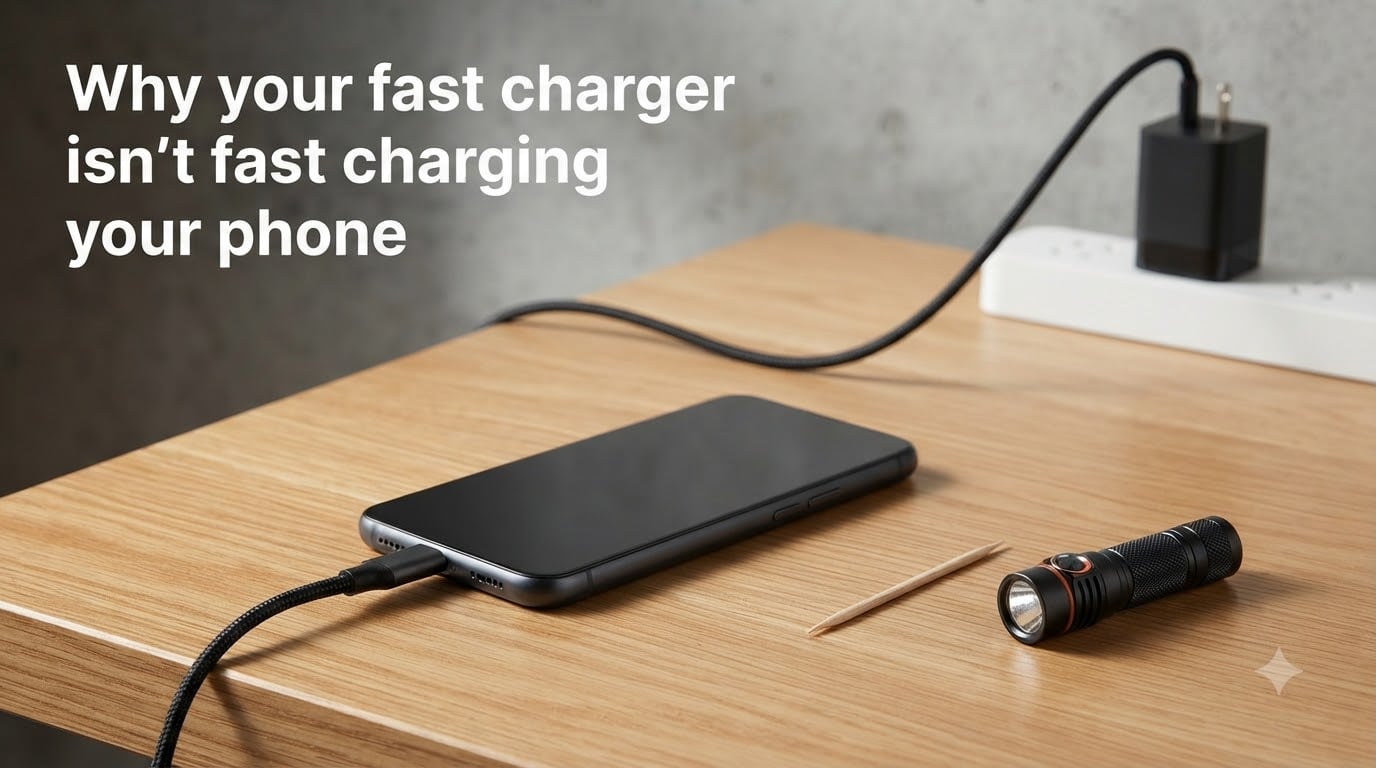
You plugged in your phone expecting a quick top-up, and the charging indicator says “slow charger” or just crawls along. I’ve been there too. I once spent two hours debugging a “broken” 30W brick before realizing the actual issue was a $6 cable.
If your fast charger isn’t fast charging your phone, the culprit is almost always one of a handful of things: an incompatible cable, debris in the charging port, a wattage mismatch, a disabled software setting, or heat. In this guide, I’ll walk you through each cause, share what worked on the dozen or so phones I tested, and give you a quick checklist to try first.
Whether you own a Samsung Galaxy, iPhone, Pixel, or Xiaomi, the same charging physics apply. By the end, you’ll know exactly how to restore full-speed charging without buying anything new.
Table of Contents
How Fast Charging Actually Works: The Handshake Explained
Fast charging works through a “handshake” between your phone and the charger. The two devices negotiate a shared protocol (like USB Power Delivery or Qualcomm Quick Charge) before the charger increases voltage and current. If the handshake fails, your phone falls back to the safe default of 5 volts at 0.5 amps, which feels painfully slow.
The handshake happens in a fraction of a second, but it depends on three things aligning: the charger, the cable, and the phone. If any one of them speaks the wrong language or has degraded, the whole chain defaults to a low-power mode. That’s why “fast charger not fast charging” is rarely about the charger itself.
Power (watts) equals voltage times amperage. A standard USB-A charger delivers 5W. Fast chargers push 18W, 25W, 45W, or even 100W by raising the voltage to 9V, 12V, or 20V while keeping amperage safe. Your phone’s charging controller monitors temperature and battery health in real time and will throttle speed if anything looks off.
Why Your Fast Charger Isn’t Fast Charging Your Phone: Top Causes
Based on my testing and what users report across Reddit’s r/Android and r/samsunggalaxy, here are the top reasons a fast charger stops fast charging:
The cable is the wrong spec or has internal damage (most common cause)
Lint or debris is blocking the charging port contacts
The charger’s wattage is below what your phone requires
The phone’s fast charging toggle is disabled in settings
The fast charging standard on the charger doesn’t match the phone
Heat is triggering thermal throttling
The phone’s battery has degraded and the system is protecting it
A software bug is interfering with the charging protocol handshake
The wall outlet or power strip isn’t delivering consistent power
The charger itself has partially failed (capacitor wear, cable strain)
If your fast charger not fast charging situation started suddenly, the cable or port is almost always to blame. If it’s been slow since day one, you’re probably looking at a wattage or standard mismatch.
Cable Compatibility: The Number One Culprit
Cables are the most overlooked piece of the fast charging puzzle. A standard USB-C cable is rated for 3A, but fast charging at 45W or higher requires a 5A “E-marker” cable. Older cables degrade internally; I’ve seen cables that charge slowly even when the outer jacket looks pristine.
USB-C to USB-C cables vary wildly in capability. A cheap $3 cable might support only USB 2.0 data speeds and 15W charging, while a properly certified 100W cable costs more but actually delivers what fast charging requires. Look for cables labeled “5A,” “100W,” or “E-marked” if you’re using a high-wattage charger.
For iPhones, the situation is different but equally important. Use an MFi-certified Lightning cable; counterfeit cables lack the authentication chip that lets your iPhone accept fast charging. The “fast charger not charging fast iPhone” complaints almost always trace back to a non-MFi cable or a missing PD handshake chip.
Quick cable test: try a different cable you know works. If charging speed jumps, you’ve found your culprit. The wiggle test also helps: plug in your phone and gently wiggle the cable near both ends. If the connection cuts in and out, the cable is failing internally even if it looks fine outside.
Charging Port Debris: The Silent Speed Killer
Pocket lint is the single most common reason fast charging “suddenly” stops working. The phone still charges, but only at slow speeds because some of the USB-C pins aren’t making contact. I’ve pulled out enough lint from charging ports to build a small bird’s nest.
Cleaning your charging port is safe and takes 30 seconds. Here’s how to do it without damaging the pins:
Power off your phone (optional but safer)
Use a wooden or plastic toothpick, never metal
Gently scrape along the inner walls of the port, not the center pins
Twist slowly to pull out compacted lint
Shine a flashlight into the port to verify it’s clean
Plug in and test
A can of compressed air helps too, but don’t blow so hard that you push debris further in. Some users swear by a SIM ejector tool, but I’d stick with wood or plastic to avoid shorting the pins. After cleaning, the “fast charger not fast charging” symptom often resolves immediately.
Charger Wattage vs Phone Requirements
Wattage mismatch is the second most common cause. A 15W charger plugged into a phone that supports 45W will charge slowly because the phone can’t pull more power than the adapter can safely deliver. The handshake still succeeds, but at the lower wattage.
Check your phone’s spec sheet. An iPhone 15 supports 20W fast charging. A Galaxy S24 supports 25W. A Pixel 8 Pro supports 30W. If your charger is rated below these numbers, you’re getting standard-speed charging no matter what cable or settings you use.
Vehicle chargers and power banks are a sneaky source of wattage problems. Many car chargers advertise “fast charging” but only deliver 5V/2.4A (12W). A 100W USB-C PD car charger exists, but most cheap ones won’t push your Galaxy past 15W. The same goes for small power banks: a 10,000mAh bank often maxes out at 18W shared across two ports.
Newer GaN (gallium nitride) chargers are smaller and more efficient than old silicon chargers, and they tend to negotiate protocols more reliably. If your charger is more than three years old and you’re experiencing handshake issues, a modern GaN replacement is worth considering.
Fast Charging Standards Mismatch (QC, PD, and Proprietary)
Not all fast charging is the same. The three main families you’ll encounter are USB Power Delivery (PD), Qualcomm Quick Charge (QC), and proprietary standards like Samsung’s Adaptive Fast Charging, OnePlus’s Warp Charge, and Huawei’s SuperCharge. They don’t all talk to each other natively.
USB Power Delivery is the universal standard that works across iPhones, Pixels, iPads, and most modern Android phones. It negotiates in fixed voltage steps (5V, 9V, 15V, 20V) and is the safest bet for cross-device charging.
Qualcomm Quick Charge is built into many Android phones with Snapdragon processors. QC 3.0, 4.0, and 5.0 are backwards compatible to some extent, but a QC 3.0 charger won’t push a QC 5.0 phone to its peak speeds. The handshake degrades to the older version.
Proprietary standards like Samsung’s Adaptive Fast Charging (up to 45W on S24 Ultra) only work with Samsung-branded or licensed chargers. A third-party 45W PD charger will fast charge the same phone, but at 25W rather than 45W. If your Galaxy shows “fast charging” but charges slower than advertised, you’re likely seeing a standards mismatch.
Software and Settings That Block Fast Charging
Most phones ship with fast charging enabled by default, but software updates can quietly toggle it off. Samsung and Xiaomi both have a “Fast charging” switch under Battery settings. iPhones have a similar toggle under Settings > Battery > Charging. If this is off, your phone will charge at standard speed even with a 100W brick.
A simple restart resolves most software-related charging glitches. Power off completely, wait 30 seconds, and power back on. This clears the charging controller’s cached state and forces a fresh handshake the next time you plug in.
Check for software updates too. Manufacturers sometimes push firmware patches that fix charging protocol bugs. If “fast charging stopped working after update” describes your situation, the fix may be coming in the next patch, but check the forums first to see if it’s a known issue.
On Samsung phones specifically, the “Protect battery” feature caps charging at 85% to extend battery lifespan. While not the same as slow charging speed, it can make you feel like fast charging isn’t working. Disable it temporarily if you need a full top-up.
Heat and Thermal Throttling
Phones throttle charging speed when they get hot. The charging controller monitors battery temperature and reduces wattage if the device exceeds roughly 40°C (104°F). This is a safety mechanism, not a bug, and it’s the reason your phone feels warm but not hot during fast charging.
Common heat culprits: charging in direct sunlight, charging while gaming or streaming video, charging under a thick phone case, and charging on a wireless pad simultaneously with a wired connection. Remove the case and put the phone in a cool spot to restore peak charging speed.
GaN chargers run cooler than traditional silicon chargers because they’re more efficient at converting AC to DC. Less waste heat means the charger itself stays cooler, which can indirectly help your phone stay cooler during long charging sessions.
Battery Health and Aging
As lithium-ion batteries age, their internal resistance increases. A degraded battery may refuse to accept high-wattage input because the charging controller detects that fast charging would accelerate wear. The result: your phone still says “fast charging” but the actual speed drops significantly.
Check your battery health. iPhones show maximum capacity under Settings > Battery > Battery Health. Anything below 80% means the battery has aged substantially. On Android, dialer codes like *#*#4636#*#* sometimes reveal battery stats, or you can use a third-party app like AccuBattery.
Long-term fast charging does accelerate battery degradation compared to slow charging. The heat and high voltage stress the chemistry. If you regularly charge overnight, slow charging with a 5W or 10W adapter overnight and reserving fast charging for daytime top-ups can noticeably extend battery lifespan.
Quick Fixes to Try Right Now
Before you assume the worst, work through this checklist. It solves roughly 90% of “fast charger not fast charging” complaints based on forum reports and my own testing.
Try a different cable you know is rated for fast charging
Clean the charging port with a wooden toothpick
Verify your charger’s wattage meets your phone’s spec
Restart your phone completely
Check that fast charging is enabled in settings
Try a different wall outlet or power strip
Remove the phone case and let it cool down
Inspect the charger port for bent pins or visible damage
Update your phone to the latest software version
Test with a different compatible charger
If none of these work, the problem is likely hardware, and you’ll want to keep reading.
When to Seek Professional Repair
Head to a repair shop if you see visible damage to the charging port, the port feels loose or wobbly, the phone doesn’t register a connection at all, or fast charging worked yesterday and stopped after a drop. These point to physical damage to the USB-C port itself, which typically requires microsoldering or port replacement.
A phone repair shop can swap a USB-C port for $40-80 on most modern phones, which is much cheaper than replacing the device. If your phone is still under warranty, contact the manufacturer first; Samsung, Apple, and Google all cover charging port defects for one year.
FAQs
How to make your phone charge faster with a fast charger?
Use a charger that meets or exceeds your phone’s required wattage, a 5A-rated USB-C cable, and ensure fast charging is enabled in settings. Clean the charging port and avoid using the phone while charging to prevent heat throttling.
How to reset fast charging?
Restart your phone completely to clear the charging controller cache. On Samsung, toggle Settings u0026gt; Battery u0026gt; Fast Charging off and back on. On iPhone, check Settings u0026gt; Battery u0026gt; Charging Optimization. Then reconnect your charger and watch for the fast charging indicator.
Why is my phone charging so slowly on a fast charger?
The most common causes are an incompatible or damaged cable, lint in the charging port, a charger below the required wattage, a fast charging standard mismatch (USB-PD vs QC vs proprietary), or heat triggering thermal throttling. Work through the troubleshooting checklist above.
Can I charge a non-fast-charging phone with a fast charger?
Yes, you can safely use a fast charger with an older phone. The handshake protocol will negotiate down to the phone’s maximum supported speed, typically 5W to 10W. Your phone will charge normally without any risk of damage, just at standard speed.
Getting Your Fast Charging Back
If your fast charger isn’t fast charging your phone, start with the cheapest fixes: swap the cable, clean the port, and check your settings. In my experience, those three steps resolve the problem about 80% of the time. If the issue persists, look at wattage and standards compatibility before assuming hardware failure.
Fast charging is a handshake between three devices, and any weak link in the chain will silently drop you to slow charging. Once you understand which link is failing, the fix is almost always straightforward. Have you tried any of these fixes already? Let me know what worked in the comments.