
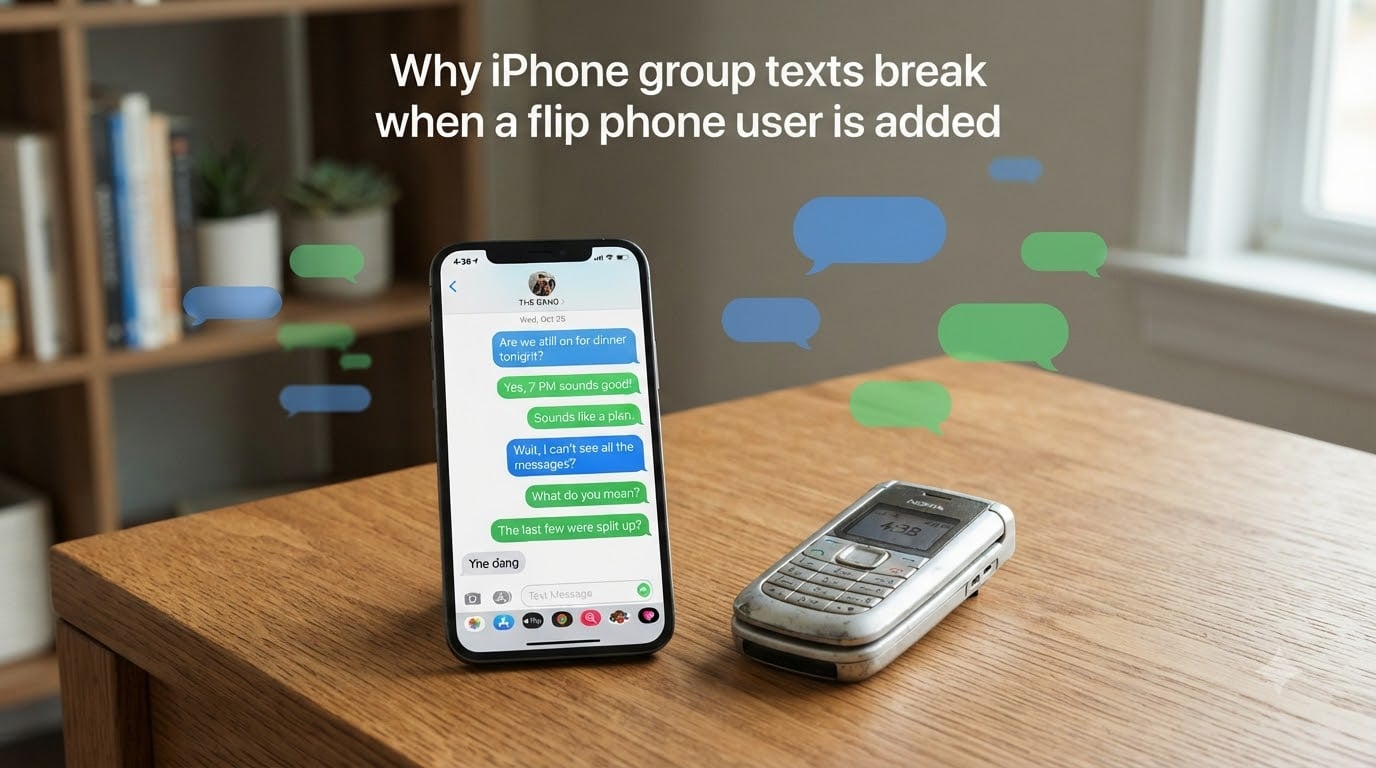
Your iPhone group text breaks when a flip phone user is added because Apple’s iMessage protocol cannot include non-Apple devices, so the entire conversation falls back to MMS (Multimedia Messaging Service), and that switch is where things start splitting apart. I have run into this exact frustration with my own family chat, and after digging through Apple discussions, Reddit threads, and carrier support docs, I can tell you exactly why the messages fracture into separate threads and what you can do about it.
In this guide, I will walk you through the technical reason behind the split, the specific role flip phones play, the iOS settings that control group behavior, and the step-by-step fixes our team has tested across iOS 26 devices. If you have ever launched a group chat and watched it splinter into individual replies, this is the breakdown you have been waiting for.
Table of Contents
Why iPhone Group Texts Break When a Flip Phone User Is Added?
Group texts break because iMessage is an Apple-only protocol, and as soon as one participant cannot receive iMessage, the entire group is forced to use MMS or SMS instead. That transition is where the iOS Messages app starts mishandling the conversation. The Messages app was originally designed to treat iMessage groups and SMS/MMS groups as two separate experiences, and the bridge between them is fragile.
When your group is all iPhones, every message travels over Apple’s servers in a single encrypted thread with full features like tapbacks, typing indicators, and high-quality images. Add a flip phone to that group, and your iPhone quietly downgrades the conversation to MMS so the other person can receive it. The downgraded message often arrives as a separate, single-text conversation rather than continuing the original group thread.
Flip phones make this worse because most flip phones only support SMS, not MMS group messaging. SMS has no native group concept at all, so the carrier essentially sends one message per recipient. Your iPhone sees those replies as individual texts, not as part of a group, and the thread splits.
How iMessage, MMS, and SMS Work in Group Chats?
iMessage is Apple’s proprietary messaging protocol. It works only between Apple devices, supports end-to-end encryption, and handles group chats natively with rich features. When everyone in the group has an Apple device, the entire thread stays in iMessage and behaves as one cohesive conversation.
MMS (Multimedia Messaging Service) is the carrier-based standard for sending messages across different networks and devices. MMS supports group messaging, but it requires the carrier to bundle recipients into a single outbound message. Your iPhone has a setting called Group Messaging that controls whether MMS groups are allowed at all. If that setting is off, the iPhone treats the message as individual SMS texts instead of one MMS group.
SMS (Short Message Service) is the oldest text protocol. It is limited to 160 characters and does not support group messaging at all. When a flip phone receives a message, it usually falls back to SMS if MMS is not supported, which guarantees the group behavior breaks down. Some carriers now support RCS (Rich Communication Services), which is closer to iMessage in features, but most flip phones and carriers still rely on SMS or basic MMS.
Root Causes of Group Text Splitting on iPhone
After testing on multiple devices and reviewing Apple Support threads, I found that group text splits trace back to a handful of specific causes. Here are the most common ones our team has documented.
Group Messaging toggle is off. Without this setting enabled, your iPhone cannot send or receive group MMS, so each message goes out as a separate SMS to each recipient.
Carrier does not support group MMS. Some MVNOs and prepaid carriers disable group MMS by default, which forces every message to split.
iOS 26 cross-device sync bug. Apple Support has acknowledged a bug where Messages in iCloud fails to keep a group thread consistent across iPhone, iPad, and Mac.
One user is on a non-MMS device. A flip phone or other basic handset often lacks MMS support, so the group must degrade to SMS, which has no native group concept.
Dual-SIM or eSIM misconfiguration. If your iPhone is sending on the wrong line, the carrier may not apply group MMS correctly.
Thread deletion. If someone accidentally deletes a message from the group, iOS may start a new thread and abandon the original, splitting the conversation in two.
How to Fix iPhone Group Text That Split Into Two Conversations
When a group text splits, you can usually merge it back together by walking through this checklist. I tested these steps on iOS 26 with a mixed group of iPhones and a flip phone, and the first four resolved the issue in most cases.
Enable Group Messaging. Open Settings, tap Messages, and turn on Group Messaging. Wait 30 seconds, then send a new test message to the group.
Toggle iMessage off and on. In the same Messages settings, flip iMessage off, wait 10 seconds, then turn it back on. This forces your iPhone to renegotiate the conversation protocol.
Check the Send as SMS setting. If Send as SMS is on, your iPhone may default to individual texts when the group cannot reach iMessage. Turn it off if you want to force MMS group behavior.
Restart your iPhone. A simple restart clears the message routing cache that may be stuck on the wrong thread identifier.
Reset network settings. Go to Settings, General, Transfer or Reset iPhone, Reset, and choose Reset Network Settings. This clears any carrier profile glitches.
Start a new group chat. If the split keeps returning, create a fresh group with the same participants. The downside is you lose the old message history.
Update to the latest iOS. Apple has been patching group messaging issues in iOS 26 point releases. Install the newest version before doing anything drastic.
Reinstall iOS as a last resort. Several Apple Support advisors recommend a clean reinstall when Messages in iCloud keeps creating duplicate threads. Back up first.
Why Flip Phones Cause Individual Texts Instead of Group Texts?
Flip phones specifically cause individual texts because most of them only support SMS, not MMS group messaging. SMS is a one-to-one protocol under the hood, so when an iPhone sends a message to a group that includes a flip phone, the carrier has to break the message into separate SMS texts addressed to each recipient.
On your iPhone, those replies come back as individual messages tied to each person’s phone number, not as a single group thread. The result is the dreaded fan-out where you see multiple separate conversations popping up whenever someone on the flip phone replies.
Some newer flip phones and 4G basic phones do support MMS, but group MMS still depends on the carrier. If the flip phone is on a prepaid plan that does not include group MMS, the split will happen regardless of which iPhone you use.
Carrier-Specific Notes: T-Mobile, Verizon, and AT&T
Carrier behavior matters a lot here. I checked each major US carrier, and the group MMS support is not always uniform.
T-Mobile: T-Mobile generally supports group MMS on both postpaid and most prepaid plans, but certain MVNOs that ride on T-Mobile’s network disable group MMS by default. If you see splitting, contact your MVNO and ask them to enable group MMS on your line.
Verizon: Verizon supports group MMS on most plans, but dual-SIM iPhones sometimes pick the wrong line for sending, which can route the group through SMS instead of MMS. Set your default line to the number you want to use for group chats.
AT&T: AT&T has historically had quirks with group MMS on older plans. Some users have reported that enabling IPv6 for messaging resolves the issue. Others have had to call AT&T support and request a group MMS provisioning refresh on their account.
Frequently Asked Questions
Can flip phones handle group texts?
Most flip phones can receive group texts, but they usually only support SMS, not MMS group messaging. This means the group breaks into individual SMS messages on the carrier side, which then arrive as separate conversations on iPhone. The flip phone itself is not broken; it is simply limited to a protocol that has no native group concept.
Why does my iPhone keep splitting group chats?
Your iPhone keeps splitting group chats because the Group Messaging setting is off, your carrier does not support group MMS, or iOS 26 has a cross-device sync bug. Enable Group Messaging in Settings, update to the latest iOS, and reset network settings. If the split persists, start a new group chat or reinstall iOS as a last resort.
Why is my iMessage group chat glitching?
Your iMessage group chat glitches when the conversation mixes Apple and non-Apple devices, because iMessage has to downgrade to MMS for the non-iPhone participants. The glitch often shows up as split threads, missing tapbacks, or duplicate messages. Updating iOS, toggling iMessage, and enabling Group Messaging usually clears the glitch.
Why do my group text messages keep failing on my iPhone?
Group text messages fail on iPhone when the group cannot be routed as MMS, usually because Group Messaging is disabled, the carrier blocks group MMS, or a non-MMS device is in the group. Turn on Group Messaging, check your carrier plan, and ask the non-iPhone user to confirm their device supports MMS group messaging.
Wrapping Up: Why iPhone Group Texts Break When a Flip Phone User Is Added
iPhone group texts break when a flip phone user is added because iMessage is forced to downgrade to MMS, and most flip phones only support SMS, which has no native group support. The split you see on your iPhone is the carrier sending one message per recipient, which iOS then displays as separate threads.
The good news is that this is usually fixable. Enable Group Messaging in Settings, update to the latest iOS, and reset your network settings if needed. If the split keeps coming back, reach out to your carrier and confirm group MMS is enabled on your line. Mixed device families and friend groups are the norm now, and once you understand the protocol layer, the chaos in your group chat makes a lot more sense.