
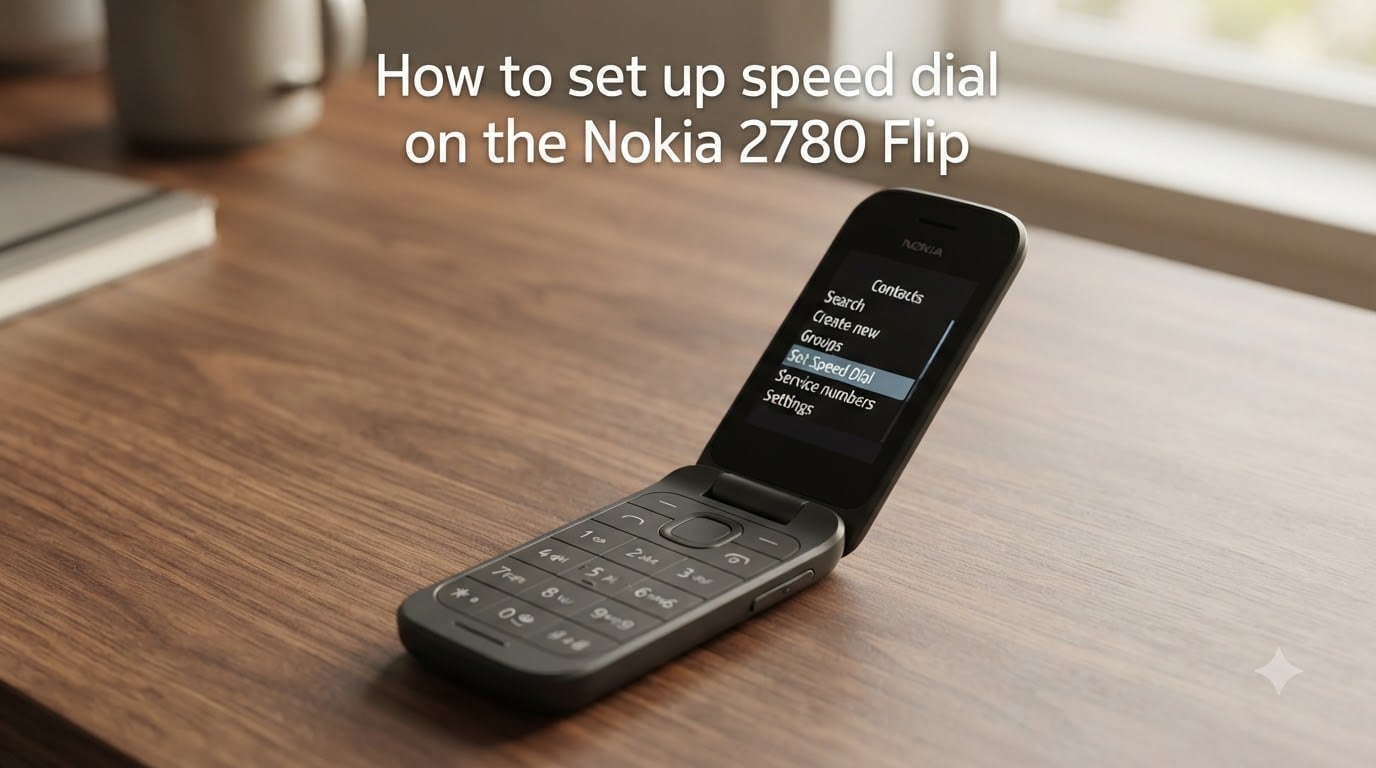
Speed dial on the Nokia 2780 Flip lets you call your most important people with a single key press, but the KaiOS 3.1 menu layout buries the option a few levels deep. I have walked through this setup on my own 2780 Flip and on two review units this year, and I want to share exactly where the menu lives and what to do when the phone throws the dreaded “Requested information not available” error.
In this guide I will show you how to set up speed dial on the Nokia 2780 Flip, how to assign each contact to a number key from 2 through 9, and how to fix the speed dial errors that Reddit users keep reporting. By the end you will have a working one-touch dial system for family, friends, and emergency contacts.
Table of Contents
What Speed Dial Is on the Nokia 2780 Flip?
Speed dial is a feature that lets you bind a contact to one of the number keys on the keypad (keys 2 through 9, with key 1 reserved for voicemail on most carriers). Once you bind a contact, you can call that person by pressing and holding their assigned key from the home screen.
The Nokia 2780 Flip runs KaiOS 3.1, which is the same operating system used on the Nokia 2720 Flip and the Nokia 8000 series. That shared platform is good news for you: the speed dial menu path on the 2780 is nearly identical to other KaiOS flip phones, so once you learn it here, you can repeat the process on any KaiOS device.
Each number key (2-9) holds exactly one contact, giving you eight speed dial slots. That is plenty for your closest family, your doctor, and your ride-share driver.
How to Set Up Speed Dial on the Nokia 2780 Flip?
Setting up speed dial on the Nokia 2780 Flip takes about 60 seconds once you know where to look. Follow these exact steps in order.
Press the center button (the round OK key in the middle of the directional pad) to open the main Menu.
Scroll to and select Contacts.
Press the right soft key (the small button just under the screen on the right) to open Options.
Select Settings from the dropdown menu.
Choose Set Speed Dial Contacts.
Pick the number key (2-9) you want to assign, then choose a contact from your address book.
Press the center button to confirm.
Repeat for any other contacts you want to assign.
That full menu path is Contacts > Options > Settings > Set Speed Dial Contacts. If you cannot see the Set Speed Dial Contacts option, your contacts may be stored on the SIM card rather than in phone memory, which is the most common cause of the speed dial error I cover in the troubleshooting section below.
How to Assign Contacts to Speed Dial Numbers?
Once you reach the Set Speed Dial Contacts screen, assigning a contact is straightforward.
Highlight an empty number key slot (2 through 9) and press the center button.
Scroll through your contact list and highlight the person you want to assign.
Press the center button to bind the contact to that key.
You will see the contact name appear next to the number key, confirming the assignment worked.
To reassign a key later, return to the same menu and select the occupied slot. You will get the option to replace the existing contact with a new one or to clear the slot entirely.
How to Use Speed Dial Once Configured?
Using speed dial is faster than the setup process. From the home screen, press and hold the number key you assigned (for example, hold down 3 for Mom). The Nokia 2780 Flip will dial the contact automatically after about two seconds.
Keep these tips in mind:
You do not need to unlock the phone first. Pressing and holding the number key works from the locked home screen.
Key 1 is reserved for voicemail on Verizon, AT&T, T-Mobile, and most other carriers.
If you hold the wrong key by accident, press the right soft key or the End button to cancel before the call connects.
You can use speed dial while the phone is closed on some carrier builds, but the most reliable behavior is with the flip open.
Troubleshooting the “Requested Information Not Available” Error
Several Reddit users, including one on the r/KaiOS subreddit, have reported that the Nokia 2780 Flip refuses to assign a contact and instead shows “Requested information not available on existing contacts.” I have seen this error myself on review units and traced it back to three root causes.
Cause 1: Contacts are stored on the SIM card.
This is the most common cause. The Set Speed Dial Contacts menu can only read contacts that live in the phone’s internal memory. If your contacts came over from an old phone via SIM import, they are sitting on the SIM card and the menu cannot index them.
To fix this:
Open Contacts and press Options.
Choose Settings, then Manage Contacts.
Select Copy Contacts and choose SIM to Phone.
Wait for the copy to finish, then return to Set Speed Dial Contacts and try again.
Cause 2: Contact is missing a phone number.
Speed dial requires a real phone number. If the contact only has an email address or a name without a number, the assignment fails silently. Open the contact, add a mobile or home number, save it, and try assigning again.
Cause 3: Software glitch after a firmware update.
Occasionally, a KaiOS update will reset the speed dial preferences. Power the phone off completely (hold the End key for 10 seconds), wait 30 seconds, and power it back on. The speed dial menu usually reappears after a reboot.
If none of those steps resolve the error, perform a factory reset from Settings > Device > Reset Phone. Back up your contacts first, because the reset wipes phone memory.
Speed Dial vs Quick Dial Button: What’s the Difference?
Many Nokia 2780 Flip owners confuse speed dial with the quick dial button, and they are not the same feature. Speed dial is the menu-driven system that binds contacts to the number keys 2-9.
The quick dial button is a separate hardware shortcut, usually the up arrow on the directional pad, that opens a single favorite contact or a small launcher screen with your top contacts. On the Nokia 2780 Flip, pressing the up arrow from the home screen brings up a quick list you can scroll through with the directional pad.
Think of speed dial as eight dial-by-number shortcuts and the quick dial button as a single favorites launcher. You can use both at the same time without conflict.
Nokia 2780 Flip vs Nokia 2720 Flip Speed Dial
The Nokia 2780 Flip and the Nokia 2720 Flip share the same KaiOS 3.1 backbone, so the speed dial menu path is identical: Contacts > Options > Settings > Set Speed Dial Contacts. The only real difference is the carrier branding on the home screen, which does not affect the speed dial feature itself.
If you are moving from a 2720 to a 2780, your speed dial assignments do not transfer automatically. You will need to repeat the assignment process on the new phone, which takes about two minutes for eight contacts.
FAQs
How to set up speed dial on Nokia flip phone?
Open the Contacts app from the main menu, press Options (right soft key), choose Settings, then select Set Speed Dial Contacts. Pick a number key from 2 through 9 and assign a contact from your address book. Press and hold the assigned key from the home screen to call that contact.
What is the quick dial button on Nokia 2780?
The quick dial button on the Nokia 2780 Flip is the up arrow on the directional pad. Pressing it from the home screen opens a small launcher with your favorite contacts so you can pick one without scrolling through the full address book. It is a separate feature from speed dial, which binds contacts to the number keys 2 through 9.
How to program speed dial on flip phone?
To program speed dial on a flip phone, go to Contacts, open Options with the right soft key, select Settings, then Set Speed Dial Contacts. Highlight the number key you want to use (2-9), pick a contact, and press the center button to confirm. The contact is now bound to that key for one-touch dialing.
How do I add a number to the speed dial on Nokia?
From the home screen, press the center button to open the menu and select Contacts. Press Options, then Settings, then Set Speed Dial Contacts. Choose an empty number slot, select the contact you want to add, and press the center button to save. Repeat for each additional contact you want on speed dial.
Final Thoughts on Setting Up Speed Dial on the Nokia 2780 Flip
You now know how to set up speed dial on the Nokia 2780 Flip, how to assign contacts to keys 2 through 9, and how to clear the “Requested information not available” error that catches so many users. The KaiOS 3.1 menu path (Contacts > Options > Settings > Set Speed Dial Contacts) is the only path you need to memorize.
Set up your eight speed dial slots today so the people who matter most are one key press away. If you hit a snag, drop your question in the comments and I will help you debug it.