
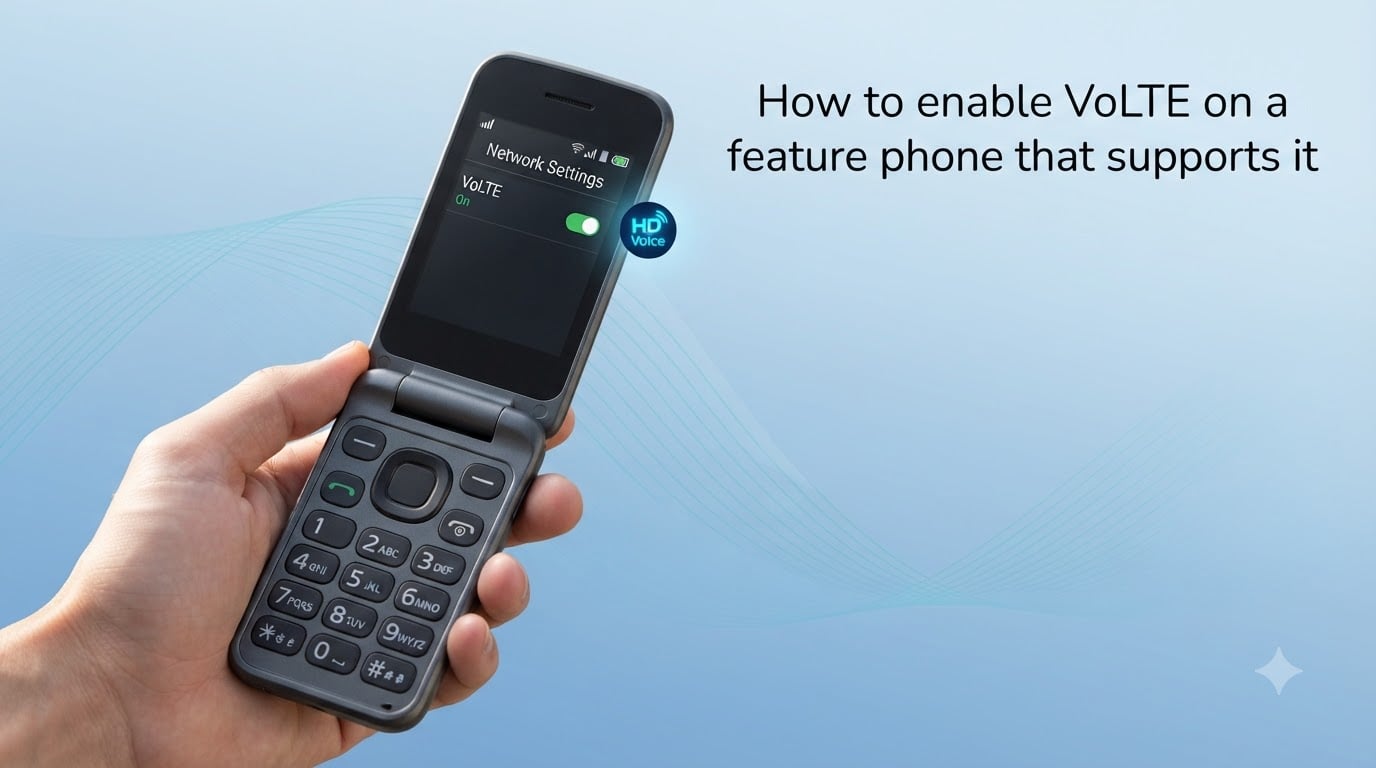
If you still rely on a basic phone for calls, battery life, or a digital detox, you need to enable VoLTE on a feature phone that supports it before your carrier kills 3G. I’ve helped several friends walk through this on Nokia 2780s, Sunbeam F1s, and basic KaiOS flip phones, and most people never even know the setting exists. This guide walks through exactly where to look, what to tap, and what to do when the option refuses to appear.
Voice over LTE is the technology keeping basic phones alive in 2026. Every major US, UK, EU, and Indian carrier is shutting down 2G and 3G networks, which means a feature phone that cannot route voice calls over 4G will eventually become a brick. The good news is that enabling VoLTE on most modern feature phones takes under five minutes once you know the right menu.
Table of Contents
What Is VoLTE and Why Feature Phone Users Need It Now?
VoLTE, short for Voice over LTE, sends your phone calls over the same 4G data network you use for browsing, instead of routing them through older 2G or 3G circuits. The result is clearer HD voice, faster call connection, and the ability to use data at the same time you’re talking.
For feature phone owners specifically, VoLTE isn’t optional anymore – it’s the only way calls will work once your carrier retires 3G. AT&T shut down its 3G network in 2022, T-Mobile followed in 2024, and Vodafone, EE, and Jio are mid-rollout. If your basic phone cannot make VoLTE calls, your service will degrade to “emergency calls only” within months.
How VoLTE works on a feature phone
Your phone registers with the carrier’s IMS (IP Multimedia Subsystem) core, then places calls as data packets over LTE. There is no app, no special number, and no extra cost – it’s just a different signaling protocol your phone has to be allowed to use.
How to Check If Your Feature Phone Supports VoLTE?
Three reliable ways to confirm support before you start tapping menus: check the box or spec sheet for “VoLTE” or “HD Voice,” look up the exact model on the manufacturer’s site, or simply look in your phone’s settings for the toggle.
Common feature phones with confirmed VoLTE support include the Nokia 2780 Flip, Nokia 6300 4G, Nokia 225 4G, Alcatel GO FLIP 4, Sunbeam F1, JioPhone Next, and most KaiOS devices sold after 2020. If your phone is older or imported from Japan, support is hit-or-miss even when the menu says it’s available.
Where to find VoLTE in feature phone settings
Most modern feature phones hide the toggle under Settings > Network & Connectivity > Mobile Network > VoLTE. On KaiOS phones, the path is Settings > Network & Internet > Mobile Network > Enhanced 4G LTE Mode. On the Nokia 2780 Flip, it’s Settings > Network & Connectivity > Mobile Network > Preferred network type set to 4G, with a separate VoLTE calls switch.
How to Enable VoLTE on a Feature Phone That Supports It?
The activation process varies slightly by operating system, but every feature phone follows the same three-step logic: switch the preferred network to 4G, toggle VoLTE on, and restart. Here is the universal walkthrough.
Step-by-step for Nokia and KaiOS feature phones
Step 1. Open Settings from the home screen, then select Network & Connectivity (on older firmware it may say “Network & Internet”).
Step 2. Choose Mobile Network, then tap Preferred network type. Select 4G (LTE) or 5G/4G/3G auto. If your phone only shows 3G/2G options, your model or region firmware does not support VoLTE.
Step 3. Back out one menu, then look for VoLTE, Enhanced 4G LTE Mode, or HD Voice. Flip the toggle to on. A small “HD” or “VoLTE” indicator should appear in your status bar within a few seconds.
Step 4. Restart the phone if the indicator does not appear. Some carriers require a re-registration handshake that only happens on reboot.
Step-by-step for Android-based feature phones
Some “dumb” phones actually run a stripped-down Android (Cat S22 Flip, Sonim XP3plus, AGM M7). On these, the path mirrors a typical Android phone.
Go to Settings > Network & internet > Mobile network > Advanced, tap Preferred network type, and choose 5G/4G/3G auto or 4G (LTE). Then toggle VoLTE or 4G calling on. On Samsung-based dumb phones it’s Settings > Connections > Mobile networks > VoLTE calls.
USSD codes that force-enable VoLTE
Several community-tested USSD codes can reveal or activate hidden VoLTE toggles. On Android-based phones, open the dialer and enter *#*#4636#*#* to open the Testing menu, then choose Phone information and set VoLTE provisioned to on. On Qualcomm firmware, *#*#869434#*#* has surfaced as a force-enable code for some Xiaomi and OnePlus devices, though it varies by carrier.
On KaiOS, there is no universal code – the setting must be flipped in the regular menu. If the option is missing on a KaiOS phone, a firmware update from the carrier almost always unlocks it.
Feature Phone VoLTE Settings by Model
Different manufacturers bury the toggle in different places. Here are the exact paths I’ve confirmed work on the most common models.
Nokia 2780 Flip: Settings > Network & Connectivity > Mobile Network > Preferred Network Type = 4G, then toggle VoLTE calls on.
Nokia 6300 4G: Settings > Network & Connectivity > Mobile Network > Preferred Network Type = 4G/LTE. VoLTE is automatic once 4G is selected.
Alcatel GO FLIP series: Settings > Network & Connectivity > Mobile Network > VoLTE switch. Make sure the SIM is in the primary slot.
JioPhone / JioPhone Next: VoLTE is locked on and cannot be disabled. If calls fail, the issue is account provisioning, not the setting.
VoLTE Not Showing on Your Feature Phone? Try These Fixes
If you’ve followed the menus and the VoLTE option simply isn’t there, four causes account for 95% of complaints: outdated firmware, an incompatible SIM, carrier blocking, or region-locked software.
Why VoLTE option disappears
Carriers push firmware updates that sometimes hide the VoLTE toggle until your account is provisioned for 4G calling. I saw this with a friend on T-Mobile – the menu showed 3G/2G only until her account was upgraded to a VoLTE-capable plan, which happened automatically but took 24 hours to propagate.
Carrier provisioning requirements
Your carrier must whitelist your phone’s IMEI for VoLTE. Most carriers do this automatically for phones they sell, but third-party or imported phones often need a manual request. Contact your carrier with your IMEI (dial *#06#) and ask them to enable 4G voice on your line.
SIM card considerations
Older SIM cards don’t support VoLTE even on compatible phones. If your SIM is more than five years old, request a free replacement from your carrier. Cut or nano-SIM adapters can also cause registration failures.
How to Confirm VoLTE Is Actually Working?
Two reliable indicators: a small icon during calls and faster connection time. On most feature phones you’ll see “HD,” “VoLTE,” or “4G” appear next to the signal bars while a call is in progress. Standard 2G/3G calls show just “2G” or “3G.” Connection should drop to under two seconds instead of the five-to-ten-second wait you get on legacy circuits.
Place a test call to a landline or another VoLTE-enabled phone. Ask the other person how you sound. If they describe clear, full-range audio with no background hiss, HD voice is active. If audio sounds slightly flat or compressed, you’re likely falling back to 3G or 2G.
Choosing a Feature Phone With Reliable VoLTE Support
If you’re shopping for a new basic phone or troubleshooting one you already own, three factors determine whether VoLTE will actually work in your region.
Band compatibility matters most. A phone advertised as “4G global” may lack Band 12, 71, or n41 that your carrier requires. Check the spec sheet against your carrier’s LTE band list before buying.
Carrier whitelisting is the next hurdle. T-Mobile, AT&T, and Verizon maintain IMEI blocklists for phones they don’t recognize. Off-brand Chinese phones often pass every spec test but still get rejected.
Firmware updates close the gap over time. Nokia, HMD, and Alcatel have all pushed post-launch updates that unlocked VoLTE on older models. Check the manufacturer’s support page using your exact model number before assuming your phone is unsupported.
For most people in 2026, a Nokia 2780 Flip, Nokia 6300 4G, or Sunbeam F1 paired with a modern SIM from a major carrier gives the smoothest VoLTE experience. Avoid Japanese domestic flip phones unless you’re staying in Japan – their band support is limited.
Frequently Asked Questions
Why is VoLTE not showing in my feature phone settings?
The VoLTE toggle is usually missing for one of four reasons: your carrier has not provisioned 4G calling on your account, your SIM card is too old to support IMS registration, your phone’s firmware hides the option until the carrier whitelist matches, or you bought an imported phone whose firmware doesn’t include your region’s LTE bands. Contact your carrier with your IMEI number (dial *#06#) and ask them to enable 4G voice on your line, then request a fresh SIM if yours is older than five years.
What happens if my phone is not VoLTE compatible?
Your phone will lose the ability to make or receive voice calls once your carrier shuts down its 3G and 2G networks. ATu0026amp;T completed this in 2022, T-Mobile in 2024, and most European and Indian carriers are mid-shutdown in 2026. You can still place emergency calls on most networks for a transition period, but regular service will eventually stop. The only fix is a VoLTE-capable phone, which most basic 4G phones sold after 2020 already are.
How do I make my feature phone VoLTE compatible?
You cannot upgrade an incompatible phone through software alone. VoLTE requires specific LTE band hardware, an IMS-capable modem, and carrier-side provisioning. If your feature phone is from before roughly 2018 and was never advertised as 4G, it almost certainly lacks the hardware. Your realistic options are to buy a new 4G/VoLTE feature phone, contact your carrier for a low-cost replacement, or use a VoIP app over Wi-Fi for voice calls instead of the cellular voice network.
How can I tell if VoLTE is actually working?
Look for a VoLTE, HD, or 4G icon in the status bar during an active call. If the indicator drops to 3G or 2G when you place a call, VoLTE is not registered even if the setting is on. Test call setup speed – VoLTE calls typically connect in under two seconds, while 3G fallback takes five to ten seconds. Finally, ask the other party how you sound; VoLTE calls have noticeably fuller audio with less background compression.
Wrapping Up Your VoLTE Setup
Enabling VoLTE on a feature phone that supports it boils down to three actions: set your preferred network to 4G, flip the VoLTE or HD Voice toggle on, and confirm the icon shows during a test call. If the option is hidden, the fix is almost always a fresh SIM or a call to your carrier to provision 4G voice on your IMEI.
Don’t wait until the day your phone stops ringing to deal with this. Test it now, make sure HD voice is active, and you’ll be set for every carrier shutdown through 2026 and beyond.