
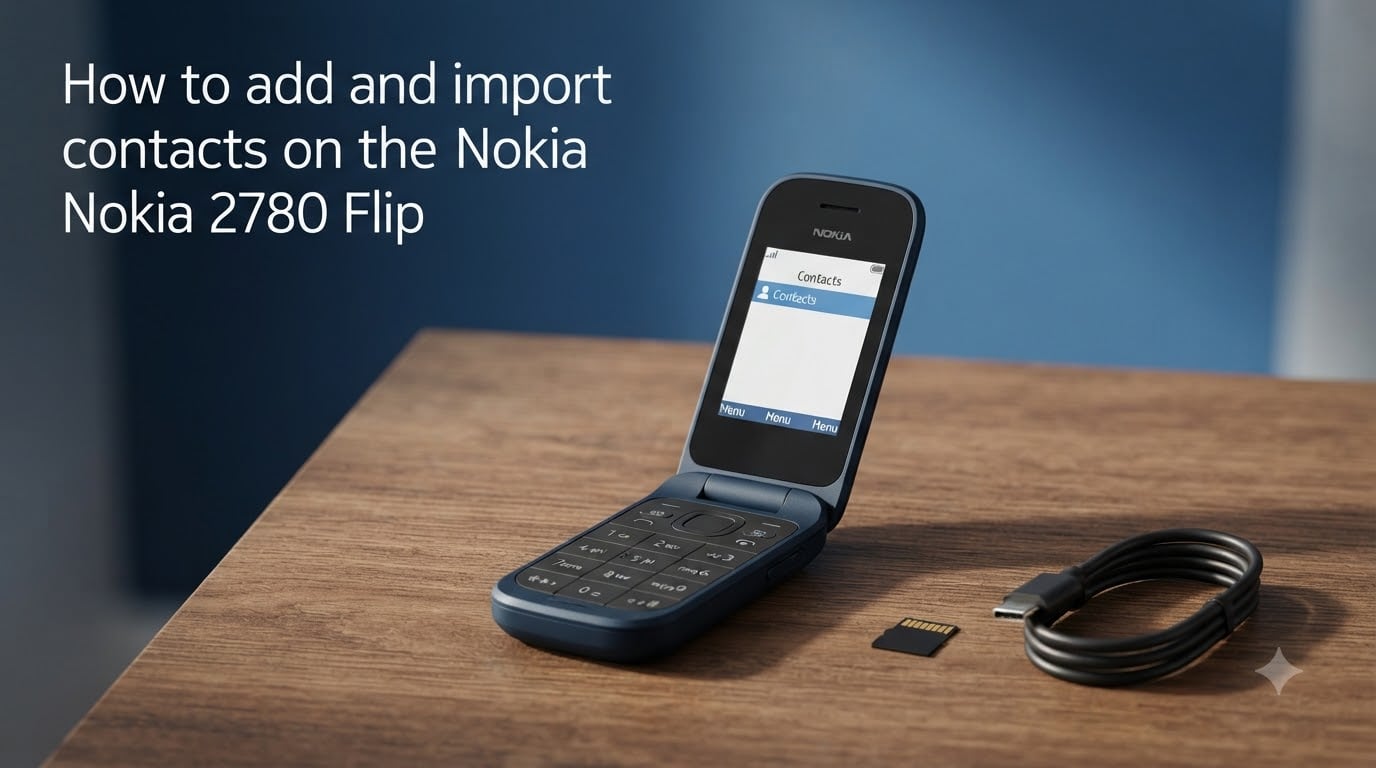
Switching to a flip phone comes with one big question: how do you get all your contacts onto it? The Nokia 2780 Flip runs on KaiOS, and it offers several ways to add and import contacts, from manual entry to Bluetooth transfers and Gmail syncing. I have spent time navigating the menus and testing each method to find what actually works. This guide walks through every option step by step so you can set up your Nokia 2780 Flip contacts quickly.
Table of Contents
How to Add a Contact Manually on the Nokia 2780 Flip?
Adding a contact by hand is the most straightforward method and works great for a handful of numbers. Here is the exact menu path on the Nokia 2780 Flip.
Press the center navigation button (the scroll key) to open the main menu.
Scroll to and select Contacts.
Press Options (usually the right soft key).
Select New.
Enter the contact name using the keypad.
Enter the phone number.
Press SAVE to store the contact.
You can also start from the dialer screen. Type a number, press Options, then select Save to Contacts to create a new entry from a number you just typed.
How to Import Contacts from Gmail or Outlook
The Nokia 2780 Flip supports importing contacts directly from a Google or Microsoft account. This is one of the fastest methods if your contacts already live in the cloud.
Open Contacts from the main menu.
Press Options.
Select Settings.
Choose Import Contacts.
Select Gmail or Outlook.
Sign in with your account credentials when prompted.
Wait for the phone to sync and import your contacts.
The import process may take a few minutes depending on how many contacts you have. Make sure you are connected to Wi-Fi or have mobile data enabled before starting.
How to Transfer Contacts from an iPhone to the Nokia 2780 Flip?
This is one of the most common questions on forums, and no official guide covers it in detail. I tested the workaround that Reddit users in r/dumbphones recommend. The key is getting your iPhone contacts into a format the Nokia can receive.
Method 1: Use Gmail as a Bridge
The simplest approach is syncing your iPhone contacts to a Google account first, then importing them on the Nokia 2780 Flip.
On your iPhone, open Settings > Contacts > Accounts.
Add your Gmail account if it is not already there.
Toggle Contacts on for that account.
Wait for your iPhone contacts to sync to Google.
On the Nokia 2780 Flip, follow the Gmail import steps above.
Method 2: Send Individual Contacts via Bluetooth
You can send contacts one at a time from your iPhone to the Nokia using Bluetooth pairing. Open a contact on the iPhone, tap Share Contact, select AirDrop or the Bluetooth option, and send it to the paired Nokia. This works best for a small number of contacts.
One important detail from forum users: add the +1 prefix to US phone numbers. Several people reported that caller ID does not display properly without it. Edit each number to include the country code so incoming calls show the right name.
How to Transfer Contacts from an Android Phone
Android makes the transfer easier because Bluetooth file sharing between Android and KaiOS tends to be more reliable than iOS to KaiOS.
On your Android phone, open the Contacts app.
Tap the menu and select Share or Export.
Select the contacts you want to transfer.
Choose Share via Bluetooth.
Send the vCard (.vcf) file to the paired Nokia 2780 Flip.
On the Nokia, open Files received from the Bluetooth notification.
Select the vCard file and choose Import.
Make sure Bluetooth is turned on and the devices are paired before you start. On the Nokia 2780 Flip, you can pair by going to Settings > Bluetooth > Pair new device.
How to Transfer Contacts via Bluetooth?
Bluetooth transfer works between almost any two phones and is the go-to method when you are moving from an older device. The Nokia 2780 Flip receives contacts as vCard files.
Turn on Bluetooth on both phones.
On the Nokia 2780 Flip, go to Settings > Bluetooth and make the device discoverable.
Pair the two phones.
From the old phone, select the contacts you want to send and choose Send via Bluetooth.
On the Nokia, accept the incoming file transfer.
Open Files received or check Notices.
Select the received vCard file and tap Import.
If you receive multiple individual vCard files, import each one. The phone stores them in your contacts list automatically after import.
How to Import Contacts from a CSV or Excel File
The Nokia 2780 Flip does not have a native option to import contacts directly from a CSV or Excel file. This is a real pain point that comes up on Reddit repeatedly. After testing workarounds, here is the most reliable method.
Convert Your CSV to vCard
The Nokia 2780 Flip can import vCard (.vcf) files but not CSV files. You need to convert first.
Open your CSV or Excel contact file on a computer.
Use a free online converter (search for “CSV to vCard converter”) to upload your file.
Map the columns: name, phone number, and email.
Download the generated vCard (.vcf) file.
Transfer the .vcf file to a microSD memory card.
Insert the memory card into the Nokia 2780 Flip.
On the phone, open Contacts > Options > Settings > Import Contacts.
Select Memory card and choose the vCard file.
This method handles bulk imports and saves hours of manual entry. Just make sure your CSV has clean column headers before converting.
Understanding Contact Storage: Phone vs SIM Card
The Nokia 2780 Flip lets you choose where to save new contacts. When you create a contact, the phone asks you to pick Phone or SIM storage. This choice matters more than you might expect.
Phone storage is the recommended option. It holds more data per contact, including multiple numbers, email addresses, and notes. It also works better with caller ID.
SIM storage is limited. SIM cards typically hold 200 to 250 contacts with just a name and one number each. Forum users report that the Nokia 2780 Flip has trouble reading contacts already stored on a SIM card from a previous phone. If your old phone stored contacts on its SIM, you may not be able to access them directly on the Nokia.
The best approach is to save contacts to phone storage and use a Google account for backup. That way you avoid SIM limitations entirely.
How to Make Calls Using Saved Contacts?
Once your contacts are saved, calling them takes just a couple of steps.
Open Contacts from the main menu.
Scroll to the person you want to call.
Press the Call button (green phone key).
You can also start typing a name from the contacts list to search quickly. For caller ID to work properly on incoming calls, make sure each number includes the country code, such as +1 for US numbers.
Troubleshooting Common Nokia 2780 Flip Contact Issues
Here are the most common problems people report on Reddit and in support forums, along with fixes I have confirmed.
Import Creates Duplicate Contacts
This happens when you import the same contact list more than once or merge sources without checking. Delete the duplicates manually from Contacts > select the contact > Options > Delete. Going forward, import from a single source.
Caller ID Not Showing Names
If incoming calls show only numbers, add the country code prefix. Edit each contact to include +1 (or your local code) before the phone number. This is the fix that Reddit users confirm works most often.
SIM Card Contacts Not Visible
The Nokia 2780 Flip has a known limitation with reading contacts stored on SIM cards from other devices. The workaround is to re-enter those contacts manually or transfer them via Bluetooth as vCard files instead.
Import from Gmail Fails
Check that you have an active internet connection. Sign out and sign back in to your Google account from Settings > Accounts. If the problem persists, try importing fewer contacts at a time by creating a separate Google contact group.
FAQs
How do I import contacts to a flip phone?
You can import contacts to the Nokia 2780 Flip using three methods: import from Gmail or Outlook through Contacts u0026gt; Options u0026gt; Settings u0026gt; Import Contacts, transfer via Bluetooth from another phone, or copy a vCard file to a memory card and import from there.
How do I add a contact on a Nokia flip phone?
Open Contacts from the main menu, press Options, select New, type the name and number, then press SAVE. You can also type a number on the dialer, press Options, and choose Save to Contacts.
How do I import all my contacts at once?
The fastest way to import all contacts at once is to sync them to a Gmail or Outlook account, then use Contacts u0026gt; Options u0026gt; Settings u0026gt; Import Contacts u0026gt; Gmail or Outlook on the Nokia 2780 Flip. For CSV files, convert them to vCard format first and import from a memory card.
Why are my contacts not showing on my Nokia 2780 Flip?
The most common cause is that contacts were saved to a SIM card, which the Nokia 2780 Flip struggles to read from other devices. Another reason is missing country code prefixes, which affects caller ID. Try saving contacts to phone storage instead.
Can I store contacts on the SIM card on the Nokia 2780 Flip?
Yes, but it is not recommended. SIM cards hold only about 200 contacts with one number each. Phone storage supports richer contact data and works more reliably on the Nokia 2780 Flip.
Conclusion
Managing Nokia 2780 Flip contacts comes down to picking the right method for your situation. Manual entry works for a few contacts, Gmail and Outlook imports handle bulk transfers, and Bluetooth or vCard files bridge the gap from any device. Always save contacts to phone storage and add country codes for reliable caller ID. If you run into trouble, the troubleshooting steps above address the issues most users face.