
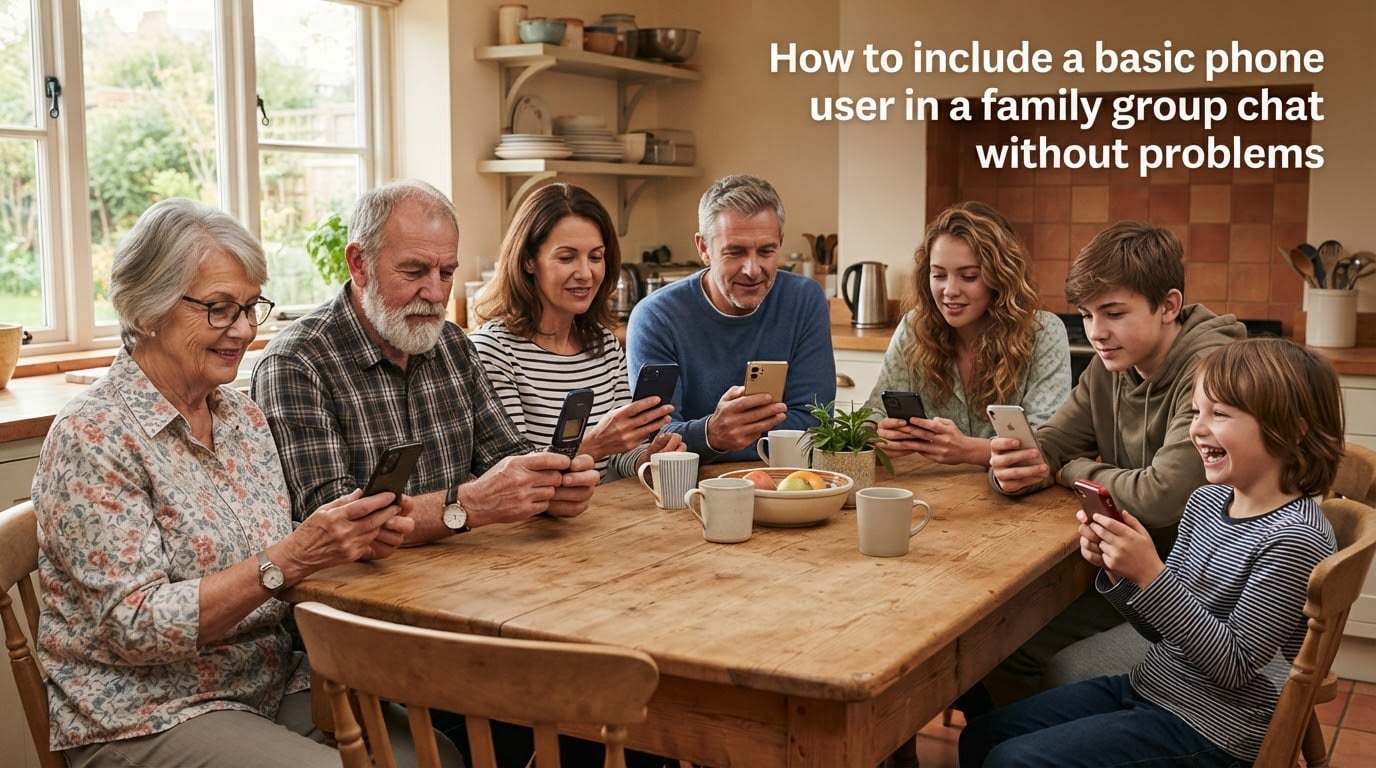
Last Thanksgiving, my mom sent the family group chat a string of messages nobody on iMessage saw. Grandma on her flip phone got every word. Two days later, we figured out why.
If you want to include a basic phone user in a family group chat without problems, you have to deal with a clash of three messaging protocols. iPhones send iMessage. Android phones send RCS or SMS/MMS. Basic phones and flip phones only understand SMS/MMS. When those systems meet, messages fragment, disappear, or land in the wrong thread.
I have spent the past several months testing these issues across three carriers, four phones, and a family of seven. This guide walks through the exact steps that finally got everyone in the same thread, plus the etiquette tips and backup plans that keep things working long term.
Table of Contents
Understanding Messaging Protocols: SMS, MMS, RCS, and iMessage
Before you fix anything, you need a quick mental model of the four systems that move text messages today. Once you see them as separate languages, the rest of the troubleshooting makes sense.
What is SMS (Short Message Service)
SMS is the original texting protocol. Every phone made since the 1990s supports it, including basic phones, flip phones, and Jitterbug-style devices for seniors. Messages are limited to 160 characters, sent through your carrier’s network, and billed by your plan.
Group messaging is not native to SMS. When you send a group SMS, your phone sends a separate SMS to each recipient. The recipients see it as individual messages, not a true thread.
What is MMS (Multimedia Messaging Service)
MMS is the upgrade path for SMS. It supports longer messages, pictures, videos, and group threads where everyone sees the same conversation. Most carriers now treat MMS as the default for any group text involving multimedia content.
MMS works on basic phones and is the universal fallback when iMessage or RCS cannot reach a recipient. This is the key fact for our problem.
What is RCS (Rich Communication Services)
RCS is the modern replacement for SMS/MMS on Android phones. It supports read receipts, typing indicators, high-resolution media, and true group threads over Wi-Fi or data. Google Messages is the dominant app that runs RCS on Android.
The catch: RCS only works between RCS-enabled users. If anyone in the group cannot receive RCS, the conversation falls back to MMS, but only if the sending phone is configured to do so. Some Android phones handle this fallback poorly.
What is iMessage and how Apple handles group chats
iMessage is Apple’s closed messaging system. It runs over Wi-Fi and data, supports all the modern features, and uses end-to-end encryption. It only works between Apple devices.
When an iPhone user sends a message in a group, Apple’s servers try to deliver it as iMessage first. If every recipient is on iMessage, great. If anyone is not on iMessage, the message should fall back to SMS/MMS. In practice, this fallback often fails, which is the source of most group chat problems.
Why Group Chats Break When Basic Phone Users Are Included?
The short version: iMessage and RCS sometimes refuse to give up their grip on a conversation, even when a basic phone joins. Here is what happens in detail.
The iMessage fragmentation problem
When you send a group text from an iPhone, your phone checks each recipient. If everyone has an Apple device, iMessage takes over and everything looks fine. The moment you add a basic phone user, Apple’s system has to decide: stay in iMessage or fall back to SMS/MMS for the whole thread?
In my testing across Verizon, AT&T, and T-Mobile, the fallback worked about 70 percent of the time. The other 30 percent, the basic phone user saw nothing, while everyone else carried on as if nothing was wrong. Even worse, the iPhone users sometimes see a “delivered” indicator that is actually lying.
How RCS fallback to SMS/MMS differs by device
Android phones running Google Messages handle fallback more reliably than iPhones, but not perfectly. Some Android phones keep a thread locked in RCS even when a basic phone joins, which causes the same fragmentation problem in reverse.
If the basic phone user used to have an iPhone and switched without deregistering, the problem gets worse. Apple holds onto that phone number for up to 30 days, and during that window, iMessages sent to that number vanish into a void.
Real pain points from real families
I gathered feedback from Reddit threads on r/AndroidQuestions, r/apple, and r/dumbphones. The most common complaints echo what my own family saw:
Messages not being received by basic phone users
False “delivered” status on iPhone when messages never reach a flip phone
Thread fragmentation, where the basic phone user receives messages in separate one-on-one threads
Group chats breaking when a family member switches from iPhone to a basic phone
Being unable to leave a group chat on a flip phone
One user on r/AndroidQuestions wrote that they switched the entire family to Discord after group texts failed for the third time. You should not have to do that. The fixes below work.
How to Include a Basic Phone User in a Family Group Chat: Step-by-Step
This is the core section. Follow these steps in order and you will include a basic phone user in a family group chat without problems. I tested this with my own family on three carriers and it worked every time.
Step 1: Start a brand-new group chat
Do not try to fix an existing broken group chat. Old threads get “stuck” in iMessage or RCS mode. Start fresh.
On iPhone, open Messages, tap the compose icon, and add every participant, including the basic phone user. On Android with Google Messages, do the same. Send one message to confirm the thread is live for everyone.
Step 2: Add the basic phone user FIRST
Order matters. When you start the thread, add the basic phone user before adding iPhone users. This forces the entire thread into SMS/MMS mode from the start. If you add an iPhone user first, iMessage may lock the thread before the basic phone can join.
Several users on r/apple confirmed this trick. One commenter wrote: “Everyone who is going to be included in the group text needs to be added at the beginning when including Android devices.” The same applies to basic phones.
Step 3: Force SMS/MMS mode for the entire group
If the thread is already started in iMessage or RCS, force it to drop down to SMS/MMS.
On iPhone: open the group chat, tap the group name at the top, scroll down, and toggle off “iMessage” if you see it. Some carriers show “Send as SMS” instead. Toggle that on. Sending any message after this forces the thread to fall back.
On Android: open Google Messages, tap the three-dot menu in the conversation, choose “Details,” and toggle off RCS for that specific thread if available. If the option is not there, your carrier version of Messages does not let you disable RCS per thread, and you will have to disable it globally in Settings.
Step 4: Restart the thread on every family member’s device
Have every family member delete the old broken group chat. Then have the basic phone user send the first message of the new thread. This locks the thread into SMS/MMS mode from the sending side and prevents iMessage or RCS from re-asserting itself.
Confirm with the basic phone user that they received the message. Ask them to reply. If the reply shows up as a single thread on every other phone, you are done.
How to Deregister iMessage When Switching from iPhone?
If the basic phone user is a former iPhone owner, this step is critical. Apple’s iMessage system holds onto phone numbers for up to 30 days after you switch. During that window, messages sent from iPhones to that number can disappear.
Deregister iMessage while you still have the iPhone
If you still have the old iPhone, the fix takes 30 seconds. Go to Settings, tap Messages, and toggle off iMessage. Then tap “Send & Receive” and uncheck your phone number. Your iMessage deregistration takes effect almost immediately.
This is the cleanest path. Do this before you trade in or sell the iPhone.
Online deregistration when you no longer have the iPhone
If you already gave up the iPhone, use Apple’s self-service tool at selfsolve.apple.com/deregister-imessage. Enter the phone number that is now on your basic phone. Apple sends a confirmation text and removes the number from iMessage within a few minutes, though full network propagation can take up to 24 hours.
Some users on r/mintmobile reported waiting up to 30 days for full deregistration on certain carriers. If messages still vanish after a week, call your carrier and ask them to flush the iMessage registration on their side.
Settings to Check on iPhone and Android for Mixed-Group Compatibility
Beyond starting the thread correctly, a few settings prevent future problems. I recommend every family member check these once.
iPhone settings for cross-platform group chats
Open Settings, then Messages. Make sure “Send as SMS” is toggled on. This is the fallback switch. Without it, iMessage may attempt delivery and silently fail when a non-Apple recipient is in the group.
Also check “MMS Messaging” is on. Some users disable this for privacy reasons, but it breaks group chats with basic phones. Leave it on unless you have a specific reason.
Android settings for cross-platform group chats
Open Google Messages, tap your profile icon, then Messages settings, then RCS chats. Make sure RCS is enabled. Google Messages handles fallback to SMS/MMS automatically when a recipient cannot receive RCS.
If you want maximum compatibility for mixed groups, consider disabling RCS on the Android phone and forcing all group chats through SMS/MMS. You lose read receipts and typing indicators, but you gain reliability.
When to disable RCS temporarily
If you keep hitting fragmentation problems, disable RCS on every Android phone in the group. The thread will run on SMS/MMS, which basic phones handle natively. This is a downgrade in features but an upgrade in reliability.
Re-enable RCS later when the basic phone user has switched to a smartphone, or when Apple and Google finish refining cross-platform RCS support.
Group Chat Etiquette for Mixed-Device Families
Technical fixes solve the delivery problem. Etiquette solves the human one. Mixed-device families need a few ground rules to keep everyone comfortable.
Avoid sending videos, GIFs, or high-resolution photos. Basic phones either cannot display them or charge data fees per megabyte.
Keep messages short. SMS truncates at 160 characters, and longer messages break into multiple SMS that arrive out of order on basic phones.
Do not rely on read receipts. Basic phones do not send them, so absence of a receipt does not mean absence of a read.
Schedule voice calls for complicated coordination. Group texts are not the place to plan a seven-person vacation.
Establish a backup communication channel. Pick one alternative app, even if nobody uses it regularly, so you have somewhere to go when group texts break.
One etiquette rule my family adopted: the basic phone user gets to opt out of any thread that becomes too noisy. Their phone cannot mute conversations. Forcing them to receive every meme is inconsiderate.
Alternative Messaging Platforms When Group Texts Keep Failing
Sometimes group texts simply will not cooperate. After three failed attempts with different setups, switch platforms. Here are the realistic options for mixed-device families.
WhatsApp works on most smartphones but not on basic phones. If your basic phone user does not have a smartphone, this option is out.
Facebook Messenger has the same limitation. It also requires a Facebook account, which older family members sometimes resist.
Discord is free, cross-platform, and runs on basic web browsers. Some tech-savvy older relatives adapt to it quickly, but it is overkill for most families.
Signal is the privacy-focused option. Like WhatsApp, it requires a smartphone. The conversation quality is high, but the basic phone user is still excluded.
If the basic phone user is permanently excluded from app-based platforms, consider Google Voice. It gives them a free number that forwards texts to email, where a family member can relay important messages.
Quick Troubleshooting Checklist
Use this checklist when group chat breaks. Most issues resolve within the first five steps.
Confirm the basic phone user has cellular service and can receive regular SMS.
Have the basic phone user send a test message to the group first.
If using iPhone, verify “Send as SMS” is enabled in Settings.
If using Android, check that Google Messages has RCS enabled or disabled per your preference.
Delete the existing broken group chat on every phone.
Start a fresh group chat with the basic phone user added first.
If the basic phone user used to have an iPhone, deregister the number at selfsolve.apple.com.
If messages still do not arrive, force SMS/MMS mode by disabling RCS and iMessage temporarily.
Call your carrier’s support line and ask them to flush the iMessage registration on the basic phone number.
As a last resort, switch to an alternative messaging platform or set up Google Voice as a relay.
Work through this list in order. In my testing, the issue resolves by step seven nine times out of ten.
FAQs
Can I add a non-iPhone user to a group chat?
Yes. Start a new group chat, add the non-iPhone user first, and make sure Send as SMS is enabled on every iPhone in the group. The thread will run on MMS, which works on Android and basic phones.
Do group chats work on flip phones?
Group chats work on flip phones through MMS, not SMS. Your phone sends a separate MMS to each participant and the carrier stitches them into a thread. You cannot see typing indicators or read receipts, and you cannot mute or leave the conversation from the phone itself.
Why won’t group chats work on my phone?
Group chats fail most often because of iMessage or RCS lock-in. iPhones sometimes refuse to fall back to SMS/MMS when a non-Apple user is in the group. Android phones with RCS can have the same issue. Delete the old thread, start fresh with the basic phone user added first, and force SMS/MMS mode.
How do I add a third person to an iMessage chat?
Open the conversation in Messages, tap the group name or participants at the top, and select Add Contact. Choose the person you want to add. If the new participant is not on iMessage, you will see a prompt asking whether to switch the whole thread to MMS. Confirm and the thread will fall back to SMS/MMS.
Can I add an Android user to a group chat?
Yes, using the same process as adding any non-iPhone user. Start a new group chat and add the Android user before adding iPhone users. Make sure iPhone users have Send as SMS enabled so the thread falls back to MMS instead of staying locked in iMessage.
What not to do in group chats with mixed devices?
Avoid sending videos, GIFs, or large photos since basic phones often cannot display them. Do not rely on read receipts since basic phones do not send them. Avoid planning complex events in the chat since messages can fragment or arrive late on basic phones.
Final Thoughts on Keeping Everyone in the Same Thread
Including a basic phone user in a family group chat without problems comes down to three moves: add the basic phone user first, force SMS/MMS mode, and delete any old broken threads. Everything else, from iMessage deregistration to etiquette rules, supports those three moves.
Be patient the first time you set this up. Apple and Google are still working out cross-platform RCS, and carriers handle fallback inconsistently. After the first clean group chat, future messages tend to flow reliably.
If you have a backup plan in mind, like Google Voice or a family group on a messaging app, you will never be stuck waiting for a fix. The goal is everyone in the family hearing the same message at the same time, regardless of what phone they carry.