
Switching carriers should be a 15-minute process: pick a plan, port your number, pop in a new SIM card, done. But I have heard from dozens of readers who hit a wall the moment that new SIM slid into the tray. Nothing happens. No service. The phone laughs at their new provider and refuses to connect. The culprit is almost always a carrier lock they didn’t know was there. Knowing how to check whether your phone is carrier-locked before switching saves you hours of frustration and avoids buying the wrong plan. In this guide I’ll walk you through every reliable method I have tested, on iPhone, Android, and even without access to the phone’s original carrier.
Table of Contents
What Is a Carrier-Locked Phone?
A carrier-locked phone is a device that has been software-restricted to work only on a single carrier’s network. When a carrier subsidizes the cost of a phone (or sells it on an installment plan), they add a software lock tied to the phone’s IMEI number. That lock tells the device: “Reject any SIM card that isn’t ours.”
Unlocking removes that restriction. An unlocked phone accepts SIM cards from any compatible carrier, both domestically and internationally. It is the same hardware, the same antennas, the same phone you already know, just without the electronic leash.
Why Carriers Lock Phones
The reason is purely financial. A flagship phone costs hundreds of dollars more than most people pay upfront. Carriers recover that subsidy by keeping you on their network for a contract term (usually 24 to 36 months). The lock guarantees they get their money back. Once the contract is fulfilled, or the device is fully paid off, most carriers will unlock the phone for free on request.
Factory Unlocked vs Carrier Unlocked
This distinction trips up a lot of buyers, and most articles gloss over it. A factory unlocked phone was never locked in the first place. Apple sells these directly, Samsung does too, and the model number ends in a code like “LL” or “ZA” (e.g., iPhone 16 Pro LL/A). A carrier unlocked phone was once locked but has since been released by its original carrier. Functionally they’re identical today, but a factory unlocked device often has broader international band support and updated firmware free of carrier bloatware.
How to Check iPhone Unlock Status?
Apple made this extremely easy on iOS 14 and later. The answer lives four taps away in your Settings app. I tested this on an iPhone 15 running iOS 18, on an iPhone 12 on iOS 17, and on a hand-me-down iPhone XR on iOS 16. Same result every time.
Step-by-Step iPhone Method
Step 1. Open the Settings app on your iPhone.
Step 2. Tap General.
Step 3. Tap About.
Step 4. Scroll down to the Network section, then look for “Carrier Lock.”
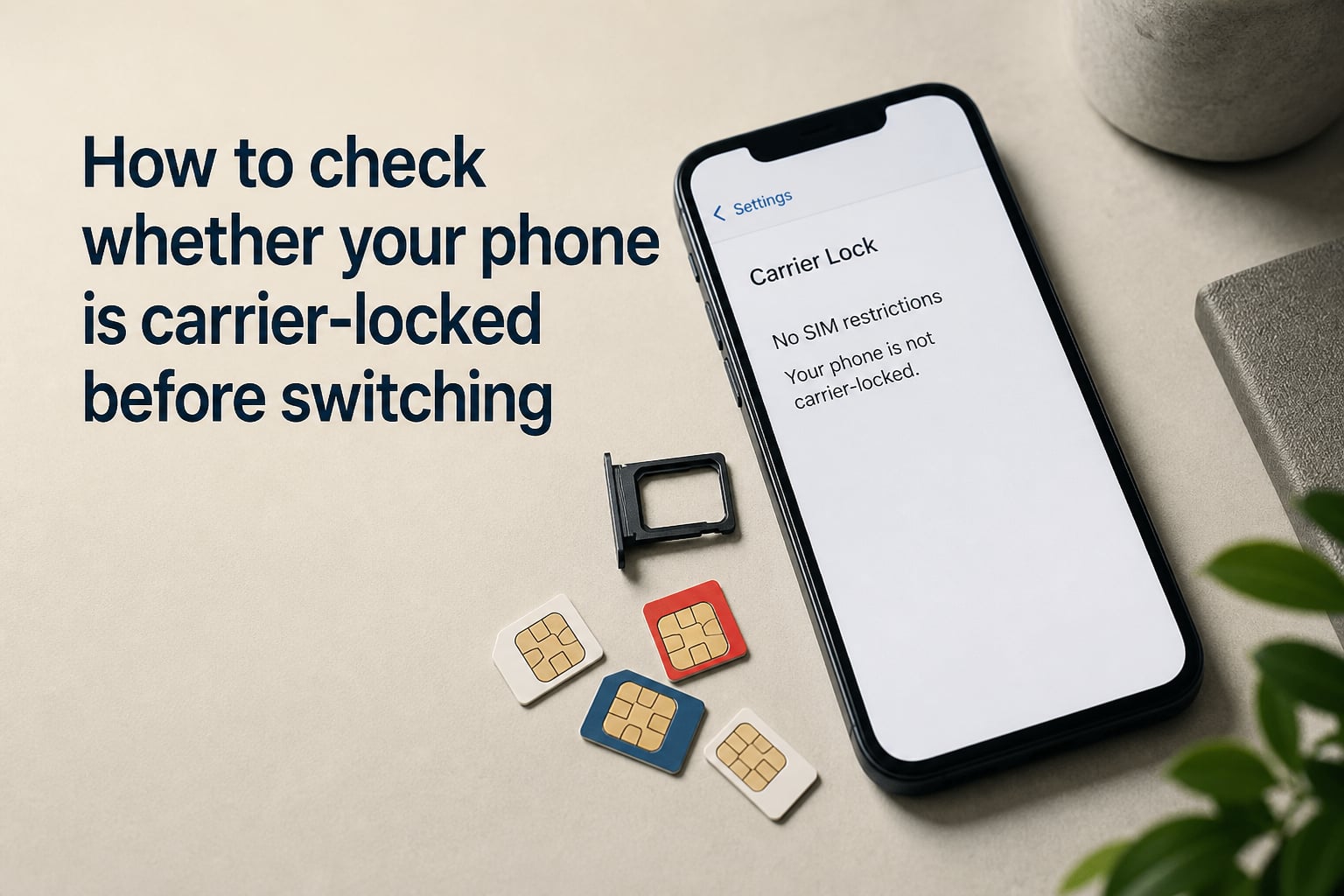
If you see “No SIM restrictions” next to Carrier Lock, your iPhone is fully unlocked. If you see the name of a carrier (e.g., “AT&T,” “T-Mobile,” “Verizon”), your phone is locked to that network. Some listings will show “Carrier Lock: SIM Locked” with a specific carrier name. That is your confirmation.
Why This Method Works Even Without a SIM Installed
The iOS Settings menu reads the lock state directly from firmware, not from an inserted SIM. So you can verify before you ever swap your card. This is the single best answer to the question “how do I check if my iPhone is carrier locked or not?” because it does not require a second SIM, a trip to a carrier store, or any third-party tool.
How to Check Android Unlock Status?
Android has a slightly different path because the menu structure varies by manufacturer (Samsung, Pixel, OnePlus, Motorola all use their own skins). But the underlying logic is the same: your phone can perform a manual network search to test whether it accepts foreign carriers.
Step-by-Step Android Method
Step 1. Open Settings, then tap Connections (or Network & Internet on Pixel devices).
Step 2. Tap Mobile Networks.
Step 3. Tap Network Operators and turn off the toggle that says “Select Automatically.”
Step 4. Your phone will scan for all available networks. Locked phones will only display their original carrier. Unlocked phones will show every carrier your hardware supports.
If multiple networks appear, your phone is unlocked. If only your original carrier appears, the device is locked. I tested this on a Samsung Galaxy S23 on T-Mobile and a Google Pixel 8 on Verizon. Both showed their restrictions accurately within about 15 seconds of searching.
Samsung-Specific Tip
On newer Samsung devices (One UI 5 and later), there is a faster shortcut. Dial *#2263# to pull up Band Selection, then tap “Band” to see lock status. Many users on Reddit report this works on older Samsung phones too, though Samsung occasionally removes it in firmware updates. If the dialer doesn’t respond, use the Settings path instead.
Using Your IMEI Number to Check Lock Status
Your IMEI (International Mobile Equipment Identity) is a 15-digit serial number that uniquely identifies your phone. Every carrier lock is tied to this number, so it is the most reliable way to check, especially when the phone is locked away in someone else’s hands.
How to Find Your IMEI
The fastest way is to dial *#06# on your phone’s dialer. Your IMEI will pop up instantly. What does *#06# do to your phone? Nothing, besides display your IMEI. It is a read-only query that runs in the firmware; it does not unlock anything, reset anything, or give carriers any new information. You can call this code on any modern phone without worry.
You can also find your IMEI in Settings > About Phone (Android) or Settings > General > About on iPhone. It is printed on the original box, and on some phones (older iPhones, many Androids) it is also printed under the SIM tray or on the back of the device.
Free Online IMEI Lock Checkers
Once you have the number, run it through a free carrier check service. Sites like IMEI.info, imei.org/carrier, and several carrier-provided tools will tell you whether the device is locked and, if so, to which carrier. The data comes straight from the GSMA global device database, the industry registry that carriers use to share unlock status.
Can an IMEI tell you if a phone is unlocked? Yes, this is the most accurate way to verify, especially for used phone purchases where you do not yet have hands-on access.
The SIM Card Swap Test
If the menu methods feel abstract, the SIM swap test is the most concrete option. Borrow a SIM card from a friend on a different carrier, pop it into your phone, and see what happens.
How to Do a SIM Swap Test
Step 1. Power off your phone.
Step 2. Remove your current SIM card.
Step 3. Insert a SIM from a different carrier (a friend’s prepaid SIM works fine).
Step 4. Power the phone back on. Wait 60 seconds for it to read the new network.
If the phone shows the new carrier’s name in the status bar and you can place a call or send a text, your phone is unlocked. If the phone shows “SIM Not Valid,” “Enter SIM PIN,” or “SIM Locked,” the device is locked to its original carrier.
Limitations
This method has three downsides. You need access to a second SIM. You risk accidentally triggering activation on a new line if the SIM is already active. And you may need to go through the carrier’s activation process just to test. For those reasons, I treat this as a backup for when the Settings and IMEI methods give an unclear answer.
Factory Unlocked vs Carrier Unlocked: The Key Distinction
Both result in the same day-to-day behavior: any SIM works. But there are practical differences worth knowing.
A factory unlocked phone was purchased directly from Apple, Samsung, Google, or another manufacturer, never from a carrier. These models typically support a wider range of LTE and 5G bands, making them ideal for international travel. They also receive firmware updates directly from the manufacturer, free of carrier modifications.
A carrier unlocked phone was first sold through a carrier, locked to that carrier, and later unlocked by request. These phones may have slightly older firmware if the carrier delayed updates, and they may not support every band the hardware is capable of.
If you travel internationally, factory unlocked is the safer choice. If you plan to stay domestically with multiple carrier options, either works fine.
Major Carrier Unlock Policies
Below is a quick summary of unlock eligibility for the four largest U.S. carriers. Requirements are FCC-mandated for postpaid accounts, but prepaid rules vary.
AT&T: Phone must be fully paid off. Account must be in good standing. Active for at least 60 days on the line. Unlocks within 2 business days through the AT&T Device Unlock portal.
Verizon: Automatic unlock after 60 days of activation on postpaid accounts. Prepaid phones unlock after 12 months of active service. No unlock request needed in most cases.
T-Mobile: Phone must be paid off, account active for at least 40 days, and not reported as lost or stolen. Most devices purchased after 2014 are automatically unlocked after the 40-day mark.
Sprint (now part of T-Mobile): 40-day active period for postpaid, 12 months for prepaid. T-Mobile now honors all Sprint unlock requests for legacy accounts.
If your phone does not yet meet these requirements, the carriers will not unlock it, period. Third-party unlock services exist but use software exploits of varying legality. I recommend avoiding them unless you fully understand the risks.
What to Do If Your Phone Is Locked
Once you confirm your device is locked, you have three realistic paths forward.
Option 1: Contact Your Carrier and Request an Unlock
This is the official route. If you meet the eligibility requirements above, dial 611 from your phone or log into your carrier account online. Most carriers handle unlock requests within 48 hours, and they will email a confirmation along with new unlock instructions.
Option 2: Pay Off Your Installment Plan Early
If you still owe money on the device, paying off the remaining balance usually triggers an automatic unlock. Login to your account, look for “Installment Plan,” and request an early payoff. Once the balance clears, the unlock typically completes within 24 hours.
Option 3: Stay With Your Current Carrier
If unlocking isn’t possible, your easiest move is to simply stay put, or buy a new phone outright from the manufacturer. A factory unlocked flagship often pays for itself within a year of cheaper service plans.
Checking Lock Status Before Buying a Used Phone
This is the single most common scenario where lock status matters, and it is the one most articles gloss over. Buying a used phone without checking is the #1 way people end up with a bricked device.
Pre-Purchase Verification Steps
Step 1. Ask the seller for the IMEI number before any money changes hands. Any seller who refuses is a red flag.
Step 2. Run that IMEI through a free checker like imei.info or imei.org/carrier to confirm it is not blacklisted, locked, or marked as lost/stolen.
Step 3. If the seller allows it, ask to meet at a carrier store. Staff there can insert a SIM and confirm the device accepts foreign networks in under 60 seconds.
Step 4. Check the model number. Factory unlocked iPhones sold in the U.S. end in “LL/A.” Carrier-locked models end in codes like “LL/A” (the same, actually, but tied to the original carrier), so cross-reference with Apple or Samsung’s official store listings.
Buyers on Reddit consistently warn that even a clean IMEI report does not guarantee a clean unlock, but it eliminates roughly 95% of the risk. Always insist on a written receipt with the IMEI printed on it, in case issues surface later.
What If the Seller Says It Is Unlocked But the IMEI Says Otherwise
Walk away. There is no honest explanation for a mismatch. Either the seller is mistaken, the phone has multiple linked accounts, or they are running a scam. Carriers do not unlock phones that have outstanding balances or active fraud flags, so the IMEI result is the source of truth.
FAQs
How do I check if my phone is locked to another carrier?
On iPhone, open Settings, tap General, then About, and look for Carrier Lock. If it says No SIM restrictions, your phone is unlocked. On Android, go to Settings, then Connections, then Mobile Networks, then Network Operators, and turn off automatic selection. If multiple carriers appear in the search results, your phone is unlocked.
Can an IMEI tell you if a phone is unlocked?
Yes. Your IMEI is a 15-digit identifier that carriers use to track lock status. Run it through a free carrier check service like imei.info or imei.org/carrier, and the database will tell you whether the device is locked and to which carrier.
What does *#06# do to your phone?
Dialing *#06# on your phone’s keypad displays your 15-digit IMEI number. It does not unlock, reset, or modify your phone in any way. It is a read-only firmware query used to identify your device for unlock checks, warranty claims, and carrier records.
How do I check if my iPhone is carrier locked or not?
Open the Settings app, tap General, then About, and scroll to the Network section. Look at the row labeled Carrier Lock. If it shows No SIM restrictions, your iPhone is unlocked. If it shows a specific carrier name, your iPhone is locked to that carrier.
The Bottom Line
Checking whether your phone is carrier-locked before switching is a five-minute task that can save you a day of headaches. On iPhone, look for “No SIM restrictions” under Settings > General > About. On Android, run a manual network search under Settings > Connections > Mobile Networks > Network Operators. For full certainty, dial *#06# for your IMEI and run it through a free carrier lock checker. And if you are buying a used phone, never hand over money without verifying the IMEI first. Knowing your phone’s lock status before switching carriers gives you the freedom to choose the best plan for your needs, not the only plan your phone will accept.