
When my mom turned 78, I started waking up at 3 a.m. thinking about her. She lived alone in the same house I grew up in, and every fall statistic I read hit differently. One in four Americans 65 and older falls each year, according to the CDC, and falls are the leading cause of injury death for that age group. I knew I had to act, but I did not know how to set up a medical alert phone for an elderly parent living alone without making her feel like I was taking over her life.
If you are in the same spot, this guide walks you through the entire process. I will explain what a medical alert phone actually does, the different system types, the features that matter, and the exact steps I followed to set one up. I will also share the conversation tips that worked for my mom and how to handle the cost question honestly.
Table of Contents
What Is a Medical Alert Phone and How Does It Work?
A medical alert phone is a wearable device, usually a pendant, wristband, or watch, that connects your parent to a 24/7 response center with the press of a button. The button is large, often waterproof, and designed to be easy to press even with arthritic hands.
When pressed, the device uses either a landline, cellular network, or both to call a trained monitoring specialist. The specialist talks to your parent through a built-in two-way speaker, assesses the situation, and dispatches the right help. That can be a family member, a neighbor, or local emergency services, depending on what your parent needs and what their care plan says.
The concept every caregiver should understand is lie time, which is how long a person remains on the floor or unable to summon help after a fall. Research published by the CDC and shared widely by AARP shows that reducing lie time is the single biggest factor in surviving a fall. A medical alert phone collapses that window from hours to minutes, which is why families like mine sleep better at night.
The Three Parts of Every System
The base station or hub: sits in the home (or in the device itself for mobile units) and handles the call.
The wearable help button: the pendant, wristband, or watch your parent wears every day.
The monitoring service: the team of trained specialists on the other end of the call.
Types of Medical Alert Systems for Seniors Living Alone
Not every system fits every home. Before you pick one, match the type to your parent’s living situation, mobility, and how often they leave the house.
In-Home Landline Systems
These plug into a phone jack and need a traditional landline to call the monitoring center. They are usually the cheapest option and have very reliable connections, but they only work within a few hundred feet of the base station.
In-Home Cellular Systems
These use the same cellular networks as a cell phone, so no landline is required. If your parent has cancelled their landline, this is a strong pick. Range is similar to landline units.
Mobile GPS-Enabled Systems
Mobile units work anywhere with cell coverage and include GPS so the monitoring center can locate your parent if they press the button outside the home. These are best for active seniors who garden, walk the dog, or run errands alone.
Smartwatch and Wearable Styles
Smartwatch-style alerts look more like a regular watch and may be more appealing to a parent who resists the visible-medical-device look. They typically include fall detection, GPS, and a cellular connection all in one piece.
Key Features to Look for Before You Buy
After two weeks of comparing systems for my mom, I learned that every provider markets itself as “the best.” The differences come down to a handful of features that matter in real emergencies.
Fall Detection
Fall detection uses accelerometers and algorithms to sense a sudden drop. If your parent falls and cannot press the button, the system calls for help automatically. This feature is not perfect, and it does generate occasional false alarms, but for someone with a fall history it is worth the extra monthly fee.
GPS Location Tracking
GPS lets the monitoring center pinpoint your parent’s location when they press the button away from home. If your parent still drives or walks in the neighborhood, this is essential.
Waterproof Rating
Bathroom and shower falls are extremely common. Look for a pendant or watch rated as waterproof, not just water-resistant, so it can be worn during bathing.
Battery Life and Charging
Mobile units typically need charging every 1 to 5 days. In-home pendants can last 2 to 5 years on a single non-rechargeable battery. Match the battery plan to your parent’s habits. If they forget to charge their phone, they will forget to charge a smartwatch.
24/7 Monitoring and Two-Way Voice
Every legitimate medical alert phone uses a 24/7 monitoring center staffed by trained specialists. The base station or wearable should support clear two-way voice so your parent can talk to the specialist hands-free from across the room.
Caregiver Mobile App
Most modern systems include an app that alerts you when the button is pressed, when the device goes offline, or when the battery runs low. I check this app every morning. It gives me a quick way to know things are working without calling my mom five times a day.
How to Set Up a Medical Alert Phone Step by Step
Here is the setup process I followed, in the exact order, the day my mom’s system arrived. Most providers include a setup guide with three to five steps, but the steps below go a bit deeper and address what those quick guides usually skip.
Step 1: Unbox and Identify Each Piece
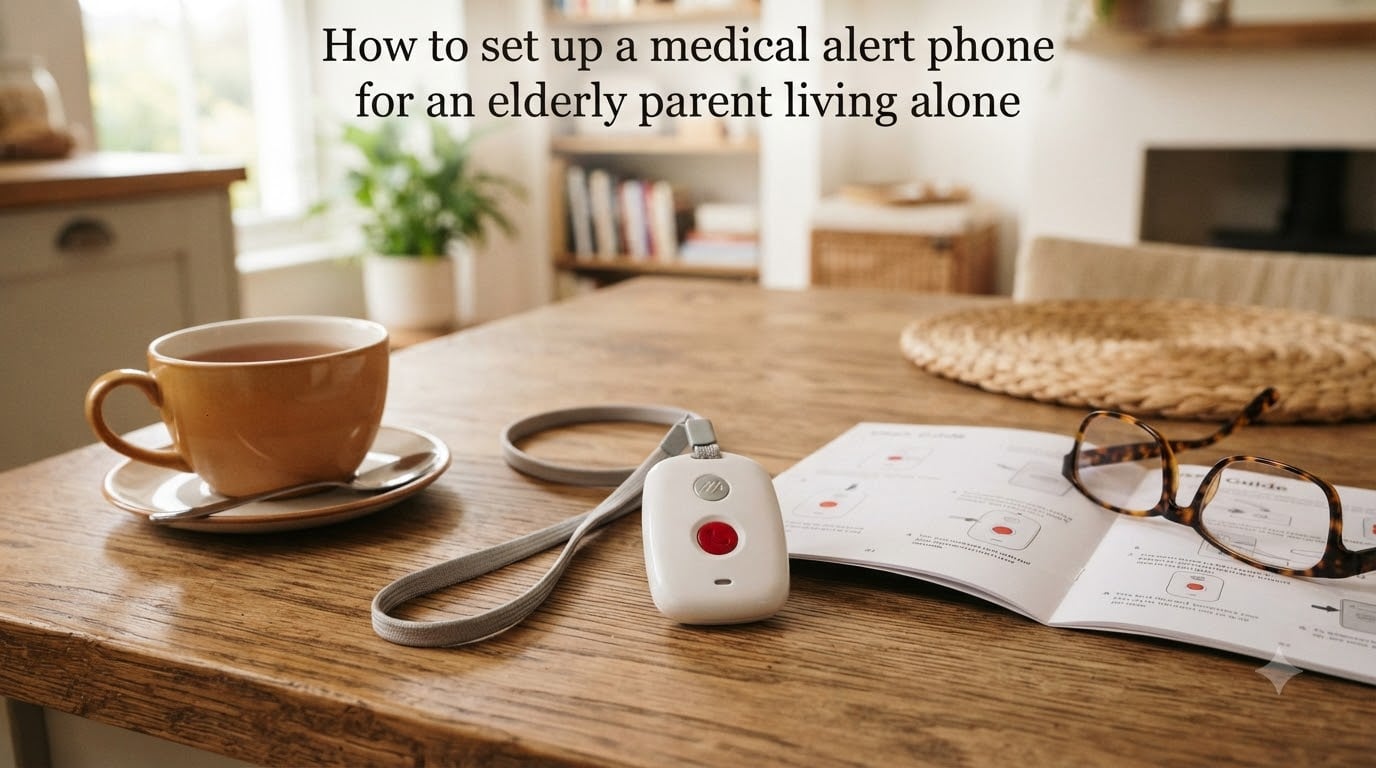
Lay everything out on the kitchen table. You should have a base station, a wearable pendant or wristband, a power adapter, and an instruction booklet. Make sure you can find the model number on the back of the base station in case you need to call support.
Step 2: Place the Base Station Centrally in the Home
Put the base station in the room where your parent spends the most time, often the living room or kitchen. Avoid corners, behind TVs, or inside cabinets. The base station needs open space so the wearable pendant can reach it from across the home.
Step 3: Connect Power and Test the Signal
Plug the base station into a wall outlet that is not controlled by a light switch. If your system uses cellular, give it 2 to 5 minutes to register on the network. The indicator light should turn solid green or stop blinking when the signal is locked in.
Step 4: Program Emergency Contacts and the Medical Profile
Most providers let you program this online, through the caregiver app, or by calling the monitoring center. Add at least three contacts in priority order: a primary family member, a secondary family member or close neighbor, and 911 as the final fallback. Include your parent’s allergies, current medications, primary doctor, and any relevant medical conditions.
Step 5: Pair the Wearable Pendant or Wristband
Follow the provider’s instructions to pair the pendant to the base station. Many systems ship already paired, but you should test this step anyway. Press the button briefly and confirm the base station beeps or flashes to acknowledge the connection.
Step 6: Run a Full Test Call With the Monitoring Center
This is the step most caregivers skip, and it is the most important. Call the provider’s support line, tell them you want to run a test, and press the help button. Confirm that the specialist sees your parent’s profile, can hear them clearly through the base station, and knows the correct address. A 10-minute test call can prevent a real-world failure later.
Step 7: Walk Through Daily Use With Your Parent
Sit with your parent and explain what happens when they press the button. Show them how the two-way speaker works. Explain that a friendly voice will answer, ask what they need, and send help if needed. Practice it once so the first time is not a real emergency.
How to Have the Conversation With a Resistant Parent
Setup is the easy part. Getting a stubborn parent to wear the device every day is where most caregivers get stuck. Forum threads on r/Aging and AgingCare are full of stories from adult children who bought the perfect system only to find it sitting in a drawer.
Start With Empathy, Not Fear
I made the mistake of leading with statistics. My mom shut down. What worked the second time was starting with her feelings: “I worry about you when I cannot be here, and that worry is not fair to either of us.” Fear feels like an attack. Worry feels like love.
Frame the Device as Independence, Not Surveillance
Reassure your parent that the device is a tool for staying in the home they love. It is the alternative to moving to assisted living, not a step toward it. Many parents respond better when the framing is “this lets you stay here” rather than “this protects you.”
Involve Them in Choosing the Device
Let your parent pick the color, the style, and the wristband versus pendant option. If they choose it, they are far more likely to wear it. Several Reddit users reported their parent picked a smartwatch-style device over a pendant and never took it off.
Set a Trial Period With a Clear Exit
Agree together on a 30-day trial. If your parent truly hates the device after a month, you can return it. This lowers the emotional stakes and turns the decision into a test drive rather than a permanent commitment.
Setting Up Emergency Contacts and a Care Plan
Once the device is on and tested, the next priority is the human side of the plan. A medical alert phone only works if the right people know how to respond when it goes off.
Choose Contacts in Priority Order
Start with the person who lives closest and can arrive in under 15 minutes. The second contact should be a family member who can make medical decisions. The third should be a trusted neighbor or close friend. 911 is built in as the final fallback for any life-threatening event.
Share the Medical History and Medication List
Place a printed medication list and a one-page medical history on the refrigerator. Many EMTs check the fridge first when responding to an alert call. Include allergies, blood thinner use, pacemakers, and emergency contacts that mirror what is in the medical alert profile.
Establish a Daily Check-In Routine
A short morning text or phone call becomes the family’s safety net. If my mom does not answer by 10 a.m., I check the app for activity alerts and then call her neighbor. This is the simplest piece of senior safety you can build, and it works alongside any alert system.
Document the Care Plan for Other Family Members
Write a one-page care plan and share it with siblings, the neighbor, and anyone else in the circle. Include account numbers, passwords for the provider portal, the provider’s support number, and what to do if the parent is unreachable.
Cost, Contracts, and Insurance Coverage
The pricing structure catches a lot of families off guard. Most providers separate the equipment fee from the monthly monitoring fee, and contracts vary widely.
Typical Monthly Monitoring Fees
Standard in-home monitoring starts around $20 to $30 per month. Mobile GPS units and fall detection add roughly $5 to $15 per month. Premium plans with multiple caregivers, medication reminders, and lockbox services can reach $60 per month.
Equipment Fees, Activation, and Cancellation
Some companies include the equipment free with the monthly plan. Others charge $50 to $300 for the hardware. Watch for activation fees, shipping fees, and cancellation policies. No-contract and month-to-month options are strongly preferred by families in forum discussions, especially since parents’ needs can change quickly.
Medicare, Medicaid, and Private Insurance
Original Medicare does not cover medical alert phones as a standard benefit. Some Medicare Advantage plans offer a discount or partial reimbursement. Medicaid coverage varies by state. A few private insurers cover alerts when prescribed for specific conditions, so it is worth calling your parent’s insurer to ask.
AARP and Veteran Discounts
AARP members often receive 10 to 20 percent discounts through partner providers. Veterans may qualify for assistance through the VA’s Aid and Attendance benefit or through state veteran affairs offices. Always ask. The discount is real, but you have to request it.
Troubleshooting Common Setup Issues
Even the best systems have rough edges. Here are the four issues I have seen most often, and how to fix them quickly.
Pendant Not Connecting to the Base Station
Move the base station away from large metal objects, microwaves, and Wi-Fi routers. If the pendant still does not connect, re-pair it following the provider’s instructions. Range drops sharply when walls contain plaster or brick.
False Alarms and How to Cancel Them
Fall detection triggers when the pendant senses a sudden drop, which can happen when your parent sits down hard or sets the pendant on a table. Tell your parent to remove the pendant before sitting down and to keep it on a nightstand rather than a dresser when not wearing it. Most false alarms can be cancelled by pressing the button again or telling the specialist you are fine.
Poor Cellular Signal in Rural Areas
If your parent lives far from a cell tower, the mobile unit may struggle. Test the system thoroughly in different rooms and outside. Consider a landline-based in-home unit as a backup if mobile signal is unreliable.
Battery Dies Too Quickly
Mobile units lose battery faster in low-signal areas because they boost their radio power to stay connected. Set a reminder to charge the device every evening, and use the caregiver app’s low-battery alert so you know before the device shuts off.
Frequently Asked Questions
What to do when your elderly parent can’t live alone?
If your parent cannot live alone safely, start with a medical alert phone and a daily check-in routine. If those are not enough, talk with their doctor about in-home care options. Many families also arrange for adult day programs, meal delivery, and home modifications such as grab bars and walk-in showers. The goal is to support independence as long as it remains safe, and to involve your parent in every decision.
Does Medicare pay for a medical alert device?
Original Medicare does not typically cover medical alert phones. Some Medicare Advantage plans offer partial reimbursement or partner discounts. Medicaid coverage varies by state, and a few private insurers cover alerts when prescribed for specific medical conditions. Always call your parent’s insurer to confirm current benefits before purchasing.
Should a 94 year old live alone?
Whether a 94 year old should live alone depends on their health, mobility, cognitive status, and the strength of their support network. A medical alert phone, daily check-ins, in-home caregiving visits, and a nearby family member or neighbor can make independent living possible. A geriatric care manager can provide an objective in-home safety assessment to guide the decision.
How do I monitor my elderly parent living alone?
A layered approach works best. Use a medical alert phone with fall detection for emergencies, a caregiver mobile app for daily status updates, and a daily check-in call or text. Add a smart doorbell or motion-sensor lights for passive monitoring, and place a printed medical history and medication list on the refrigerator for first responders.
Taking the First Step Toward Safer Independent Living
Setting up a medical alert phone for an elderly parent living alone is one of the most practical acts of care you can offer. The setup itself takes less than an hour, but the conversation with your parent and the planning of the broader care network are what make the system truly effective.
Start with one step today: pick a system, place the order, and schedule the conversation for this weekend. The peace of mind that follows is worth it for both of you.