
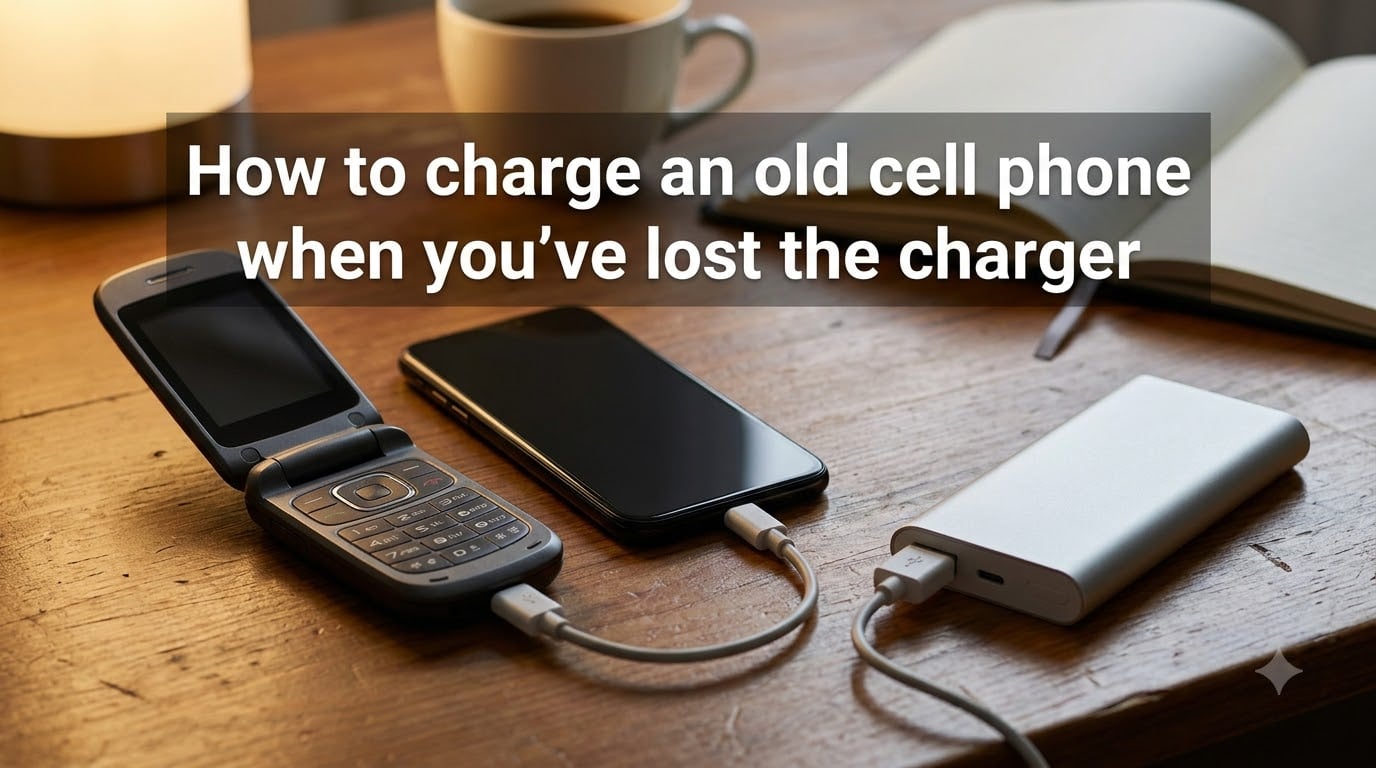
I know that sinking feeling when you reach for your charger and it isn’t there. You pat the couch cushions, check the kitchen drawer, then suddenly realize: your phone is at 4% and the charger is gone. Last year, I went through this exact situation when I needed to recover old photos from my dad’s flip phone and couldn’t find the matching charger anywhere.
The good news is you can charge an old cell phone when you’ve lost the charger using half a dozen reliable methods. I’ve tested these approaches on phones ranging from a 12-year-old Nokia to a Samsung from 2017. None of them require the original wall adapter, and most use gear you already own.
Below, I’ll walk you through six practical methods, plus what to do when your battery is so dead the phone won’t even recognize a charger. I’ll also cover a few safety tips that forums consistently warn about, because using the wrong cable or power source can permanently damage an old battery.
Table of Contents
6 Ways to Charge an Old Cell Phone Without the Original Charger
When you’ve lost your charger, you can still charge your phone using a USB port, a power bank, a wireless charging pad, a car charger, an external battery charger for removable batteries, or a solar or hand-crank charger. Each method needs a different piece of equipment, but at least one is almost always available, even when you’re traveling, camping, or dealing with a power outage.
Here’s the short version. The full walkthrough for each method follows below.
USB port on a laptop, desktop, or public charging station
Power bank (charged in advance)
Wireless charging pad (for Qi-enabled phones)
Car charger via 12V outlet or built-in USB port
External battery charger for phones with removable batteries
Solar charger or hand-crank charger for emergencies
Charge Your Phone Using a USB Port
Plugging your phone into any powered USB port is the easiest way to charge it without the original charger. Almost every laptop, desktop computer, TV, and modern game console has at least one USB-A port that delivers power. Public charging stations at airports, cafes, and hotels work too.
You’ll need a USB cable that fits your phone’s port. For older phones, that’s usually micro-USB. Newer phones use USB-C, and very old phones used proprietary connectors like the old 30-pin Apple or older Nokia pins.
Step-by-step
Find a powered USB port (laptop, computer, or wall-mounted USB outlet)
Plug the matching USB cable into the port
Connect the other end to your phone
Look for the charging indicator on your screen
Leave it connected for at least 30 minutes before trying to turn it on
A USB-A port typically delivers 0.5A to 0.9A, which is slower than a wall charger. Expect 4-6 hours for a full charge on older phones. USB-C ports on modern computers can push more current and charge faster.
Watch out for “juice jacking”
Public USB ports can be tampered with. Hackers have installed data-stealing hardware inside charging kiosks at airports and conferences. If you’re traveling, carry a USB data blocker (also called a “USB condom”) or use a charge-only cable. This blocks the data pins while letting power through.
Use a Power Bank for Portable Charging
A power bank is the single best backup if you regularly worry about losing your charger. I keep a 10,000mAh power bank in my work bag, and it’s saved me on three separate long flights. Once the power bank is charged, you don’t need any wall outlet to top off your phone.
To use one, just plug a USB cable from the power bank into your phone. Most power banks have both USB-A and USB-C output ports, so they work with old and new phones alike.
What to look for
Capacity: 5,000mAh gives roughly one full phone charge; 20,000mAh gives 4-5 charges
Output current: 1A is fine for old phones, 2A or more for faster charging
Ports: USB-A is universal; USB-C PD (Power Delivery) is fastest
If you forgot to charge your power bank, this method won’t help in the moment. Treat a power bank like a spare tire: keep it topped off so it’s ready when you need it.
Try Wireless Charging If Your Phone Supports It
Wireless charging works on any phone with a built-in Qi (or Qi2) coil, which has been standard on most flagship phones since around 2017. Older iPhones (8 and later) and Samsung Galaxy phones (S6 and later) support it. If your phone is from 2015 or earlier, this method won’t work.
The setup is simple. Place your phone on a wireless charging pad and wait for the charging confirmation sound or icon. No cable needed at the phone end.
Where to find a wireless charger
Coffee shops and hotel lobbies often have shared wireless pads on tables
Furniture stores like IKEA sell desks and lamps with built-in Qi pads
Many public libraries and airport lounges have wireless charging zones
A friend or family member may own one you can borrow for an hour
Wireless charging is slower than wired (usually 5W to 15W) and the phone gets warm during the process. For an old phone with a weak battery, the slower rate is actually safer.
Charge From Your Car
Your car is a reliable charging station on wheels. Most vehicles built after 2010 have at least one USB port built into the dashboard or center console, and every car has a 12V cigarette lighter outlet you can plug an adapter into.
You need either a USB cable (for built-in ports) or a 12V car charger adapter (for the cigarette outlet). The engine needs to be running, or at least in accessory mode, for the ports to deliver power.
What I recommend
Buy a dual-port 12V adapter and keep it in your glove box. They cost around $10 and work with any USB cable. That way, you’ll never be stuck without a charging option while driving, even if you forgot your wall charger at home.
A 12V car port typically delivers 1A to 2.4A, which is similar to a wall charger. Expect 2-3 hours for a full charge on most phones.
Use an External Battery Charger for Removable Batteries
This is the method most articles skip, but it’s a lifesaver if you have an older phone with a removable back and a swappable battery. Phones made before about 2015 (Galaxy S5, LG G3, older Nokia Lumia models, BlackBerry devices) typically let you pop the battery out.
An external battery charger, also called a universal battery charger, charges the battery by itself, without needing the phone at all. You set the battery into the cradle, adjust the contact pins to match the positive and negative terminals, and plug the charger into any USB port.
Why this beats other methods
Works even if the phone’s charging port is broken
Charges a spare battery so you can swap in a fresh one
Often the only way to charge very old feature phones with proprietary ports
Battery sits in a stable position during charging, no loose contacts
I bought a $15 universal charger on Amazon a few years back, and it charges everything from an old LG battery to a Nokia BL-5J. It’s the most useful piece of phone gear I own, and it’s the only way I could charge my dad’s 2008 flip phone after the port failed.
Try Solar or Hand-Crank Chargers for Off-Grid Situations
When you have no wall outlet, no car, and no power bank, you need a renewable source. Solar panel chargers and hand-crank chargers fill this gap. They’re popular with campers, hikers, and emergency preppers.
A solar charger is a small fold-out panel with a USB port. You angle it toward direct sunlight and plug in your phone. A 10W to 15W panel will fully charge a phone in 3-5 hours of good sun. They’re cheap (around $20-40) and weigh almost nothing.
A hand-crank charger has a small dynamo you turn by hand to generate electricity. One minute of cranking gives roughly 30 seconds of talk time. They’re slow but reliable, and they work in any weather, day or night.
Tips for solar charging
Angle the panel directly at the sun, not flat on the ground
Even partial shade cuts output by half
Recharge a power bank with the solar panel, then charge the phone from the power bank for faster results
These methods are slow, but when the grid is down, slow beats dead.
How to Revive a Phone With a Completely Dead Battery?
If your phone has been sitting in a drawer for months or years, the battery may have dropped below the voltage the charging circuit needs to detect. Plugging it in for a few minutes won’t help, because the phone’s hardware refuses to accept a charge from a battery it thinks is missing.
This is one of the most common frustrations I’ve seen in old phone forums, including Reddit threads where users tried for days to revive a dead battery with no luck. The fix usually involves patience, not a new charger.
The slow-charge trick
Plug the phone into a low-power source like a computer USB port (not a fast wall charger)
Leave it connected for 6-12 hours without touching it
The battery’s protection circuit may slowly reset as voltage climbs
After 6-12 hours, try turning the phone on
If it doesn’t respond, try a different cable and repeat
For phones with removable batteries, take the battery out, leave it at room temperature for an hour, then put it in an external charger. The external charger often succeeds where the phone’s built-in port fails.
When to give up on the battery
If the battery won’t hold any charge after 24 hours of attempted charging, it’s almost certainly failed internally. Lithium batteries degrade permanently after long storage. Replacement batteries for older phones cost $10-20 on Amazon or eBay. For very old feature phones, it may be cheaper to replace the entire phone.
Safety Tips and Precautions
Using alternative charging methods is generally safe, but there are a few hazards worth knowing about. These come from electronics forums, repair shops, and Reddit threads where users share what went wrong.
What to avoid
Cheap knock-off cables. Counterfeit USB cables can overheat and damage your phone’s charging circuit. Stick with name-brand cables or ones from a trusted retailer.
Public USB ports without a data blocker. Juice jacking is rare but real. A $6 USB data blocker eliminates the risk.
Forcing a cable into a damaged port. If the cable doesn’t slide in smoothly, stop. You can rip the port off the motherboard and brick the phone permanently.
Charging a swollen battery. If the back of the phone is bulging or the battery looks puffy, do not charge it. Lithium batteries can catch fire when punctured or overheated.
DIY jumper-cable setups. Forum users sometimes suggest touching wires directly to battery terminals. This works but risks short-circuiting the battery and starting a fire. Skip it unless you have electronics experience.
What to do instead
Invest in a small kit: a quality USB cable, a 10,000mAh power bank, and a 12V car adapter. Total cost is under $40, and you’ll never lose your only charging option again.
Frequently Asked Questions
How to charge an old cell phone without a charger?
The fastest way is to plug a compatible USB cable into any powered USB port, like one on a laptop or computer. A power bank, wireless charging pad, car charger, or external battery charger for removable batteries also works.
How do you charge your phone if you lost the charger?
Use any USB cable to connect your phone to a laptop, power bank, or car charger. You don’t need the original wall adapter; phones charge from any 5V USB power source. For older phones with removable batteries, an external battery charger is the most reliable option.
How to charge an old phone with a broken charger port?
If the port is broken, use a wireless charging pad if your phone supports Qi, or remove the battery and charge it in an external universal battery charger. These workarounds bypass the broken port entirely.
What can I use to charge my phone when I have no power?
Use a solar panel charger, a hand-crank emergency charger, or a car charger with the engine running. Public USB ports at libraries, cafes, and transit stations also work if you have a safe data-blocking cable.
How to trick a dead battery into charging?
Plug the phone into a low-power USB source like a computer and leave it for 6-12 hours. The slow trickle charge can reset the battery’s protection circuit. For removable batteries, an external charger often succeeds where the phone fails.
How do I turn on a phone that has been dead for a long time?
Charge it for several hours first, ideally with the original-style cable or an external battery charger. If the battery is swollen or won’t hold a charge after 24 hours, replace the battery before trying to power on the phone.
Final Thoughts
Losing your phone charger is annoying, but it’s rarely a real emergency. There are at least six reliable ways to charge an old cell phone when you’ve lost the charger, and most of them use gear you probably already own or can borrow.
The two methods I lean on most are a power bank in my bag and a USB cable connected to my laptop. Between those, I can charge any phone, anywhere, without ever needing the original wall adapter. For really old phones with removable batteries, an external universal charger is the only thing that consistently works.
If you take one thing from this guide, let it be this: keep a small charging kit in your bag, and you’ll never have to learn how to charge an old cell phone when you’ve lost the charger the hard way.