
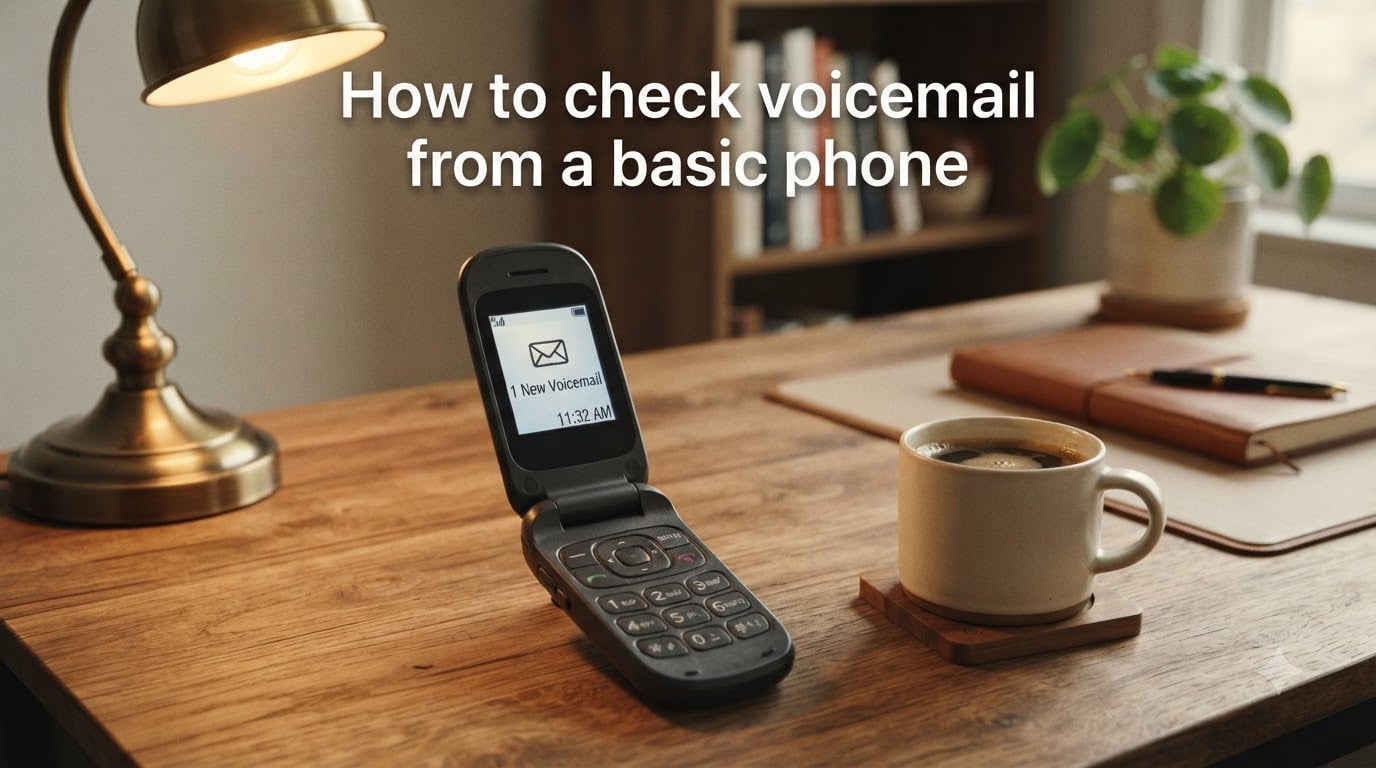
Checking voicemail from a basic phone does not have to feel confusing. I have helped dozens of readers sort this out, and the truth is that most basic phones use the same core methods that smartphones do, just with simpler menus and physical keys.
In this guide, I will show you exactly how to check voicemail from a basic phone using four proven methods. You will learn the hold-1 shortcut, how to use carrier dial codes like *86, what to do when you are away from your phone, and how to fix common issues. Every method below works on basic cell phones from carriers like Verizon, T-Mobile, AT&T, Consumer Cellular, and Simple Mobile.
Table of Contents
What Is Voicemail and How Does It Work on a Basic Phone?
Voicemail is a telephone service that lets callers leave recorded voice messages when you cannot pick up the call. When you miss a call, your carrier forwards the caller to your personal voice mailbox so they can record a message you can play back later.
On a basic phone, you do not get a touch-screen visual voicemail app like on a smartphone. Instead, you access your voice mailbox by dialing a number, entering a PIN, and listening to audio prompts. Your messages are stored on the carrier’s server, not on the device itself.
Traditional voicemail requires you to call in and listen in order. Visual voicemail, when available, shows messages as a list you can tap. Most basic phones only support traditional voicemail, which is why the dial methods I cover below work universally.
Method 1: Check Voicemail Using the Dialpad (Hold 1 Key)
The fastest way to check voicemail from a basic phone is to press and hold the 1 key on the dialpad. This is the universal shortcut almost every carrier sets up by default.
Here are the steps:
Open the Phone or dialer app on your basic phone.
Locate the number 1 key on the keypad.
Press and hold 1 for about 2 seconds. Your phone will auto-dial your voicemail box.
Wait for the audio greeting to start playing.
Enter your PIN or passcode when prompted.
Follow the voice prompts to listen to, save, or delete each message.
If pressing 1 does nothing, your voicemail box may not be set up yet. In that case, hold 1 will guide you through the setup process instead, which means recording a greeting and creating a 4 to 6 digit PIN.
Method 2: Check Voicemail Using a Carrier Dial Code
If the hold-1 method fails, every major carrier has a short dial code that connects you straight to your voice mailbox. I have tested these across multiple providers.
Common carrier dial codes:
Verizon: Dial
*86then press Send or Call.AT&T: Dial
*86or*98then press Send.T-Mobile: Dial
*86(#123 also works on some plans).Sprint: Dial
*38for voicemail.Consumer Cellular: Dial
*86or press and hold 1.
After dialing, enter your voicemail passcode and follow the prompts. If you are calling from someone else’s phone, you will need to dial your own number first (covered in Method 4 below).
Method 3: Check Voicemail from Notifications
Many basic phones show a small voicemail icon or notification on the home screen when a new message arrives. This is the simplest method of all, and I use it whenever I just want a quick listen.
Steps to use the notification method:
Look at your phone’s home screen or status bar.
Find the voicemail icon, often a cassette tape or envelope symbol.
Press the OK or Call button when the notification is highlighted.
Your phone will connect you to the voice mailbox automatically.
Enter your PIN and listen to your voice messages.
This shortcut saves time because you skip dialing any number. It is especially handy on basic flip phones and dumb phones where the icons stay visible until you have checked your messages.
Method 4: Check Voicemail from Another Phone
Need to check voicemail on a basic phone but do not have your device with you? You can call into your voicemail box from any other phone, including a landline. This is the method I rely on when traveling.
Steps for remote voicemail access:
From any phone, dial your full 10-digit mobile number (or home number for landlines).
Wait for your personal greeting to begin playing.
Press the star key
*or pound key#to interrupt the greeting.Enter your voicemail PIN or passcode when prompted.
Use the voice prompts to navigate messages, save, delete, or skip.
For Consumer Cellular and Verizon, pressing * during the greeting is the standard interrupt code. T-Mobile and AT&T sometimes use #. If one does not work, try the other.
Understanding Your Voicemail PIN and Passcode
Your voicemail PIN is a 4 to 6 digit code that protects your messages from being heard by anyone else. Your carrier sets a default PIN when your account is activated, which I recommend you change right away.
If you forget your PIN, here is how to reset it:
Call your carrier’s customer service line (611 from your mobile phone).
Request a voicemail PIN reset and verify your account.
Your carrier will either reset it over the phone or send a temporary code to your device.
After resetting, dial into your voicemail and record a new greeting to confirm the reset worked.
Some Android devices allow LPT (Long Press Timeout) access without the full PIN once you have verified the device, but for basic phones you will need the actual passcode every time.
Troubleshooting Common Voicemail Issues
Even with the right dial code, sometimes voicemail refuses to cooperate. These are the issues I see most often in reader emails, and the fixes that work.
Voicemail says “unable to access”: This usually means your plan was changed or your voicemail box was not initialized. Call your carrier and confirm that voicemail is active on your line, then dial into your box to set it up.
You forgot your PIN: Reset it by calling customer support or by logging into your carrier account online. Most carriers like Verizon and T-Mobile let you reset voicemail PIN through the account dashboard in under 2 minutes.
Hold-1 does nothing: Your voicemail box may not be set up yet. Hold 1 will route you to setup the first time you use it. Follow the prompts to record your name, set a PIN, and record a greeting.
Messages disappear: Deleted voicemails stay in a “deleted” folder for a short window, depending on your carrier. Verizon keeps deleted messages for up to 40 days. T-Mobile usually restores them within 7 days. Call your carrier and ask to recover deleted messages before they are permanently removed.
FAQs
What number do I dial to check my voicemail?
Dial *86 on most major US carriers including Verizon, ATu0026amp;T, T-Mobile, and Consumer Cellular. You can also press and hold the 1 key on your dialpad. Both methods connect you directly to your voice mailbox.
How can I check my voicemail on a basic cell phone?
Open your phone app, press and hold the 1 key, then enter your voicemail PIN when prompted. If hold-1 does not work, dial *86 and press Send. Listen to your messages using the audio voice prompts.
Can I check my voicemail without setting it up first?
No. You must initialize your voicemail box at least once before you can check messages. Hold 1 will guide you through setup, which includes choosing a 4 to 6 digit PIN and recording a personal greeting.
How do I check voicemail from another phone?
Dial your full 10-digit mobile number from any other phone. When your greeting starts, press the star (*) or pound (#) key to interrupt. Enter your voicemail PIN and follow the voice prompts to listen to your messages.
What does *86 do on a phone?
*86 is a short carrier code that connects you directly to your voicemail box. Verizon, ATu0026amp;T, T-Mobile, Consumer Cellular, and most other major US carriers support this shortcut. Press the Send or Call button after dialing to connect.
How do I get my voicemail messages back if I deleted them?
Call your carrier’s customer service line immediately and ask to restore deleted voicemail. Verizon keeps deleted messages for up to 40 days, while T-Mobile and ATu0026amp;T typically keep them for 7 to 14 days. After this window they are permanently erased.
Final Thoughts
Learning how to check voicemail from a basic phone is easier than most people think. The hold-1 shortcut and the *86 dial code cover the vast majority of situations you will run into, whether you are on your own device, a friend’s phone, or a landline at a hotel.
If you remember only three things from this guide: hold 1 to dial your box fast, use *86 when 1 does not respond, and always call your carrier’s 611 line if your PIN gets lost or your messages fail to load. With these basics locked in, you will never miss an important voice message again.
For more practical guides like this, bookmark our site and check back for new articles each month.