
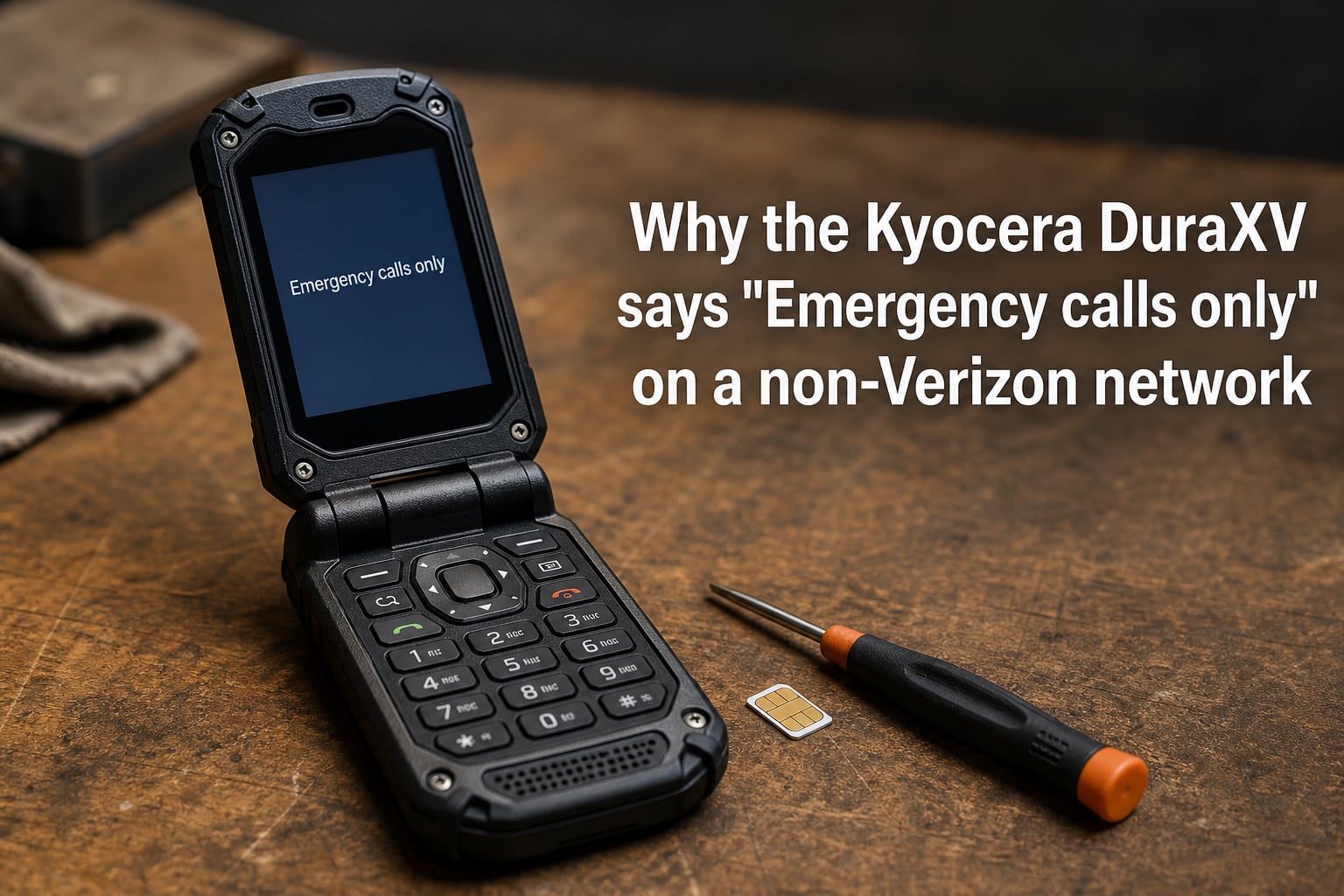
If your Kyocera DuraXV displays “Emergency calls only” on a non-Verizon network, the phone cannot register with the carrier because it was originally engineered to run on Verizon’s CDMA technology. Most AT&T and T-Mobile networks use GSM, which the DuraXV was not designed to handle.
I have been covering rugged flip phones for years, and this is one of the most common frustrations I hear from readers. Someone buys a DuraXV on Verizon, switches carriers to save money, and suddenly their phone only dials 911. Let me explain exactly what is happening, why it happens, and what you can do about it.
Table of Contents
What Does Emergency Calls Only Mean on the Kyocera DuraXV?
The “Emergency calls only” message means your DuraXV is powered on and can detect a nearby cellular signal, but it cannot authenticate with the carrier for normal voice, text, or data service. The phone is allowed to place 911 calls because U.S. federal law requires any compatible handset to reach emergency services, even without an active subscription.
When your DuraXV shows this message, the device has failed one of two registration steps with the carrier:
Authentication (the carrier does not recognize the SIM or device identifiers).
Provisioning (the network cannot match your phone to an active plan or roaming agreement).
In simple terms, your phone can “hear” the network but the network does not trust your phone enough to let you make regular calls. This is different from “No signal,” which means there is no usable radio coverage at all.
Definition: Network registration is the handshake between your phone and the carrier. The phone sends its identity, the carrier checks it against subscriber records, and only then grants access to voice, SMS, and data.
Why the Kyocera DuraXV Only Works Properly on Verizon?
The Kyocera DuraXV was built specifically for Verizon Wireless. Verizon at the time ran a CDMA network (Code Division Multiple Access), and the DuraXV’s internal radio was tuned to Verizon’s CDMA frequencies plus Verizon’s 4G LTE bands. It did not include the GSM radio hardware needed for AT&T, T-Mobile, and most international carriers.
CDMA and GSM are two different cellular standards. A CDMA phone identifies itself to the network using a serial number stored on the device itself, while a GSM phone uses a removable SIM card. Because the DuraXV was never manufactured with full GSM support, swapping in a T-Mobile or AT&T SIM does not give the phone the ability to speak GSM.
CDMA vs GSM: CDMA (Code Division Multiple Access) ties your service to the phone’s hardware identifier, which is why Verizon phones historically did not use SIM cards. GSM (Global System for Mobile Communications) ties your service to a SIM card, so you can swap phones freely.
Even the newer DuraXV Extreme and DuraXV Extreme+ models, while they do include SIM card slots, were sold as Verizon-locked devices. The SIM tray exists for LTE data and select roaming scenarios, not for full cross-carrier use. This is why your phone still says “Emergency calls only” after you insert a new SIM.
How Verizon CDMA Discontinuation in 2022 Changed Everything?
Verizon officially shut down its CDMA network on December 31, 2022. Before that date, even a Verizon-branded CDMA-only phone could fall back to legacy 1X and 3G CDMA signals in rural areas. After the shutdown, the only fallback available to the DuraXV is 4G LTE, and only on the bands Verizon still operates.
This is a big reason the “Emergency calls only” message is more common in 2026 than it was three or four years ago. When you take a DuraXV to AT&T or T-Mobile today, the phone has zero compatible network technologies left to fall back on. It can detect the radio signal but cannot register.
If you purchased your DuraXV used and the previous owner used it on Verizon, the phone may still carry Verizon network firmware. Without an active Verizon line or a compatible unlocked firmware load, the device is effectively limited to emergency calling on any other U.S. carrier.
Common Kyocera DuraXV Network Problems on AT&T and T-Mobile
I have collected user reports from Reddit, Howard Forums, and direct reader emails. The pattern is consistent. Here are the issues DuraXV owners report most often after switching away from Verizon:
“Emergency calls only” appears within minutes of inserting a new SIM.
Signal bars show full strength, but no calls or texts go through.
Phone drops to “No service” then back to “Emergency calls only” repeatedly.
Voicemail prompts indicate the line is not provisioned.
Restarts temporarily fix the issue, then it returns within an hour.
One Reddit user on r/dumbphones described switching to T-Mobile and getting “emergency calls only” constantly, noting that “it is fairly common since it is a Verizon phone.” That captures the experience of thousands of users who did not realize the DuraXV was carrier-specific hardware.
Warning: Do not rely on a DuraXV as your daily phone if you are not on Verizon. Even with a working SIM, the device may not register during power outages, travel, or network congestion. Emergency-only access can fail at the worst possible moment.
Step-by-Step Troubleshooting to Fix Emergency Calls Only
Before you give up on the phone, walk through these steps in order. Each one takes less than two minutes and may restore normal service even if the underlying compatibility is limited.
Power off the DuraXV completely, wait 30 seconds, then power it back on. This forces a fresh network registration attempt.
Remove the SIM card, inspect the gold contacts for dirt or corrosion, then re-seat it firmly in the tray.
From the home screen, open Settings, then Wireless & Network, then Mobile Network. Toggle Airplane Mode on for 15 seconds, then toggle it off.
Manually select the carrier from the network selection menu instead of leaving it on automatic.
Update the phone’s PRL (Preferred Roaming List) if your carrier supports it by dialing
*228on legacy Verizon lines.Try the SIM in another phone to confirm the SIM itself is active and provisioned.
Try a different SIM from the same carrier in your DuraXV to rule out a damaged SIM card.
Charge the phone to 100 percent and test in an open area with strong known signal.
If none of these steps restore service, your DuraXV is almost certainly incompatible with the carrier you are trying to use. At that point, no amount of troubleshooting will fix the underlying hardware limitation.
How to Reset a Kyocera DuraXV Flip Phone?
A factory reset will not unlock your phone to a new carrier, but it can clear corrupted network settings that may be stuck in “emergency only” mode. Here is how to reset both the original DuraXV and the DuraXV Extreme.
For the original Kyocera DuraXV:
Open the Settings menu from the home screen.
Scroll to Phone Settings and select it.
Choose Security, then enter your four-digit lock code (default is usually 0000).
Select Reset Phone and confirm.
For the DuraXV Extreme and Extreme+:
Press the OK button to open the main menu.
Go to Settings, then Device, then Reset Device.
Enter your lock code when prompted.
Choose Reset Device again to confirm and wait for the phone to reboot.
After the reset, the phone will need a few minutes to reconnect to the network. If it still shows “Emergency calls only,” the issue is hardware compatibility, not software.
Alternative Flip Phones That Work on Non-Verizon Networks
If you love the rugged flip phone form factor but need to use AT&T or T-Mobile, a few modern alternatives support GSM and LTE on both major carriers.
CAT S22 Flip — A rugged flip phone designed for T-Mobile and AT&T, with IP68 and MIL-SPEC ratings.
TCL Flip 2 (TCL 4188) — A budget-friendly 4G flip phone that works on most GSM carriers.
Alcatel Go Flip 4 — A KaiOS-powered flip phone with reliable AT&T and T-Mobile support.
Samsung Galaxy Z Flip series — A premium foldable option if you want a modern smartphone with flip-style design.
None of these match the DuraXV’s extreme ruggedness, but they will give you full voice, text, and data on a non-Verizon network without the emergency-call limitation.
When to Contact Your Carrier for Help?
Reach out to your carrier’s support team if you have completed all the troubleshooting steps and your DuraXV still shows “Emergency calls only.” Bring your account PIN and IMEI number (dial *#06# to display it) so the rep can check whether your line is active and provisioned.
If the carrier confirms the line is active but the phone still will not register, the issue is almost certainly hardware compatibility. At that point, ask the carrier about compatible flip phone options they sell or finance, or consider switching to Verizon if you want to keep using your DuraXV.
FAQs
Why is my flip phone saying emergency calls only?
Your flip phone shows ‘Emergency calls only’ when it can detect a cellular signal but cannot authenticate with the carrier for regular service. This usually happens because the phone was built for a different network technology (such as CDMA on Verizon) than the carrier you are trying to use (which is most often GSM on ATu0026amp;T or T-Mobile).
Why does my phone say emergency calls only not connected to a network?
The phone is receiving a radio signal from nearby towers, but it is not connected to the carrier because the device identifier or SIM is not recognized. On a Kyocera DuraXV, this almost always means the phone is not on a Verizon network and lacks the GSM hardware needed for ATu0026amp;T or T-Mobile.
What are the common problems with Kyocera flip phones?
The most reported problems are ‘Emergency calls only’ messages on non-Verizon carriers, sudden signal drops even in strong coverage areas, inability to register after a SIM swap, and slow network reconnects after leaving airplane mode. Most of these issues trace back to the phone’s CDMA-only design.
How to get your phone off emergency calls only?
Restart the phone, remove and reseat the SIM card, toggle airplane mode for 15 seconds, manually select your carrier, and confirm the SIM is active in another phone. If none of these work, the phone is likely incompatible with the carrier and cannot be unlocked into full service.
How to reset a Kyocera flip phone?
Open Settings, go to Phone Settings or Device, choose Security, enter your lock code (default 0000), and select Reset Phone. The phone will reboot to factory defaults and attempt a fresh network registration.
The Bottom Line on the Kyocera DuraXV and Emergency Calls Only
The Kyocera DuraXV showing “Emergency calls only” on a non-Verizon network is a hardware limitation, not a settings problem. The phone was engineered for Verizon’s CDMA infrastructure, and that infrastructure was retired at the end of 2022.
If you want to keep using a DuraXV, your only full-service option is Verizon. If you want to move to AT&T, T-Mobile, or another GSM carrier, you will need to replace the phone with a GSM-compatible model such as the CAT S22 Flip, TCL Flip 2, or Alcatel Go Flip 4.
Either path forward is straightforward once you understand why the limitation exists. The DuraXV is still a great rugged phone for its intended network — it just was never designed to leave it.