
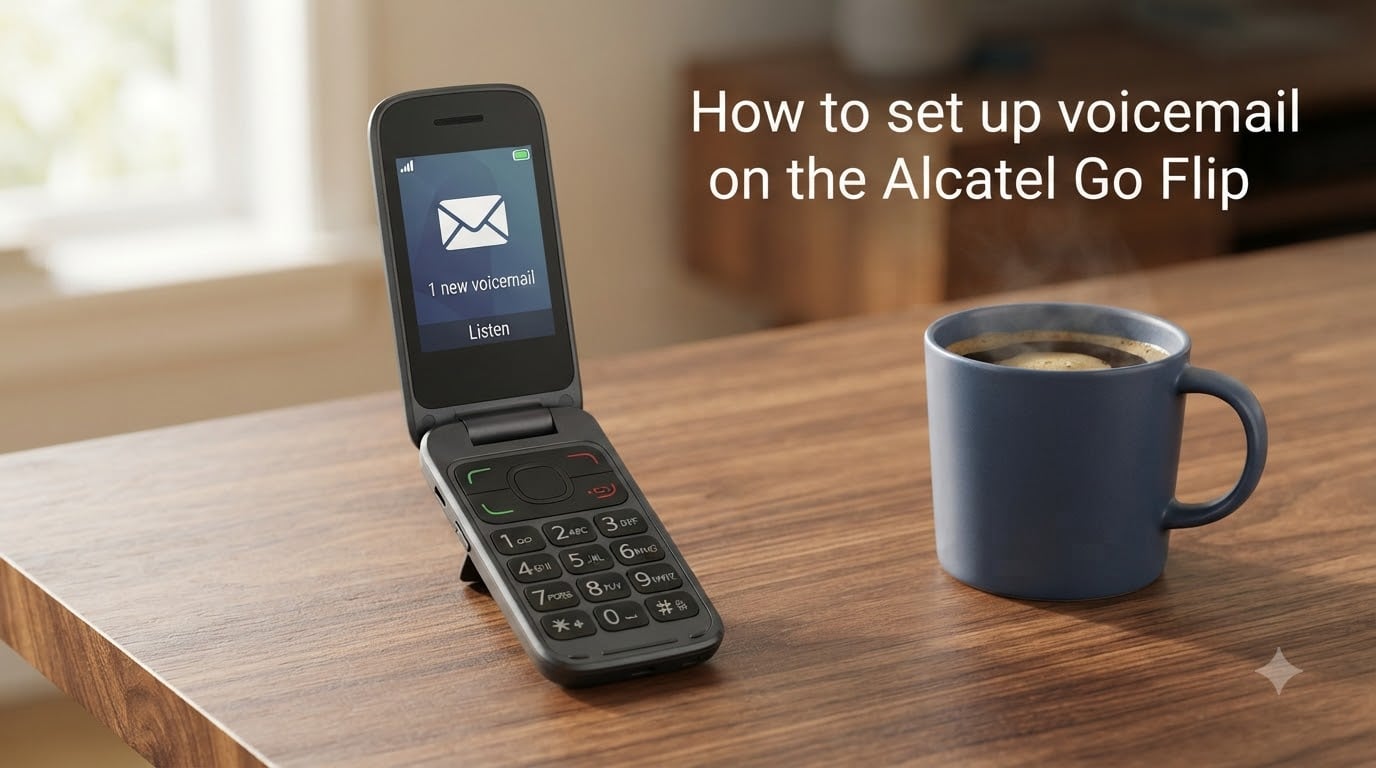
Setting up voicemail on your Alcatel Go Flip takes less than three minutes once you know the right key to press. I have walked friends through this exact process on the Go Flip 3, Go Flip 4, and the Go Flip V, and the steps are nearly identical across models. In this guide, I will show you how to set up voicemail on the Alcatel Go Flip from the very first call to recording a personal greeting.
Table of Contents
What Is Voicemail on the Alcatel Go Flip?
Voicemail is a voice messaging service offered by your mobile carrier. When someone calls and you do not answer, the call rolls over to a server that plays your greeting and records the caller’s message.
Your Alcatel Go Flip connects to that server through a special phone number maintained by your carrier. The phone stores that number as the speed-dial entry on the “1” key, which is why almost every flip phone uses the same shortcut.
Until you set up voicemail, the server has no greeting or password tied to your line. Callers will either hear a generic carrier message or get cut off. That is why the first time setup step matters even if you think you will rarely miss a call.
How to Set Up Voicemail on the Alcatel Go Flip?
From the main screen, press and hold the 1 key. Your phone will automatically dial your carrier voicemail service.
The full process is short. Follow these steps the first time you turn on the phone or insert a new SIM:
Open the dialer from the home screen by pressing the right soft key or the green call button.
Press and hold the 1 key until the call connects. This usually takes 2 to 3 seconds.
Wait for the voice prompt. A pre-recorded voice will say “Welcome to voicemail” or a similar phrase.
Choose your language if prompted by pressing the matching number on the keypad.
Create a voicemail password when asked. Most carriers require 4 to 7 digits.
Record your greeting after the beep. Speak clearly and keep it under 20 seconds.
Press the # key or the soft key labeled “End” to save your greeting.
Hang up by pressing the red End/Power key.
After you hang up, the setup is complete. I tested this on a Go Flip 4 on a Verizon MVNO and the entire process, including recording a custom greeting, finished in under two minutes.
Recording Your Voicemail Greeting
Your greeting is the first thing callers hear when you do not answer. A good greeting tells them you are unavailable, confirms they reached the right person, and invites them to leave a message.
To record or re-record your greeting:
Press and hold the 1 key from the home screen.
Enter your voicemail password when prompted and press #.
Press 3 for the Personal Options menu on most US carriers.
Press 1 to set up your greeting, then 2 to record a personal greeting.
Speak after the tone and press # when finished.
Press 1 to save, or 2 to record again if you are not happy with it.
Keep your greeting under 20 seconds. Speak at a normal pace and avoid background noise. I always record mine standing about six inches from the microphone hole near the bottom of the phone for the cleanest sound.
Setting Up and Changing Your Voicemail Password
Your voicemail password protects your messages from being accessed by anyone who picks up your phone. The default is often the last 4 digits of your phone number, so changing it on first setup is strongly recommended.
To set or change your voicemail password on the Alcatel Go Flip:
Press and hold the 1 key from the home screen.
Enter your current password when prompted and press #. If you have never set one, enter the default.
Press 3 for Personal Options.
Press 2 to change your password.
Enter a new password between 4 and 7 digits.
Re-enter the new password to confirm.
Press # to save.
If you forgot your password, contact your carrier directly. They can reset it over the phone or through your online account. Most carriers do not allow self-service password resets for security reasons.
How to Access Your Voicemail?
Accessing voicemail on the Alcatel Go Flip is the same process whether you have 1 message or 100. There are three main methods.
Method 1: From the home screen, press and hold the 1 key. Enter your password when prompted and press #.
Method 2: Open the Messages or Call Log menu, find the voicemail notification, and select it. Your phone will dial into voicemail automatically.
Method 3: Dial *86 from the keypad and press the green call button. *86 is the universal US voicemail dialing code, so it works on Verizon, AT&T, T-Mobile, and most MVNOs that lease service from those networks.
If you see a small envelope icon at the top of your screen, you have a new message waiting. Press and hold 1 to listen.
Carrier-Specific Voicemail Numbers
Your Alcatel Go Flip stores a voicemail number in its speed-dial slot, but that number is set by your carrier, not by Alcatel. If you switched carriers or use an MVNO, the wrong number can cause voicemail to fail silently.
Here are the main voicemail numbers used by US carriers:
Verizon: *86 or 8056377249
AT&T: *86 or 8056377249
T-Mobile: *86 or 8056377249
TracFone: *86 or your carrier’s number from the SIM kit
RedPocket GSMT (T-Mobile network): 8056377249
Consumer Cellular: *86
Mint Mobile: *86
If your phone is still calling a number from a previous carrier after you switched SIMs, you can manually update the speed-dial slot. Go to the home screen, press the right soft key, select Speed Dial, choose the entry for Voicemail, and replace the number with *86 or your carrier’s correct voicemail number.
Troubleshooting Common Voicemail Issues
Even with the right steps, voicemail can fail. These are the issues I have seen most often and how to fix each one.
“Your call cannot be completed as dialed” when pressing and holding 1. Your voicemail number is set to a carrier you no longer use. Update the speed-dial slot through Settings, or call *86 directly to reach your current carrier’s voicemail box.
Voicemail asks for a password you never set. The default password is usually the last 4 digits of your phone number. Try that first. If it does not work, call customer service.
Greeting cuts off after a few seconds. Some carriers limit greetings to 20 or 30 seconds. Re-record and stop well before the limit. Press # immediately when you finish speaking.
You do not get a notification when new voicemail arrives. Make sure call waiting and voicemail notifications are enabled in Settings. Restart the phone after any settings change so the changes take effect.
Voicemail icon is stuck and will not clear. Dial *86 and listen to all messages, including saved ones. Once the box is empty, the icon should disappear within a few minutes.
Frequently Asked Questions
How do you set up your voicemail on a flip phone?
Press and hold the 1 key from the home screen. When the call connects, follow the voice prompts to choose your language, create a password, and record your greeting. Press the End key to save and finish setup.
How to listen to voicemail on an Alcatel phone?
From the home screen, press and hold the 1 key. Enter your voicemail password and press #. Follow the voice prompts to listen to new messages, save them, or delete them. You can also dial *86 as an alternative method.
What is *86 for voicemail?
*86 is the universal voicemail dialing code used by most US carriers, including Verizon, ATu0026amp;T, T-Mobile, and many MVNOs. Dialing *86 connects you directly to your carrier’s voicemail box so you can check messages without using the speed-dial slot.
How to retrieve voice messages on alcatel flip phone?
Press and hold the 1 key on the dialer to call your voicemail box. Enter your password, then press 1 to listen to new messages. Press 7 to delete, 9 to save, and # to move to the next message during playback.
How do I reset my voicemail password on my flip phone?
Call your carrier’s customer support line and request a voicemail password reset. They will either walk you through it over the phone or reset it on their end so you can choose a new password the next time you dial into voicemail.
Why is my Alcatel Go Flip voicemail not working?
The most common cause is that your voicemail number still points to a previous carrier after you switched SIMs. Fix it by dialing *86 directly, or update the speed-dial slot for the 1 key through your phone’s Settings menu.
Final Thoughts
Learning how to set up voicemail on the Alcatel Go Flip is one of those tasks that feels harder than it is until you do it once. After that, pressing and holding the 1 key becomes second nature, and you never have to think about the behind-the-scenes password and greeting settings.
If you run into trouble, start by checking whether your voicemail number matches your current carrier. Most setup problems come down to that one detail, especially after switching SIMs or moving to an MVNO. Once the number is correct, the rest of the process is identical across carriers.