
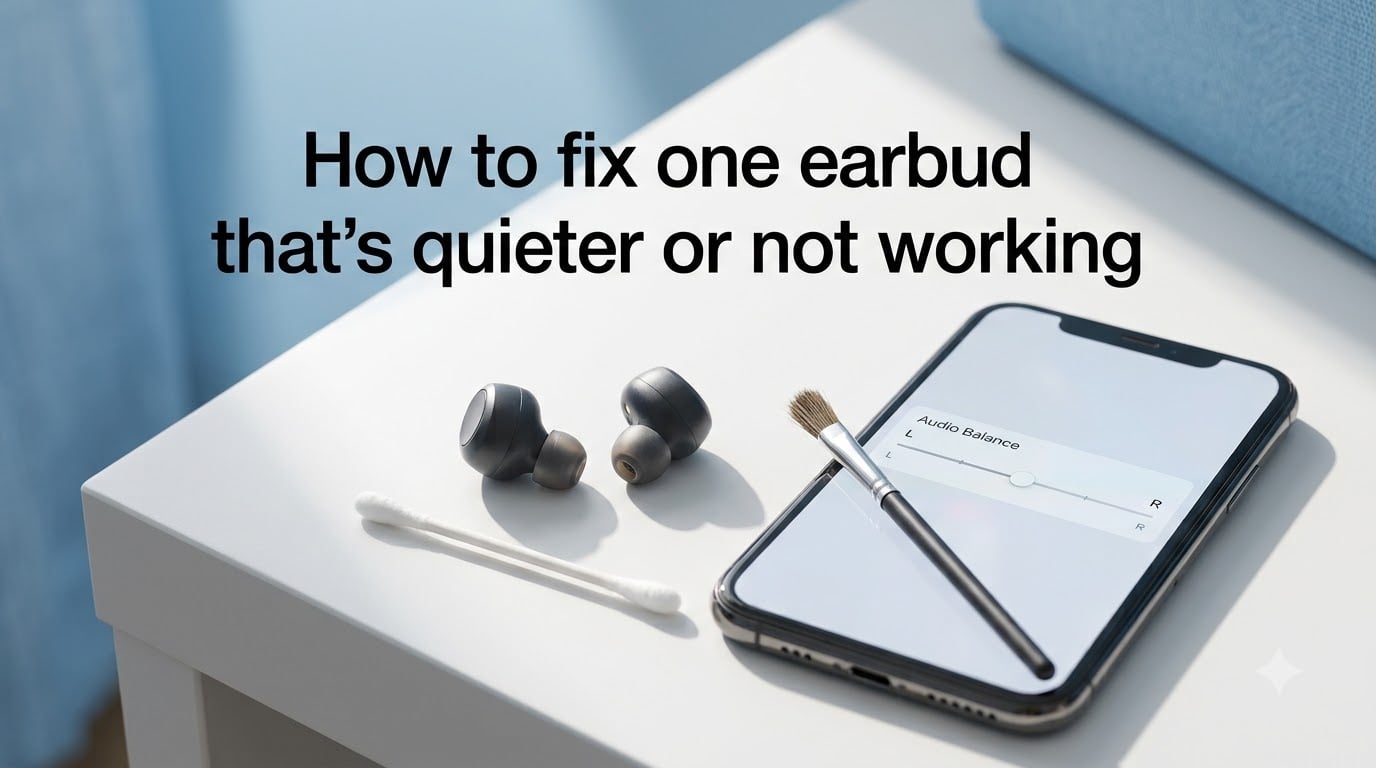
There is nothing more frustrating than settling into a listening session only to find one earbud barely audible while the other blasts at full volume. If you are trying to learn how to fix one earbud that’s quieter or not working, the good news is that nine out of ten cases come down to a blocked speaker mesh, a Bluetooth glitch, or an audio balance slider that drifted off center. Most of these you can resolve at home in under ten minutes without any special tools.
I have owned more than a dozen wireless earbud pairs over the years and have hit this exact problem on Galaxy Buds, AirPods, Jabra Elites, and cheap gas-station pairs alike. The fix is rarely the same twice, but the diagnostic path almost always is. Work through causes from most common (earwax and dirt) to least common (driver failure) and you will usually land on the answer before you reach the bottom of this page.
This 2026 guide walks you through every realistic cause, gives you a fast checklist to start with, and then breaks each fix down step by step so you can stop guessing and start listening.
Table of Contents
How to Fix One Earbud That’s Quieter or Not Working: Quick Answer
The fastest fix for one quiet or silent earbud is to clean the speaker mesh, reset the Bluetooth connection, and check your device’s left-right audio balance. If those three do not solve it, inspect battery levels on each bud, update firmware, and finally test with a different audio source. Here is the condensed checklist.
Clean the speaker mesh with a soft brush or a cotton swab lightly dampened with isopropyl alcohol.
Reset Bluetooth by forgetting the earbuds in your device settings, then re-pairing from scratch.
Check audio balance in your phone or computer’s accessibility settings to confirm the left-right slider is centered.
Compare battery levels on each bud, since a low cell on one side can cause it to drop volume or shut off.
Update firmware through the manufacturer’s app and then test with a different song or device.
If none of those steps restores balanced sound, the problem is likely physical damage to the driver or an internal connection, and replacement may be the realistic option. The rest of this guide explains each fix in detail.
Common Causes of One Quiet or Silent Earbud
Most earbud imbalance cases fall into one of five categories. Knowing which one applies to you speeds up the fix considerably.
Earwax and dirt blocking the speaker mesh is the single most common cause. Wax builds up over weeks of use and physically muffles the tiny driver inside. A user on the r/galaxybuds subreddit reported restoring full volume by cleaning the mesh with isopropyl alcohol on a cotton swab after weeks of thinking their left bud was broken.
Bluetooth connection glitches cause one bud to lose pairing sync. The master bud keeps playing while the secondary drops to near silence or cuts out entirely.
Audio balance settings drifted off center. iOS, Android, Windows, and macOS all have a left-right balance slider that can be accidentally moved, leaving one channel louder than the other.
Battery imbalance occurs when one bud drains faster due to unequal microphone use or uneven charging contact. The weaker side throttles volume to conserve power.
Physical or water damage affects the driver, internal wiring, or charging contacts. This is the least common cause but the hardest to fix without professional repair.
Firmware bugs and low-quality audio sources can also create apparent imbalance, though these usually affect both sides. We cover both in the steps below.
Step 1: Inspect for Physical Damage and Debris
Before touching any settings, look at the earbud itself. Hold it under a bright light with the speaker mesh facing you and look for visible wax, lint, or discoloration. Do the same for the rubber or foam tip, since debris often hides between the tip and the bud body.
If you see anything obvious, remove the silicone tip if yours is removable and check the mesh underneath. A blocked mesh usually looks darker or slightly shiny compared to the working side. This is a strong sign that cleaning alone will fix your problem.
Also check the charging contacts on the bottom of each bud and inside the case. Lint and pocket dust gather there and prevent one bud from charging fully, which leads directly to the battery imbalance issue we cover in Step 4.
If you see cracks in the casing, corrosion on the contacts, or signs that liquid got inside, skip ahead to the repair-versus-replace section. Those problems need a different approach.
Step 2: Clean the Speaker Mesh and Earbud Tips
Cleaning is the highest-impact fix and the one most likely to solve your problem. You need only a few household items, and forum users consistently report this single step brings dead earbuds back to life.
What you need: a soft-bristled brush (a clean toothbrush works), cotton swabs, 70-percent isopropyl alcohol, and a toothpick or a piece of Blu Tack.
How to clean the mesh:
Remove the silicone or foam tip from the affected earbud.
Hold the earbud with the mesh facing down so debris falls out, not in.
Gently brush the mesh in small circles with the dry soft brush to lift loose wax.
Press a small piece of Blu Tack against the mesh and peel it away. The tack grabs wax that the brush misses.
Lightly dampen a cotton swab with isopropyl alcohol (it should be barely wet, not dripping) and wipe the mesh surface.
Let the earbud air dry fully for at least ten minutes before reattaching the tip and testing.
Never poke anything sharp into the mesh. A needle or pin will puncture the thin membrane behind it and permanently damage the driver. Stick to soft tools and let the alcohol dissolve the grime.
If your earbuds have removable foam tips, wash or replace those too. Compressed foam traps oil and dead skin that muffle sound even when the mesh is clean.
Step 3: Check Audio Balance and Device Settings
If cleaning did not help, the problem may live in your phone or computer. Every major operating system has a left-right balance slider, and it gets bumped more often than people realize, especially after accessibility tweaks or system updates.
On iPhone and iPad (iOS): open Settings, go to Accessibility, then Audio/Visual. Under the Balance slider, make sure the dot is centered between L and R. If it is pushed to one side, drag it back to the middle and test.
On Android: the path varies by manufacturer. Look in Settings under Accessibility, then Hearing, or search “balance” in settings. Some Samsung and Pixel devices hide it under Sound and vibration, then Balance. Center the slider.
On Windows 10 and 11: right-click the speaker icon, select Sound Settings, click your earbuds under Output, then Device properties. Use the left-right slider under Balance to even out both channels.
On macOS: open System Settings, go to Sound, and check the Balance slider under Output. Slide it to the center.
While you are in settings, turn off any audio enhancement features like mono audio, adaptive sound, or spatial audio and test again. These can sometimes route audio unevenly.
Step 4: Verify Battery Levels and Charging Contacts
One bud going quiet is often a power issue, not a sound issue. Many wireless earbuds automatically lower volume or shut down when the battery drops below roughly 20 percent, and one side usually drains faster than the other.
Place both earbuds in the charging case and check the case’s LED indicators or the companion app’s battery readout. If one bud is significantly lower than the other, the problem is charging, not audio.
Clean the charging contacts on the bottom of each bud and inside the case using a dry cotton swab or a soft cloth. Pocket lint is the usual culprit and it builds up invisibly over time. A light wipe with alcohol on the contacts can also help if they look dull.
After cleaning, leave both buds in the case for at least 30 minutes and recheck the levels. If one still will not charge, try a different USB cable and a different power source for the case itself. A faulty cable is a surprisingly common cause of one-sided silence.
Step 5: Reset Bluetooth and Re-Pair Your Earbuds
Bluetooth glitches are the second most common cause of one quiet earbud, and a factory reset followed by a fresh pairing resolves the majority of them. The reset procedure varies by brand, so here is a quick reference for the most popular models.
AirPods and AirPods Pro: with the case lid open, press and hold the button on the back for about 10 seconds until the status light flashes amber, then white.
Galaxy Buds: place them in the case, close the lid, wait 10 seconds, then open and tap and hold both touchpads for about 7 seconds until they enter pairing mode.
Jabra Elite: open the companion app and use the Reset option, or hold the Right button for 10 seconds while the buds are in your ears.
Sony WF series: place both buds in the case, leave the lid open, and touch and hold both touch sensors for about 10 seconds until the indicator flashes.
JBL and Soundcore: typically a 10-second press-and-hold on both buds while out of the case resets them.
After the reset, go to your device’s Bluetooth settings and forget the earbuds completely. Then re-pair them from scratch as if they were new. This clears any corrupted pairing data that was causing the imbalance.
A hard reset and full re-pairing resolves most connection-related issues according to multiple Reddit users across r/galaxybuds, r/TicPods, and r/Skullcandy. If your buds were paired to multiple devices, the master-slave switch can get confused, so try connecting to only one device at a time during testing.
Step 6: Update Firmware and Test a Different Audio Source
If you have cleaned, balanced, charged, and reset, the remaining software-level culprits are firmware bugs and source-quality issues. Open the manufacturer’s companion app and check for a firmware update. Sony, Jabra, Samsung, and Soundcore all push updates that fix known volume and connectivity bugs.
Run the update with both buds in the case and the case plugged into power. Interrupting a firmware update can brick an earbud, so do not skip the charging step.
After the update, test with a different audio source. Play a song you know well on a different phone or computer, or try a YouTube balance-test video. If the imbalance disappears on a different device, the original phone or its Bluetooth stack is the problem, not the earbuds.
Also check the audio file itself. Low-bitrate streams, mono recordings, and poorly mixed podcasts can all sound like they are coming from one side. Try a high-quality stereo track before assuming the hardware is faulty.
When to Repair vs Replace Your Earbuds
If you have worked through all six steps and one earbud is still silent or significantly quieter, you are likely dealing with driver damage, a broken internal connection, or corrosion from water exposure. At this point the decision is whether to repair or replace.
Check your warranty first. Most major brands offer one to two years of coverage, and many cover audio defects without asking for proof of accidental damage. AirPods, Galaxy Buds, and Sony WF series all have reasonably straightforward warranty claim processes through their apps.
If you are out of warranty, professional repair is rarely cost-effective for true wireless earbuds. The labor to open and resolder a tiny driver usually exceeds the price of a new pair. For wired earbuds with a detachable cable, replacing the cable itself is often the only repair worth attempting.
As a rough rule, if the repair estimate exceeds 60 percent of the cost of a new pair, replacement is the better call. The same goes for any bud that has visible water damage, since corrosion tends to spread even after a successful fix.
Prevention Tips to Avoid Future Imbalance
Once you have your audio working again, a few habits will keep both sides balanced for much longer.
Clean the mesh every two weeks with a dry brush. Regular light cleaning prevents wax from compacting into the mesh in the first place.
Store earbuds in their case when not in use. This keeps them charged, protected from dust, and away from pocket lint.
Avoid extreme heat and moisture. Do not leave them in a hot car or wear them in heavy rain unless they are explicitly rated for it.
Charge both buds evenly. Keep them in the case together so neither one drains lower than the other over time.
Coil wired earbuds loosely. Tight wrapping stresses the internal wires and causes one side to fail over time, a point multiple long-time earbud users have flagged on Reddit.
Could It Be Your Hearing, Not the Earbuds?
This is the question most troubleshooting guides skip, and it matters more than you might think. If only one earbud sounds quiet across multiple pairs of earbuds, headphones, and devices, the common factor is your hearing, not the hardware.
Do a quick self-check. Swap the earbuds left for right. If the same ear still sounds quieter regardless of which bud is in it, that points to a hearing difference rather than a product defect. Age-related hearing changes, prior noise exposure, ear infections, and even impacted wax in your own ear canal can all create the impression of a broken earbud.
If the swap test suggests a hearing issue, book a hearing test with an audiologist. Catching hearing changes early gives you far more options than waiting, and the test itself takes less than an hour.
FAQs
How do I fix one earbud quieter than the other?
Start by cleaning the speaker mesh with a soft brush and a cotton swab lightly dampened with isopropyl alcohol. Then check your device’s left-right audio balance slider, reset Bluetooth by forgetting and re-pairing the earbuds, and confirm both buds have similar battery levels. These four steps fix the majority of one-quiet-earbud cases.
Can a single earbud be repaired?
Wired earbuds with a detachable cable can sometimes be repaired by replacing the cable. True wireless earbuds are rarely worth repairing out of warranty because opening and resoldering the tiny internal driver usually costs more than a new pair. Check your warranty first, since most major brands cover audio defects for one to two years.
How to fix uneven sound in earbuds?
Clean the speaker mesh, center the audio balance slider in your device settings, reset and re-pair the earbuds over Bluetooth, update firmware through the companion app, and test with a different audio source. If the imbalance persists across devices and sources, the likely cause is driver damage or water corrosion and replacement may be necessary.
Why is only one earbud loud?
The most common reason one earbud is quieter or silent is earwax and dirt blocking the speaker mesh. Other frequent causes include Bluetooth pairing glitches, an off-center audio balance slider, uneven battery levels between the two buds, outdated firmware, and in rarer cases physical or water damage to the driver.
Final Verdict
Learning how to fix one earbud that’s quieter or not working is mostly a process of elimination, and the order matters. Start with cleaning the mesh, then check audio balance, then reset Bluetooth, then verify battery and firmware. The vast majority of cases resolve somewhere in that sequence without spending a dollar.
Swap the earbuds left for right if nothing works, since the issue may be your hearing rather than the hardware. And if all signs point to driver or water damage, check your warranty before buying replacements. Work through the steps above and you should have balanced stereo sound back in your ears within the hour.